Modern software development demands organization, collaboration, and clear timelines. A dedicated project management calendar for Agile sprint teams provides the structure your team needs to plan, execute, and review work in cyclical sprints. This expert guide outlines best practices for building, customizing, and using Agile calendars tailored for software teams, ensuring your backlog moves smoothly from planning to product delivery.
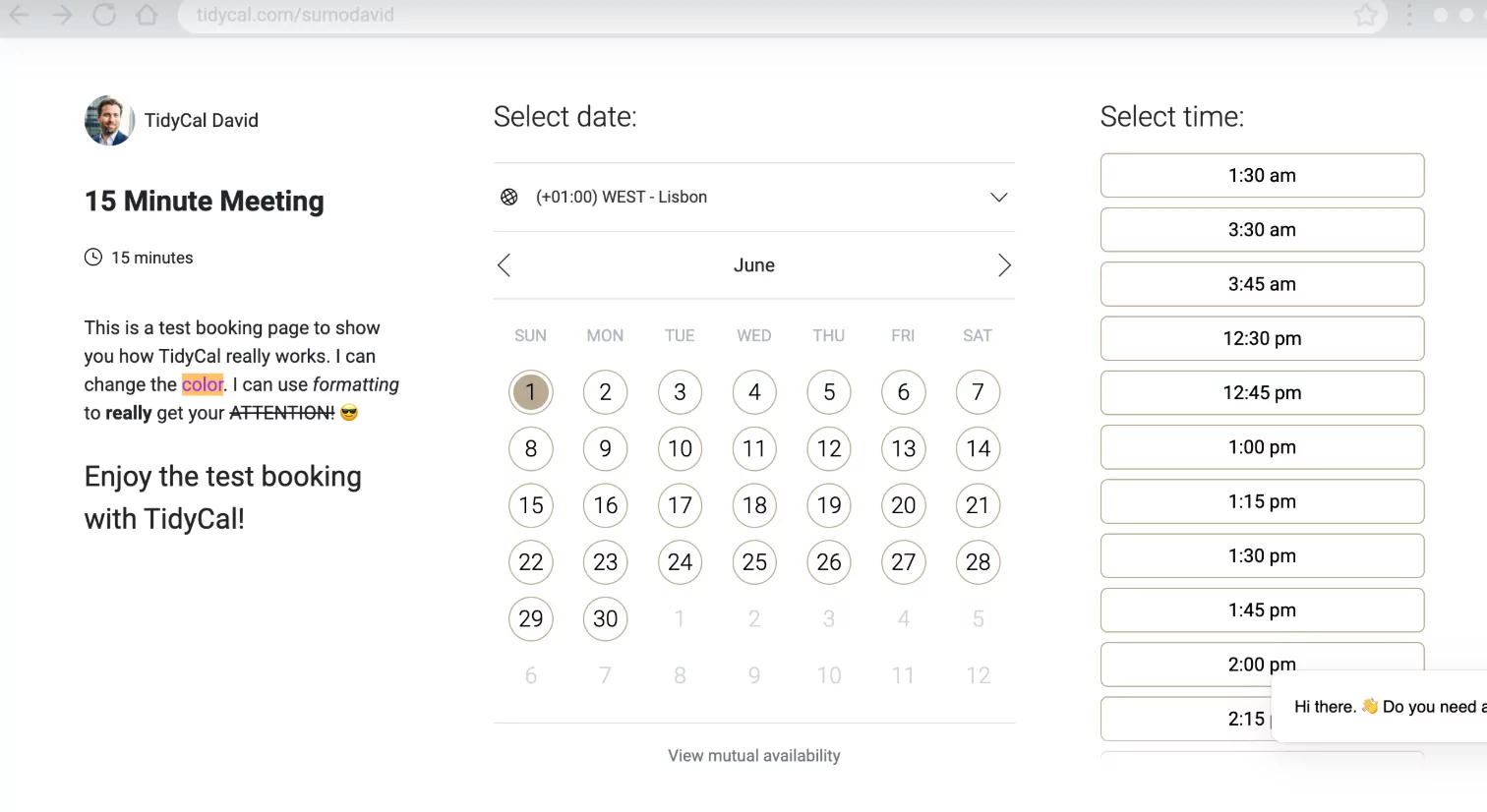
Why Agile Teams Need a Project Calendar
- Visualizes sprint cycles: Keeps the whole team aligned on sprint start/end dates, goals, and deadlines.
- Syncs ceremonies and meetings: Schedules recurring events such as sprint planning, daily standups, reviews, and retrospectives.
- Tracks deliverables: Ensures features and bug fixes are scheduled, assigned, and tracked to completion.
- Improves stakeholder communication: Provides a shareable reference for stakeholders and clients to understand progress.
- Facilitates continuous improvement: Highlights cadence, identifies bottlenecks, and supports workflow reflection.

Core Elements of an Agile Project Calendar
- Sprint duration: Most teams use 1–4 week sprints (2 weeks is common). Calendar should clearly mark each sprint cycle.
- Sprint ceremonies: Schedule sprint planning, backlog refinement (grooming), daily standups, sprint reviews, and retrospectives.
- Release and milestone dates: Map release cycles, integration testing, and major deliveries.
- Deadlines and key deliverables: Assign deadlines for user stories, QA, code reviews, and deployment freezes.
- Team availability: Note vacations, public holidays, and known absences to adjust capacity plans.
How to Build an Agile Sprint Calendar
- Define sprint cadence: Select your team’s sprint cycle (e.g., 2 weeks), align with release roadmap, and set initial sprint dates.
- Plot recurring events: Add all standard Agile ceremonies for each sprint—including planning, standups, reviews, and retrospectives.
- Block out milestones: Mark important non-sprint events—product launches, stakeholder demos, code freeze, or external dependency dates.
- Integrate with team tools: Use project management platforms like Jira, Trello, Asana, or ClickUp, which support calendar integrations and reminders.
- Publish and share: Make the calendar available to all team members via Google Calendar, Outlook, or the built-in project tool. Allow editing as needed for flexibility.
Printable and Digital Agile Calendar Templates
- Atlassian Jira: Export sprint dates or use built-in calendar gadget to keep an up-to-date Agile schedule accessible to all.
- Canva & Google Sheets: Design printable sprint calendars that include milestones, ceremonies, and notes fields.
- Smartsheet and Asana: Free templates specifically designed for Agile project tracking and Gantt-style overviews.
- Calendarlabs.com: Printable monthly and weekly blank templates easily customized for sprint cycles.
- Trello Calendar Power-Up: Turns Trello boards into visual sprint calendars and supports automation.
Expert Tips for Maximizing Agile Calendars
- Start each sprint with a clear list of planned tasks from the top of your backlog.
- Color code sprints, reviews, and release weeks for instant visual clarity.
- Update the calendar in real time with any changes to deliverable dates or team member availability.
- Attach relevant documentation or tickets to events for easy access during meetings.
- Set automatic reminders for recurring ceremonies to keep the rhythm consistent.
- Review calendar at each retrospective—refine the process and timelines as needed for continuous improvement.
Sample 2-Week Sprint Calendar Layout
| Mon | Tue | Wed | Thu | Fri |
|---|---|---|---|---|
| Sprint Planning Kickoff new sprint | Daily Standup | Daily Standup Backlog Refinement | Daily Standup | Daily Standup |
| Daily Standup | Daily Standup | Daily Standup | Daily Standup | Sprint Review & Retrospective |
- Repeat for each sprint cycle, adjusting for team holidays and major release dates as needed.
Integrating Agile Calendars into Your Workflow
- Sync with Slack or Microsoft Teams for event reminders.
- Connect with Google Calendar or Outlook for unified view alongside personal schedules.
- Include QA, code review, and deployment activities clearly in the calendar.
- Hold regular reviews to ensure the calendar reflects current priorities and capacity.
Conclusion: Drive Agile Success With Smart Scheduling
An Agile project management calendar is more than a schedule—it’s the organizing backbone of your software team’s workflow. By visualizing sprint cadence, aligning ceremonies, and tracking milestones, you empower your team to plan more effectively, deliver predictably, and adapt quickly when priorities change. Adopt a calendar system that fits your toolset, keep it updated collaboratively, and let your Agile workflow thrive.
