For small businesses—from independent consultants and fitness studios to local repair shops and aesthetic clinics—managing appointments efficiently is the bedrock of profitability. An outdated system of phone calls and manual entries leads to missed bookings, scheduling conflicts, and unnecessary administrative strain. The right calendar software not only organizes your time but transforms your client experience by offering seamless 24/7 online booking. This comprehensive guide reviews the best calendar software solutions available for small businesses, focusing on features crucial for growth and efficiency.
Core Features Essential for Small Business Booking
When evaluating calendar software, small businesses should prioritize functionality that automates tasks and improves client communication. The best tools offer integration, flexibility, and client-centric features.
- 24/7 Online Booking Page: Must allow clients to view real-time availability and book appointments instantly, without needing to call.
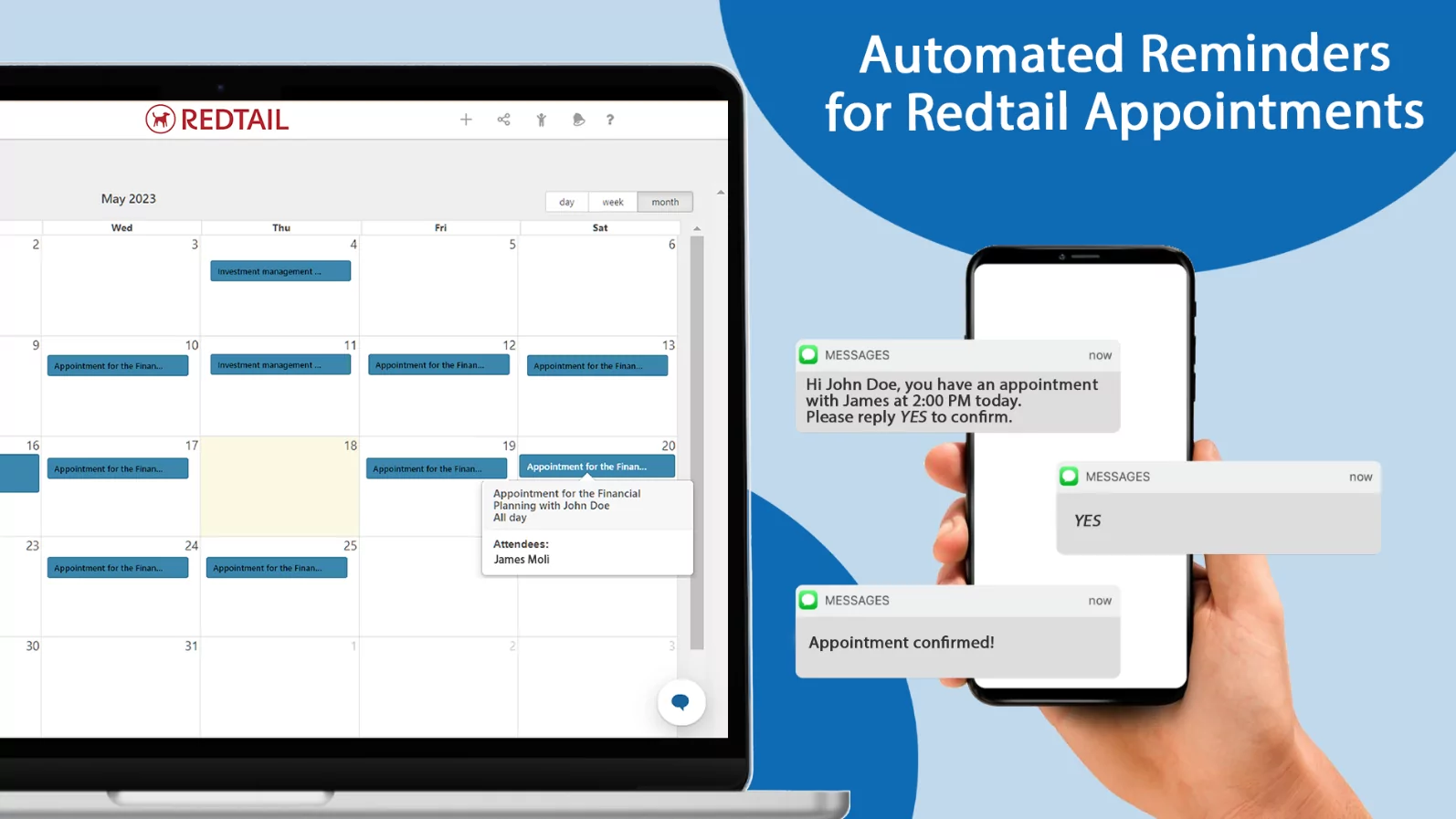
- Automated Reminders: Sends SMS or email notifications to clients to reduce no-show rates, which is critical for revenue stability.
- Payment Integration: Ability to collect deposits or full payments at the time of booking (via Stripe, PayPal, etc.).
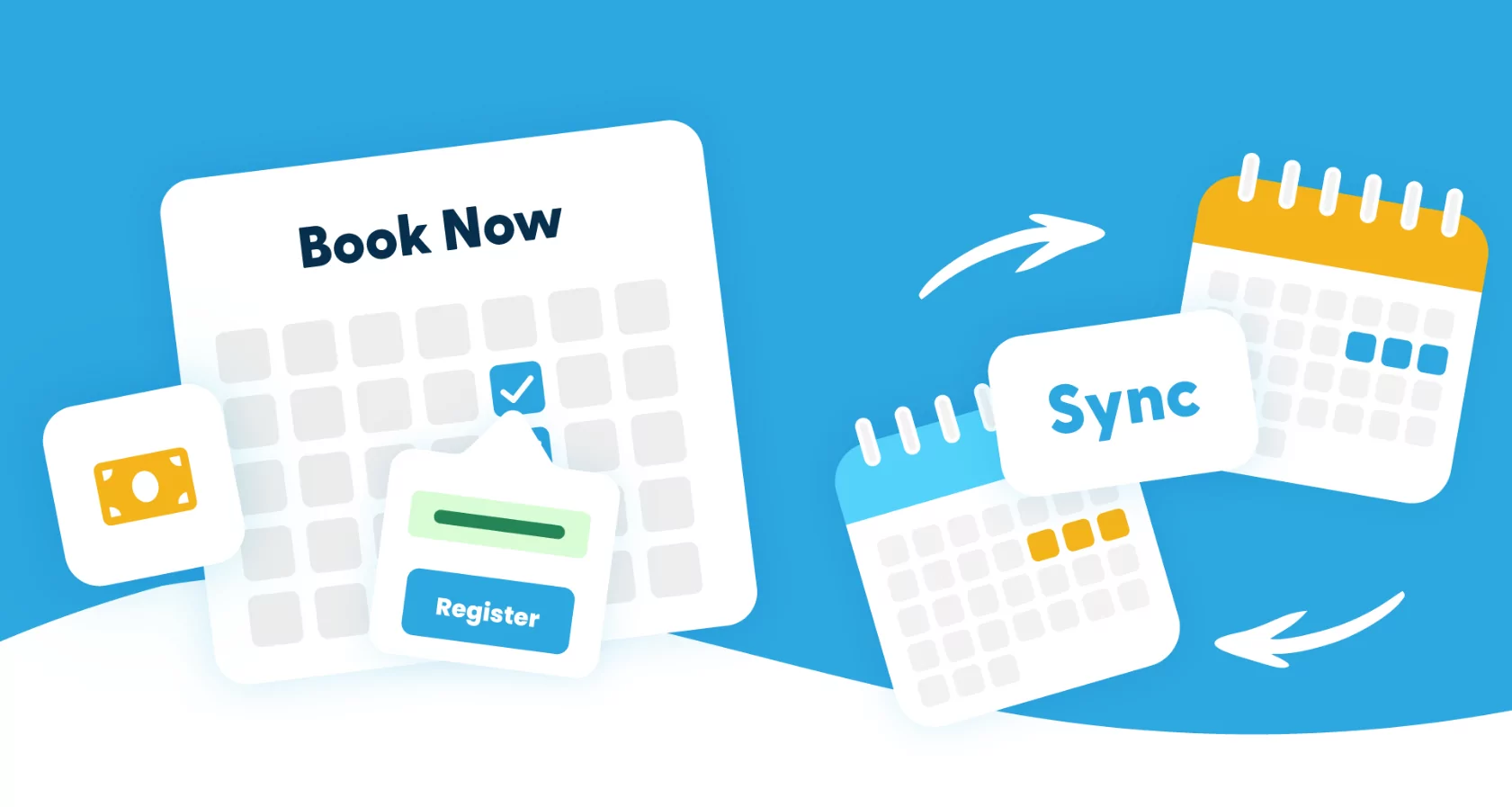
- Calendar Sync (Two-Way): Seamlessly syncs with your personal Google, Outlook, or Apple Calendar to prevent double-bookings.
- Staff Management: Allows you to manage multiple employees’ schedules and assign appointments based on their availability and specialization.
Top Tier: All-in-One Booking Specialists
These platforms are designed specifically for booking and scheduling, offering robust, specialized features that go beyond a simple calendar.
1. Acuity Scheduling (by Squarespace)
Acuity is highly favored for its exceptional customization and comprehensive features, making it ideal for service-based businesses like coaches, therapists, and salons.
- Best For: Businesses requiring complex intake forms, membership sales, and detailed client management.
- Key Feature: Allows clients to book appointments based on prerequisite services (e.g., they must book a consultation before booking a procedure). It also handles gift certificates and recurring appointments easily.
- Integration: Excellent integration with Zoom, payment gateways, and major email marketing platforms.
2. Calendly
Calendly is the industry standard for simplicity and is superb for internal teams, consultants, and anyone needing quick external meeting links. It focuses on removing the “email tag” associated with scheduling.
- Best For: Sales teams, recruiters, consultants, and users who rely heavily on quick, shareable links and meeting polls.
- Key Feature: Meeting Polls and Routing Forms. Routing Forms direct a client to the correct staff member based on their responses to a pre-screening questionnaire.
- Integration: Flawless integration with Google Workspace, Microsoft 365, and CRM systems like Salesforce.
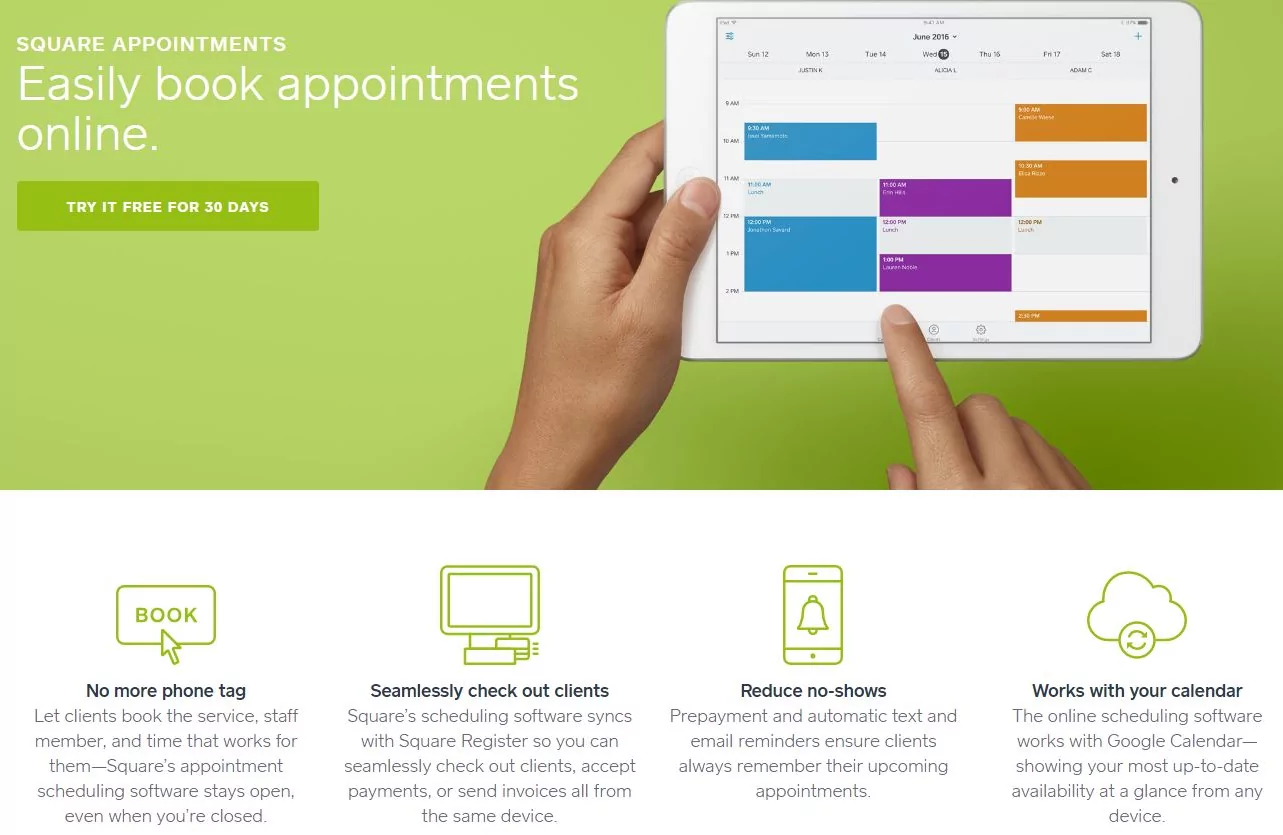
3. Square Appointments
Part of the larger Square ecosystem, this software is ideal for retail-focused businesses (hairdressers, pet groomers) that need a unified point-of-sale (POS), payment processing, and scheduling system.
- Best For: Businesses already using Square for payment processing and POS, valuing seamless integration between booking and checkout.
- Key Feature: No-Show Fee Enforcement—the ability to securely charge stored credit cards for late cancellations, a vital feature for protecting service providers’ revenue.
- Pricing Note: Includes payment processing fees, often making the basic scheduling features feel “free” if you use their POS hardware.
Budget-Friendly and Integrated Options
For micro-businesses and solopreneurs, leveraging tools already integrated into a major ecosystem can offer powerful scheduling features at a lower entry cost.
4. Google Workspace (Google Calendar with Appointment Slots)
While not a dedicated booking platform, Google Workspace (specifically the paid tiers) now offers Appointment Schedules. This allows users to create a public booking page directly from their Google Calendar.
- Best For: Individuals and teams already heavily invested in the Google ecosystem (Gmail, Docs), prioritizing zero additional cost and integration depth.
- Key Feature: Automatic Conflict Check—it automatically detects conflicts with events already on your Google Calendar, eliminating double-booking risk immediately.
- Limitation: Payment integration is typically handled manually or requires external tools.
5. Microsoft Bookings (via Microsoft 365)
Built into most Microsoft 365 Business subscriptions, Bookings provides a professional, branded public scheduling page that integrates with Outlook, Teams, and Exchange.
- Best For: Businesses using Microsoft Teams for communication and Outlook for email, valuing security and seamless exchange server integration.
- Key Feature: Teams Integration—automatically generates a Microsoft Teams meeting link for every virtual appointment booked.
- Staff Management: Excellent native integration with staff Exchange calendars for complex availability rules.
Critical Mistakes to Avoid When Choosing Software
The wrong choice can create more problems than it solves. Small businesses must avoid these common errors:
- Mistake 1: Ignoring Mobile Experience: If the client booking page is not 100% mobile-responsive, you will lose bookings. Ensure the software looks clean and fast on a smartphone.
- Mistake 2: Failing to Use Automated Reminders: This is a non-negotiable feature. No-shows cost money, and automatic reminders are the single most effective tool to combat them.
- Mistake 3: Complexity Over Simplicity: Choosing enterprise-level software with unnecessary features (e.g., custom API access) for a simple service (e.g., dog walking) adds unnecessary cost and complexity. Choose a tool that is easy for both you and your client to use.
- Mistake 4: Poor Integration with Existing Tools: If your chosen software doesn’t sync two-way with your primary personal calendar (Google/Outlook), you will eventually double-book yourself. Two-way sync is mandatory.
Conclusion: The Strategic Advantage of Seamless Booking
For a small business, time is the most valuable asset. The best calendar software acts as a silent, 24-hour administrative assistant, freeing up business owners to focus on service delivery rather than scheduling logistics. Whether you opt for the robust features of Acuity, the elegant simplicity of Calendly, or the ecosystem power of Square Appointments, investing in a dedicated booking solution is not an expense—it is a strategic decision that directly boosts revenue, reduces frustration, and elevates the professional image of your brand.
