Effective team collaboration requires seamless scheduling tools that enable transparent communication, prevent double-booking, and streamline project coordination. In 2025, numerous calendar applications offer advanced collaboration features tailored to different team sizes, industries, and workflows. This guide reviews the top 10 calendar apps for team collaboration and scheduling, helping organizations select the best solution for their unique needs.
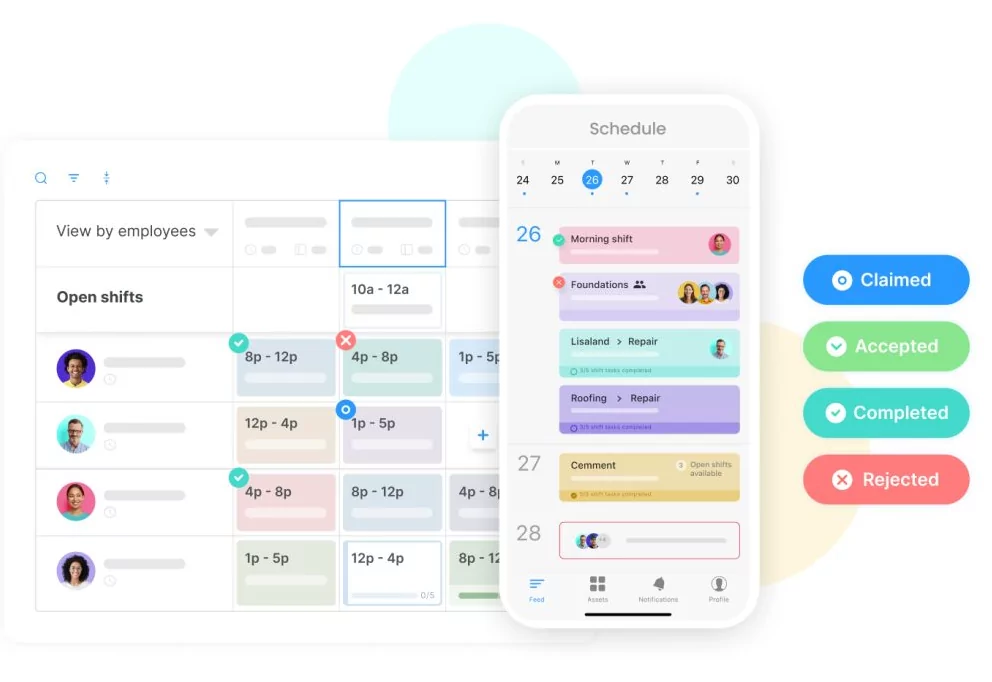
What Makes an Effective Team Calendar App?
- Real-time synchronization across all devices and team members
- Permission-based access control and sharing capabilities
- Integration with productivity tools (email, chat, project management)
- Mobile accessibility with offline functionality
- Resource management and room booking features
- Advanced notification and reminder systems
Top 10 Team Collaboration Calendar Apps
1. Google Calendar
Best For: Teams already using Google Workspace; general-purpose scheduling
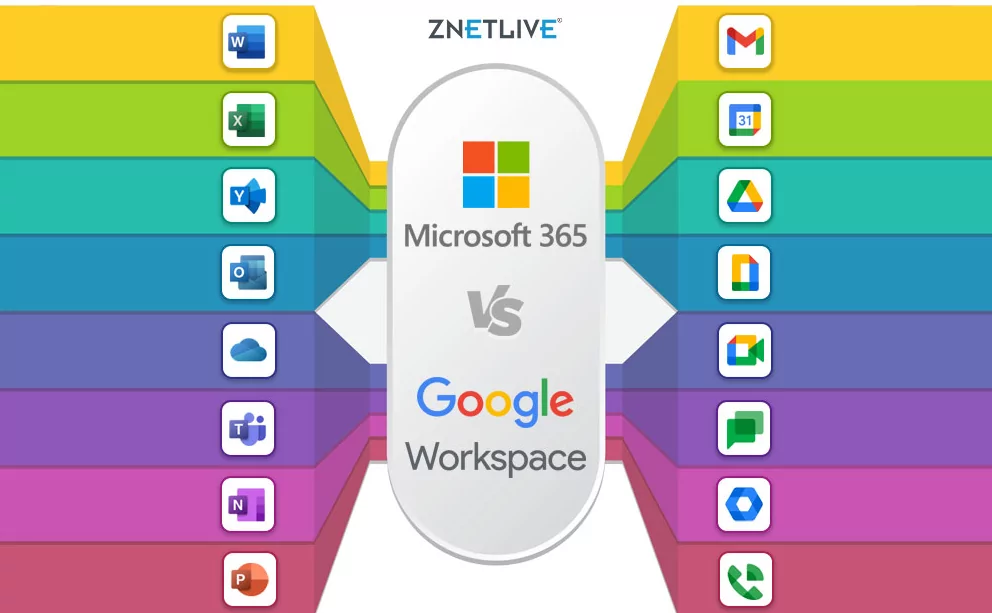
Google Calendar offers seamless integration with Gmail, Google Meet, and Google Drive. Its sharing capabilities enable real-time collaboration, with features like guest management, RSVP tracking, and automatic event creation from emails. Free and paid tiers accommodate various organizational sizes.
- Real-time syncing across devices
- Unlimited calendar sharing
- Native Google Meet integration
- AI-powered scheduling suggestions
2. Microsoft Outlook Calendar
Best For: Enterprise teams using Microsoft 365; complex scheduling needs
Outlook Calendar excels in corporate environments with advanced delegate permissions, resource booking, and Exchange integration. Its integration with Microsoft Teams creates unified communication and scheduling ecosystems. Calendar analytics and advanced customization cater to large organizations.
- Delegate and proxy access management
- Resource mailbox support
- Microsoft Teams integration
- Advanced calendar sharing and permissions
3. Reclaim.ai
Best For: Teams seeking AI-powered scheduling optimization
Reclaim.ai combines calendar management with AI-driven scheduling intelligence. It automatically optimizes meeting times, blocks focus work periods, and manages deadlines across team calendars. Particularly valuable for remote teams juggling complex schedules.
- AI meeting scheduling assistant
- Automatic focus time blocking
- Pomodoro timer integration
- Multi-calendar synchronization
4. Calendly
Best For: Teams managing client scheduling and availability
Calendly streamlines appointment booking with automated scheduling links, reducing email back-and-forth. Teams share availability while clients select preferred times independently. Integration with popular tools makes it ideal for client-facing teams.
- Automated scheduling links
- Availability sharing without revealing full calendar
- Integration with CRM and email platforms
- Payment and booking confirmations
5. Asana
Best For: Project-based teams needing calendar views of tasks
Asana integrates project management with calendar views, allowing teams to visualize task deadlines and project timelines. Its calendar feature complements task management, providing comprehensive workflow visibility.
- Task-calendar integration
- Project timeline visualization
- Team workload balancing
- Deadline tracking and alerts
6. Monday.com
Best For: Creative and marketing teams seeking visual planning
Monday.com offers visually intuitive calendar and timeline views for project coordination. Its flexible interface accommodates various team workflows, from product launches to event planning with real-time collaboration features.
- Visual timeline and calendar views
- Workload management tools
- Real-time team collaboration
- Extensive automation and integration options
7. Teamup Calendar
Best For: Teams prioritizing simplicity and affordability
Teamup Calendar provides a clean, user-friendly interface for team scheduling without unnecessary complexity. It supports unlimited calendars, color-coding, and subcriptions, making it ideal for small to mid-sized teams.
- Unlimited calendars and team members
- Simple permission management
- Color-coded organization
- Mobile app with offline access
8. Slack Calendar Integration
Best For: Teams using Slack as primary communication hub
Slack’s native calendar integrations (with Google Calendar, Outlook, or Zoom) display schedules directly in chat. Team members quickly check availability without switching applications, streamlining meeting coordination.
- Embedded calendar viewing in Slack
- Meeting notifications within chat
- Status updates reflecting availability
- Workflow automation integration
9. Zoom Calendar
Best For: Remote teams prioritizing video meetings
Zoom Calendar integrates scheduling with video conferencing, automatically generating meeting links and reducing setup friction. Particularly valuable for distributed teams conducting frequent video meetings.
- Automatic Zoom meeting link generation
- One-click meeting launching
- Integration with popular calendars
- Waiting room and recording options
10. Fantastical
Best For: Apple ecosystem teams seeking premium experience
Fantastical offers a feature-rich calendar and task management experience optimized for macOS, iOS, and iPadOS. Its natural language input and seamless Apple integration appeal to Apple-centric teams.
- Cross-platform Apple ecosystem integration
- Natural language event creation
- Task and calendar unification
- Rich reminder customization
Comparison Table: Team Calendar Apps
| App | Best For | Pricing | Key Feature |
|---|---|---|---|
| Google Calendar | General teams | Free/Paid | Gmail integration |
| Outlook Calendar | Enterprise | Subscription | Advanced permissions |
| Reclaim.ai | Remote teams | Paid | AI scheduling |
| Calendly | Client teams | Free/Paid | Automated booking |
| Asana | Project teams | Paid | Task integration |
| Monday.com | Creative teams | Paid | Visual timelines |
| Teamup | Small teams | Free/Paid | Simplicity |
| Slack Calendar | Slack users | Integrated | Chat integration |
| Zoom Calendar | Remote teams | Integrated | Video meeting integration |
| Fantastical | Apple teams | Paid | Apple ecosystem optimization |
Selecting the Right Calendar App for Your Team
- Assess team size and structure: Small teams may prefer simple tools; large organizations need robust permission management.
- Consider existing tools: Choose calendar apps that integrate seamlessly with current communication and project management platforms.
- Evaluate budget constraints: Free or freemium apps work for many teams; enterprise features justify premium subscriptions for complex needs.
- Prioritize key features: Identify must-have features (resource booking, video integration, advanced sharing) before deciding.
- Test with pilot groups: Trial apps with small teams before full organizational rollout to ensure fit.
Conclusion
The top 10 calendar apps for team collaboration each offer unique strengths suited to different organizational needs. Whether prioritizing simplicity (Teamup), AI optimization (Reclaim.ai), enterprise features (Outlook), or ecosystem integration (Google Calendar, Fantastical), teams can find ideal solutions matching their workflow requirements. Evaluate your team’s specific needs, existing technology stack, and budget to select the calendar app that maximizes collaboration and scheduling efficiency in 2025.