The days of playing “calendar Tetris” and enduring endless back-and-forth emails to schedule a simple meeting are officially over. In 2026, artificial intelligence has fundamentally transformed how we manage our time. Modern calendar software doesn’t just passively display your appointments; it actively optimizes your schedule, protects your focus time, and ensures meetings happen at the ideal moment for all participants. By leveraging AI-powered meeting optimization tools, professionals and teams can reclaim hours of lost productivity every week. This guide explores the cutting-edge features of AI calendars and highlights the best tools available for mastering your schedule.
How AI is Revolutionizing Meeting Optimization
Traditional calendars rely entirely on human input. If a conflict arises, a human must manually find a new time, reschedule the event, and notify all attendees. AI calendar assistants automate this entire process by analyzing your work habits, preferences, and company-wide schedules to make intelligent decisions on your behalf.
Automated Rescheduling and Conflict Resolution
One of the most powerful features of AI scheduling tools is their ability to handle “flexible meetings.” If an urgent priority arises, the AI can automatically reshuffle internal 1-on-1s or team check-ins to later in the week, finding a time that works for everyone without requiring a single email. It instantly updates all linked calendars and sends notifications to participants, resolving complex scheduling conflicts in milliseconds.
Protecting Focus Time and Avoiding Burnout
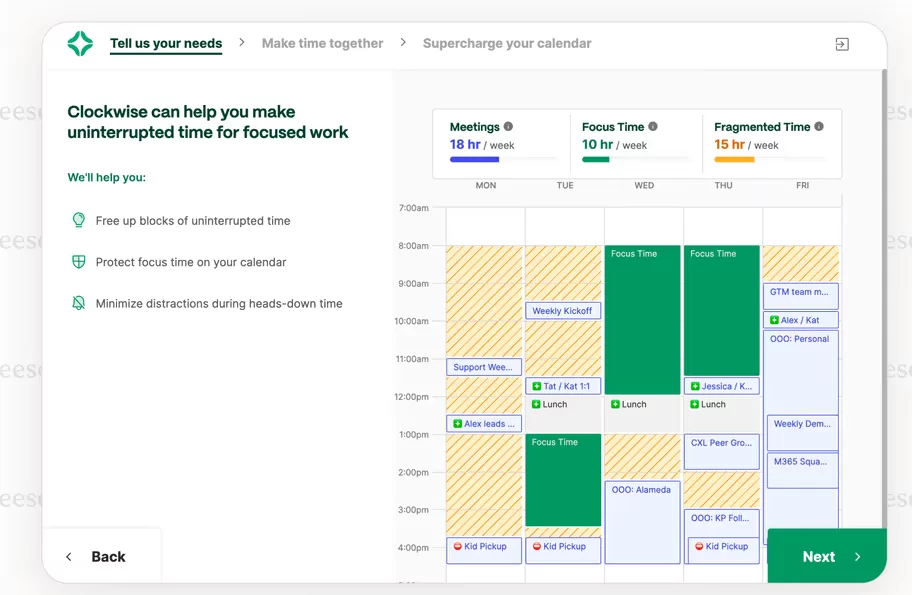
AI calendars understand that a day packed back-to-back with meetings is a recipe for burnout. These tools actively monitor your schedule and automatically block out uninterrupted “focus time” for deep work. Furthermore, advanced AI can dynamically insert buffer times—such as a mandatory 15-minute gap between Zoom calls—to allow you to recharge, prep for the next meeting, or simply grab a coffee. If a new meeting request tries to encroach on these protected boundaries, the AI will reject it and suggest alternative times.
Smart Group Scheduling
Coordinating a meeting with five people across three different time zones used to be a logistical nightmare. AI meeting optimization tools eliminate manual polling. By analyzing the connected calendars of all participants, the AI dynamically compares availability, factors in individual work-hour preferences, and instantly identifies the single best meeting time for the entire group.
Top AI Calendar Tools for 2026
The market for AI scheduling assistants is highly competitive, but a few standout platforms have emerged as the clear leaders in meeting optimization.
Clockwise: The Team Optimizer
Clockwise is the premier AI calendar tool for team-level optimization, particularly for organizations running on Google Workspace. Its defining feature is its ability to consolidate fragmented schedules. Clockwise analyzes a team’s collective calendar and automatically shifts flexible internal meetings to create massive, contiguous blocks of focus time for everyone. It also features “Prism AI,” which allows users to make scheduling changes using natural language commands, and integrates seamlessly with Slack to automatically update your status based on your calendar.
Reclaim.ai: The Best for Task Integration
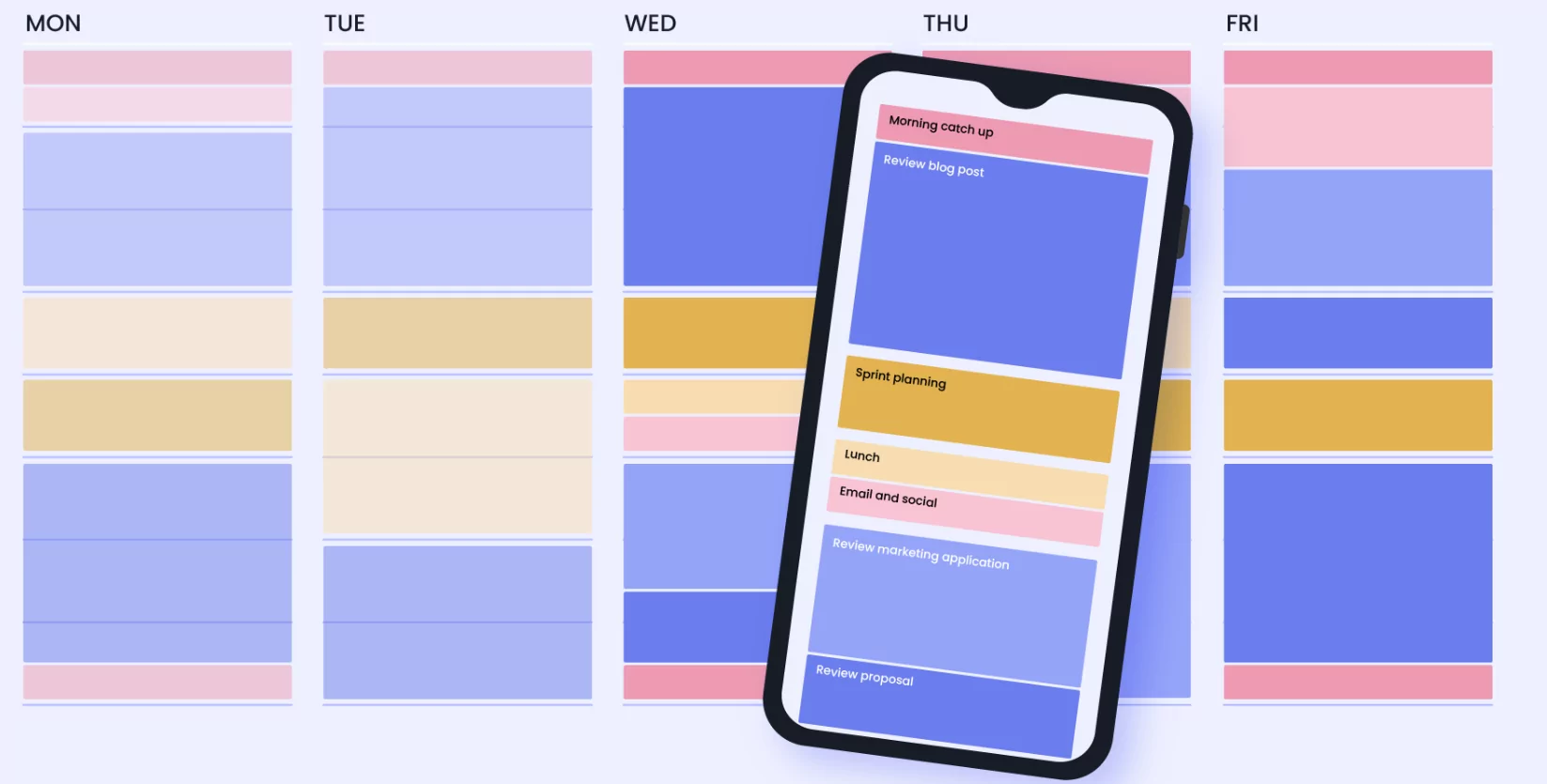
While Clockwise focuses heavily on team dynamics, Reclaim.ai is exceptional at managing individual productivity. Reclaim syncs across both Google Calendar and Microsoft Outlook, blending your task list with your meeting schedule. Its AI auto-prioritizes your to-do list, automatically reshuffling lower-priority tasks to protect time for critical work. Reclaim is also brilliant at routine protection, ensuring that personal habits, lunch breaks, and commute times are locked into your calendar before meetings can take over.
CalendarBridge: The Cross-Platform Master
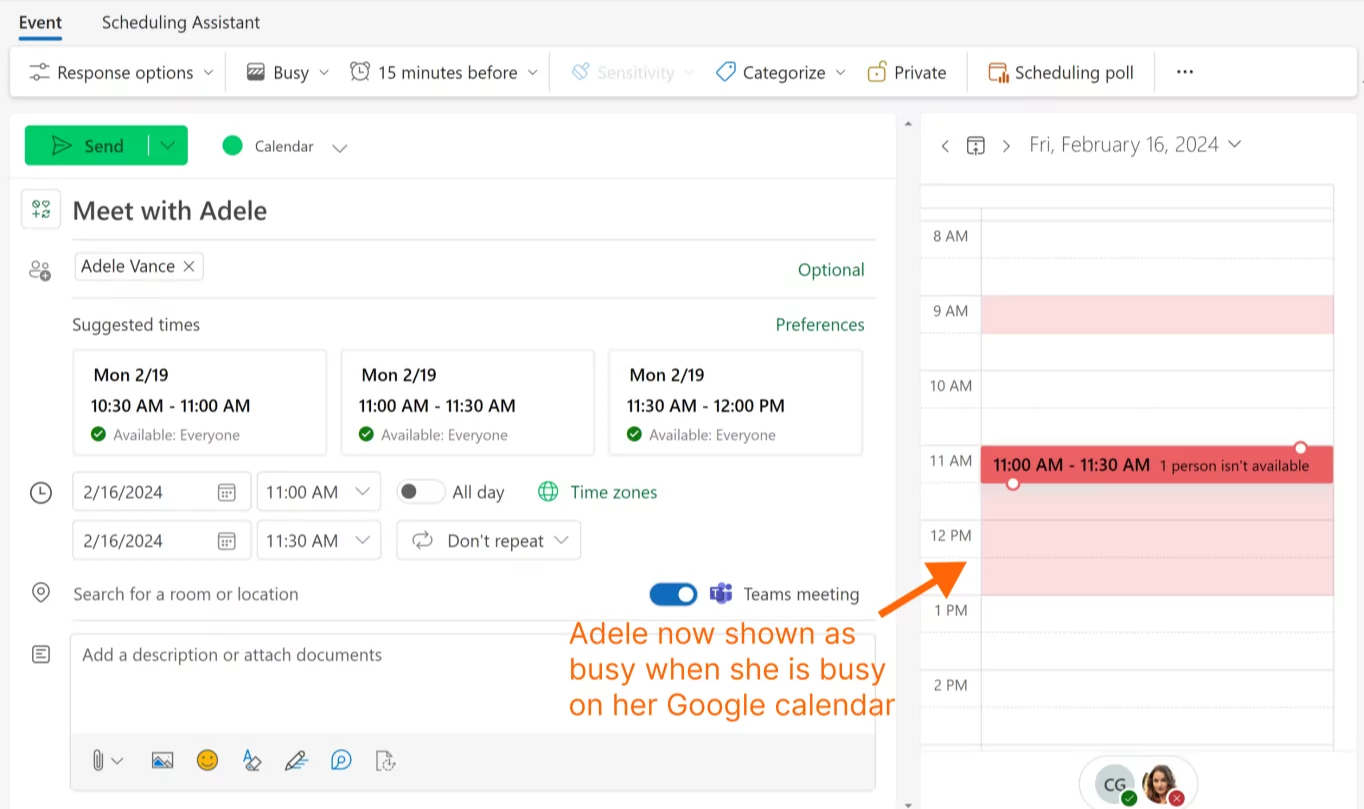
For independent consultants or professionals who juggle multiple clients across different ecosystems, CalendarBridge is a top-tier choice. It excels at real-time, multi-way synchronization between Google, Outlook, and Apple iCloud calendars. CalendarBridge acts as an invisible assistant, allowing you to schedule, confirm, and reschedule meetings directly inside your email threads. By creating a unified, secure view of all your events, it ensures you never double-book a personal appointment with a client meeting across disparate platforms.
The Future of AI Meeting Assistants
As we move deeper into 2026, AI calendar software is expanding beyond simple scheduling to actively participate in the meetings themselves.
Integrated Meeting Intelligence
The lines between scheduling software and meeting assistants are blurring. Tools are now integrating with platforms like Zoom and Google Meet to join meetings on your behalf. These AIs provide real-time transcription with speaker identification, capture the conversation as it happens, and automatically detect action items. Once the meeting concludes, the AI syncs the summarized notes and follow-up tasks directly back to the original calendar event.
Workflow Automation Triggers
Modern AI schedulers serve as the trigger for broader workflow automations. For example, when an AI schedules a discovery call with a new lead, it can automatically trigger a sequence that updates your CRM, sends a pre-meeting questionnaire to the client, and drops a notification into a designated Slack channel. This level of automation ensures that scheduling a meeting is not an isolated event, but the start of a seamless, organized business process.
Choosing Your AI Assistant
To choose the right AI calendar software, evaluate your primary pain point. If your team is struggling with fragmented days and too many internal meetings, Clockwise will revolutionize your workflow. If you need to defend your personal work time and integrate your to-do list into your schedule, Reclaim.ai is unmatched. If you are battling multiple calendars across different tech ecosystems, CalendarBridge will provide the synchronization you need. Embracing these AI tools will fundamentally change how you view your calendar, turning it from a source of stress into a powerful engine for productivity.
