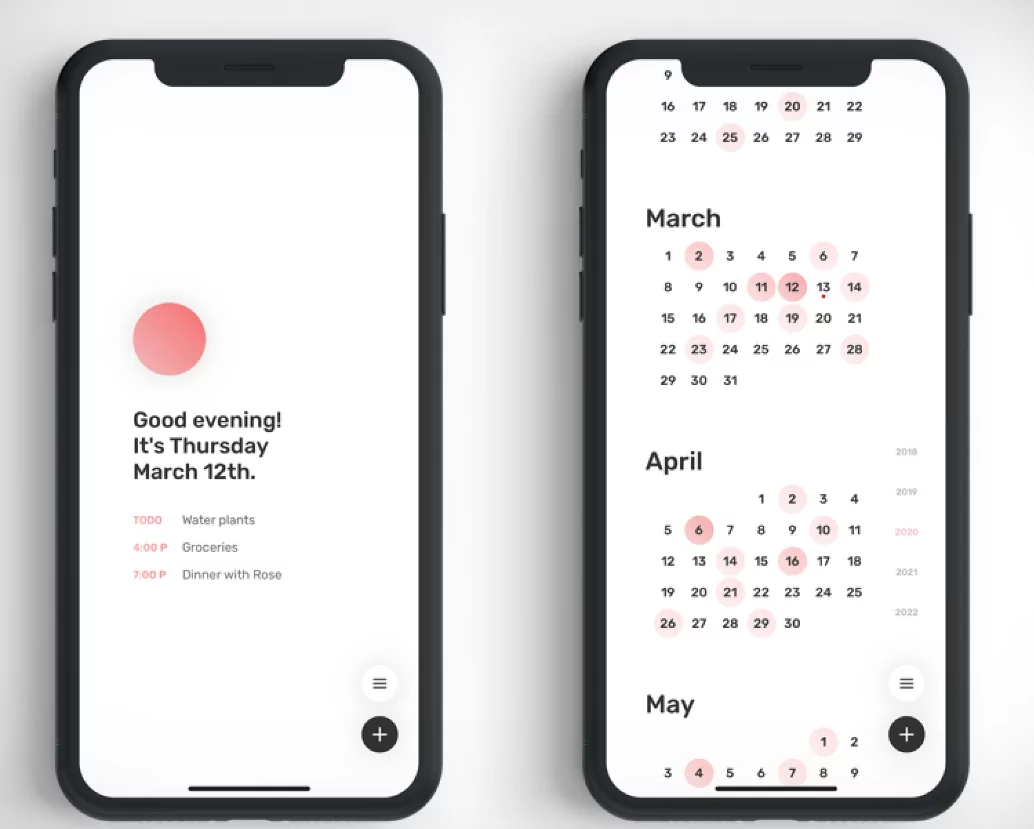
Minimalist calendar applications prioritize clean interfaces, essential functionality, and reduced visual complexity to enhance focus and eliminate decision fatigue during planning. The best options strip away unnecessary features while maintaining robust scheduling capabilities, allowing users to concentrate on important tasks without interface distractions. These apps emphasize simplicity in design, intuitive navigation, and streamlined workflows, creating serene planning environments that support productivity without overwhelming users with excessive options or visual noise.
Top Minimalist Calendar Apps for 2025
1. Vimcal – Ultimate Distraction-Free Scheduler
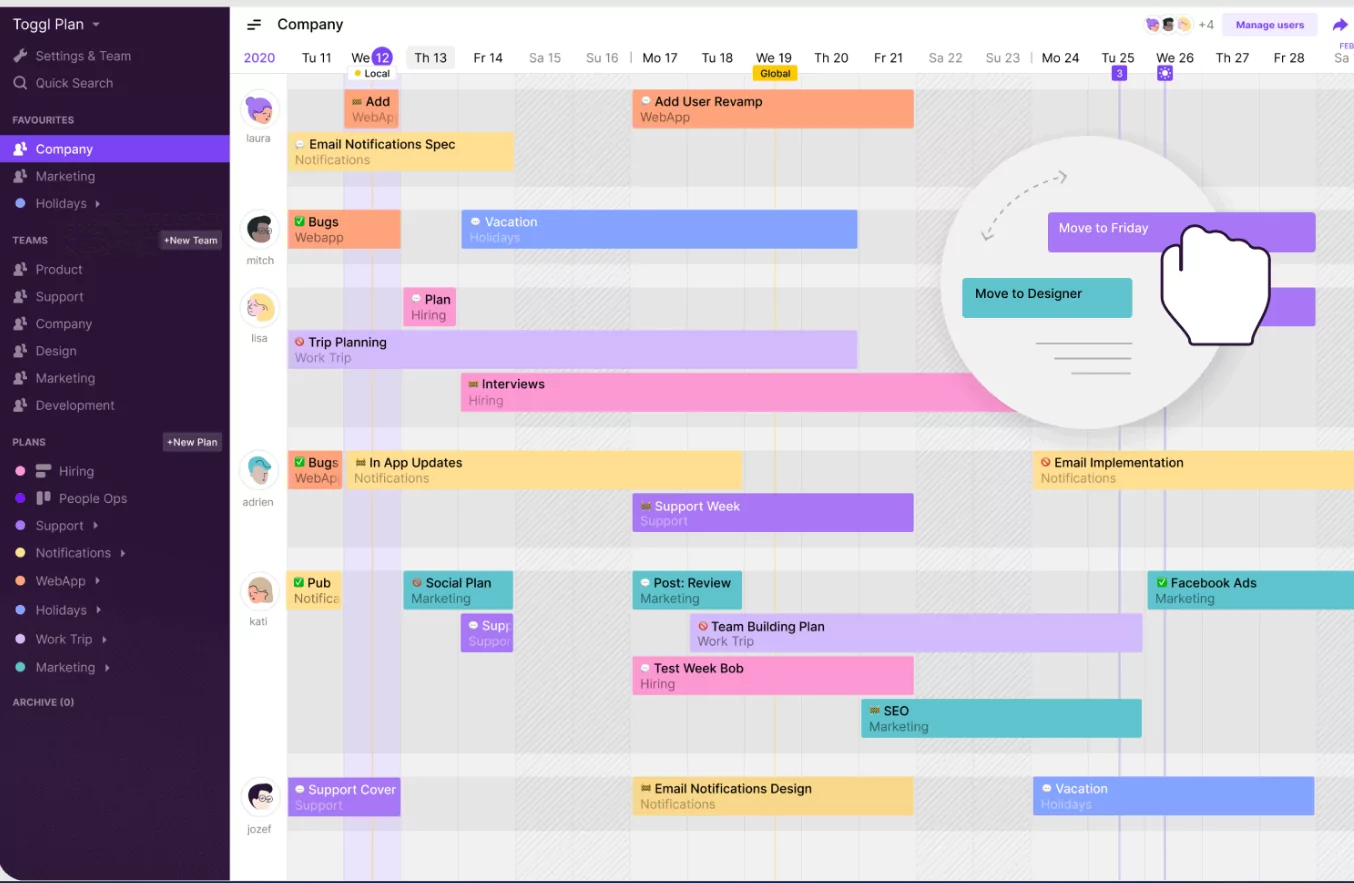
Vimcal stands out as the premier minimalist calendar application, featuring an interface with only essential elements and no decorative graphics or unnecessary buttons. Designed for professionals who value speed and focus, Vimcal’s keyboard-driven navigation allows rapid event creation and calendar management without mouse dependency, while its single-pane view displays everything needed without sidebar clutter. The app’s philosophy emphasizes removing cognitive load through streamlined design, making it ideal for users seeking pure functionality without visual distractions.
| Feature | Description |
|---|---|
| Interface | Single-pane view with minimal controls; no sidebars or decorative elements |
| Navigation | Keyboard shortcuts for all actions; fast, distraction-free movement |
| Customization | Essential options only; focus on functionality over appearance |
| Platforms | iOS, Android, Web |
| Best For | Power users seeking extreme minimalism and keyboard control |
| Pricing | Free with premium tier for advanced features |
2. Fantastical – Clean Aesthetic Calendar
Fantastical offers a beautifully minimalist design with smooth animations and intuitive interfaces across Apple devices, combining elegance with functionality. The app presents calendars without visual clutter while maintaining all necessary features, using whitespace effectively to create breathing room in the interface. Natural language event creation allows quick entries like “Coffee tomorrow at 2pm” without complex dialogs.
| Feature | Description |
|---|---|
| Interface | Clean design with generous whitespace; smooth transitions |
| Natural Language | Create events by typing descriptions in plain English |
| Integration | Seamless sync with iOS, macOS, iPad, and Apple Watch |
| Minimalism | Optional sidebar hiding for full-screen calendar view |
| Best For | Apple users wanting elegant, distraction-free scheduling |
| Pricing | Subscription-based; annual plan recommended |
3. Google Calendar – Essential Version
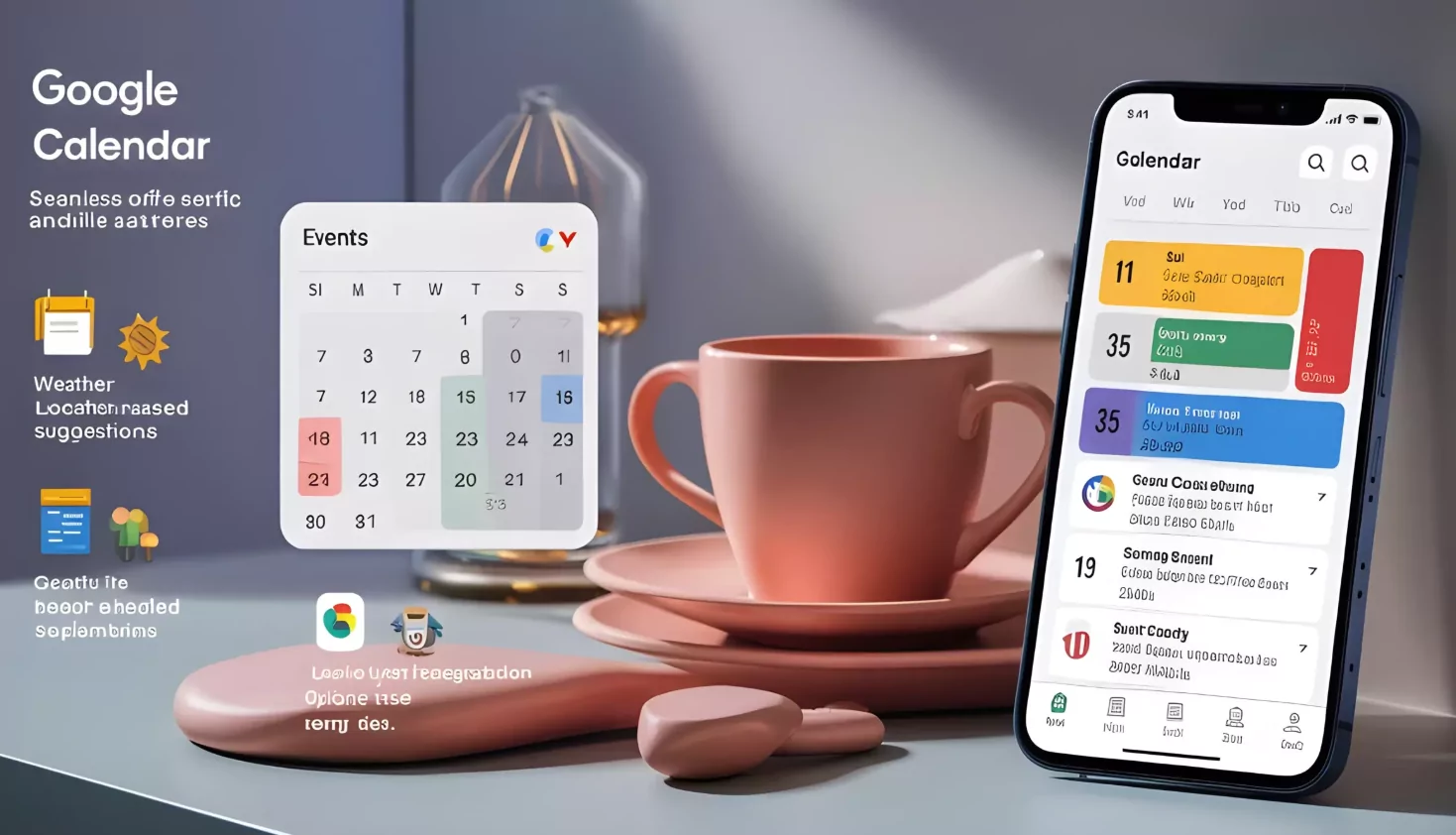
Google Calendar, while feature-rich, offers a surprisingly clean minimalist interface when properly configured by disabling unnecessary sidebars, notifications, and hiding unused calendars. The core calendar grid remains uncluttered, allowing focus on dates and events without decoration. Browser plugins can further minimize the interface.
| Feature | Description |
|---|---|
| Interface | Configurable; can hide sidebars and unused elements |
| Minimalism Setup | Disable notifications, hide search, remove agenda view |
| Cost | Free with Google account |
| Cross-Platform | Web, iOS, Android, desktop |
| Best For | Users wanting free, customizable minimalist calendar |
4. Reclaim.ai – Focus-Driven Scheduling
Reclaim.ai combines minimalist UI with AI-powered scheduling, automatically blocking focus time and protecting deep work periods without excessive visual feedback. The interface emphasizes what matters: your schedule, focus blocks, and calendar health.
| Feature | Description |
|---|---|
| Focus | Automatic focus time blocking; visual simplicity during planning |
| AI Integration | Smart suggestions without cluttering interface |
| Minimalism | Dashboard focused on calendar health metrics only |
| Best For | Professionals prioritizing deep work and focus blocks |
5. Apple Calendar – Native Simplicity
Apple’s native Calendar app embodies minimalism through iOS and macOS, presenting dates in elegant grids with no unnecessary interface elements. Perfect for users wanting immediate, distraction-free scheduling.
| Feature | Description |
|---|---|
| Design | Elegant, simple calendar grid; minimal buttons |
| Speed | Instant loading; no unnecessary animations |
| Cost | Free with Apple devices |
| Best For | Apple ecosystem users seeking native simplicity |
Key Features of Minimalist Calendar Apps
- Single-view focus with no sidebar clutter
- Keyboard shortcuts for power users
- Whitespace emphasis reducing visual overwhelm
- Essential functions only; no unnecessary features
- Clean typography and readable date displays
- Distraction-free event creation
- Neutral color schemes; no vibrant alerts
- Fast loading times
- Mobile and desktop consistency
- Privacy-focused with minimal tracking
Comparison: Minimalist vs. Feature-Rich Calendar Apps
| Aspect | Minimalist Apps | Feature-Rich Apps |
|---|---|---|
| Interface Complexity | Simple; essential only | Complex; many options |
| Learning Curve | Minimal; intuitive | Steep; many features |
| Focus Support | Excellent; distraction-free | Good; requires customization |
| Customization | Limited; intentional | Extensive; many choices |
| Speed | Fast; lightweight | Variable; feature overhead |
| Best Use Case | Focus planning; deep work | Complex team scheduling |
Tips for Minimalist Calendar Usage
- Disable all non-essential notifications
- Hide calendars not currently needed
- Use keyboard shortcuts for speed
- Maintain a single color scheme for events
- Schedule dedicated planning times
- Avoid adding decorative elements or custom colors
- Review calendar weekly during focused review sessions
- Keep event descriptions brief and clear
- Block focus time explicitly in calendar
- Sync across devices for consistency
Conclusion
The best minimalist calendar application depends on your platform and workflow preferences. Vimcal excels for keyboard-driven power users seeking extreme simplicity, while Fantastical suits Apple enthusiasts valuing aesthetic elegance. Google Calendar provides customizable minimalism for free, and Reclaim.ai emphasizes focus time protection. Native Apple Calendar offers native iOS simplicity. Regardless of choice, minimalist calendar apps reduce decision fatigue, eliminate visual clutter, and create focused planning environments supporting distraction-free productivity throughout 2025.
