Digital calendars evolved from simple date trackers into powerful habit-building machines. Modern apps combine scheduling, habit streaks, and goal progress in one seamless interface, making consistency automatic. This guide reveals how digital calendars with built-in habit tracking transform vague intentions into measurable results.
Why Digital Calendars Beat Standalone Habit Trackers
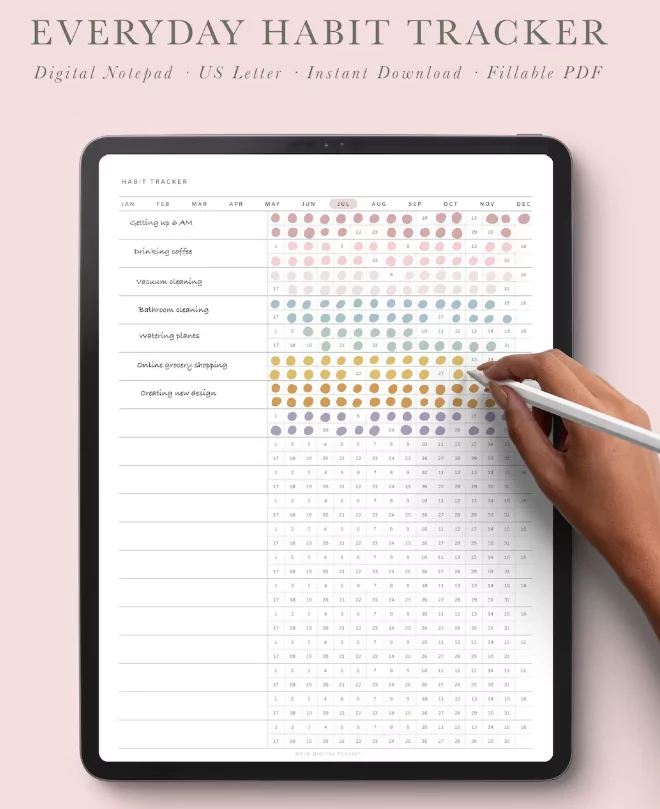
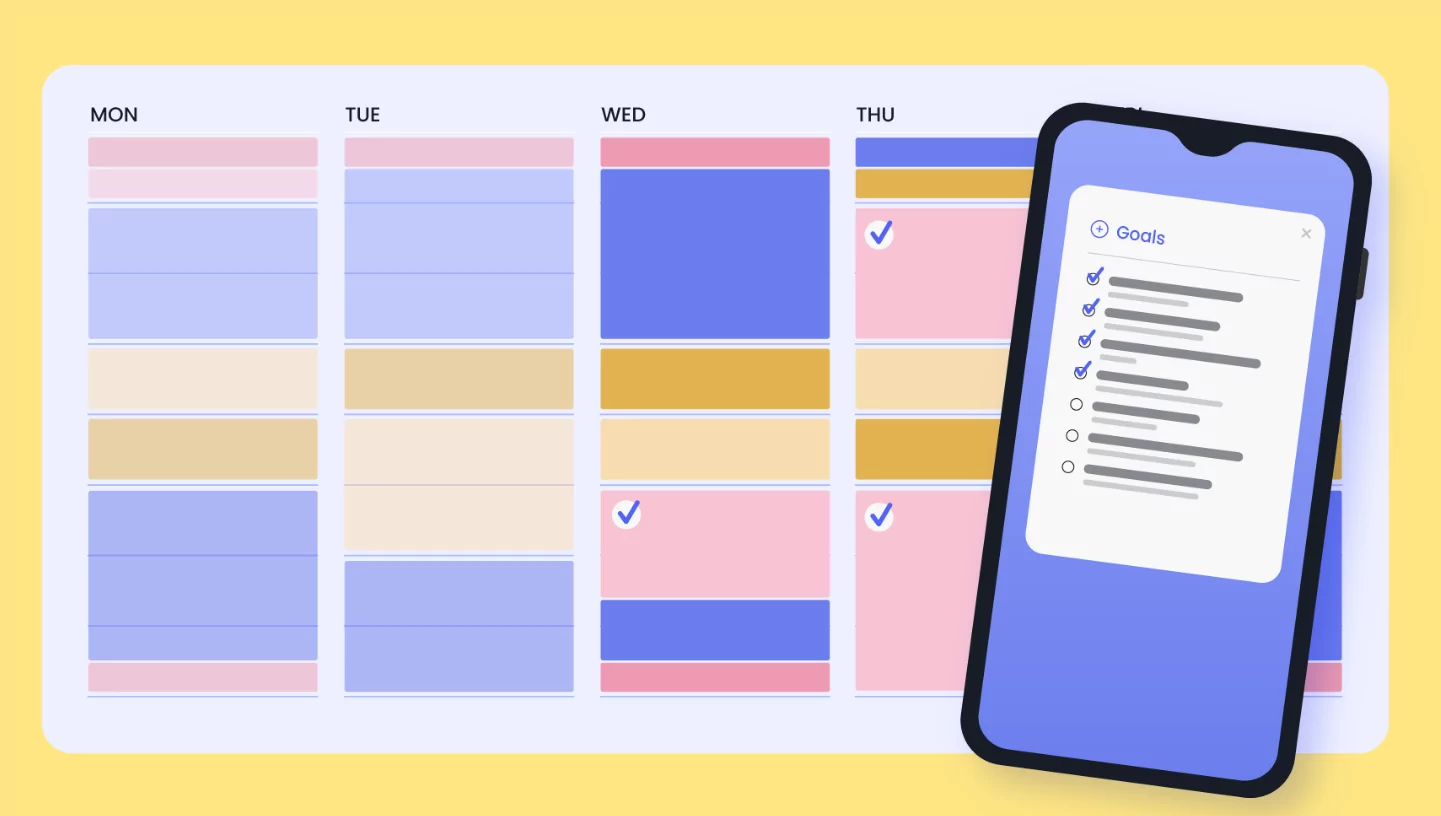
Separate habit apps create app-switching fatigue. Digital calendars with habit tracking keep everything contextual—your 7 AM meditation appears beside your 8 AM meeting, creating natural habit stacking. One interface, zero friction.
Calendar integration reveals conflicts automatically. Trying to build a gym habit? The app shows your packed Tuesday evenings and suggests Wednesday mornings instead. Context-aware planning beats blind ambition.
Core Features Every Habit-Tracking Calendar Needs
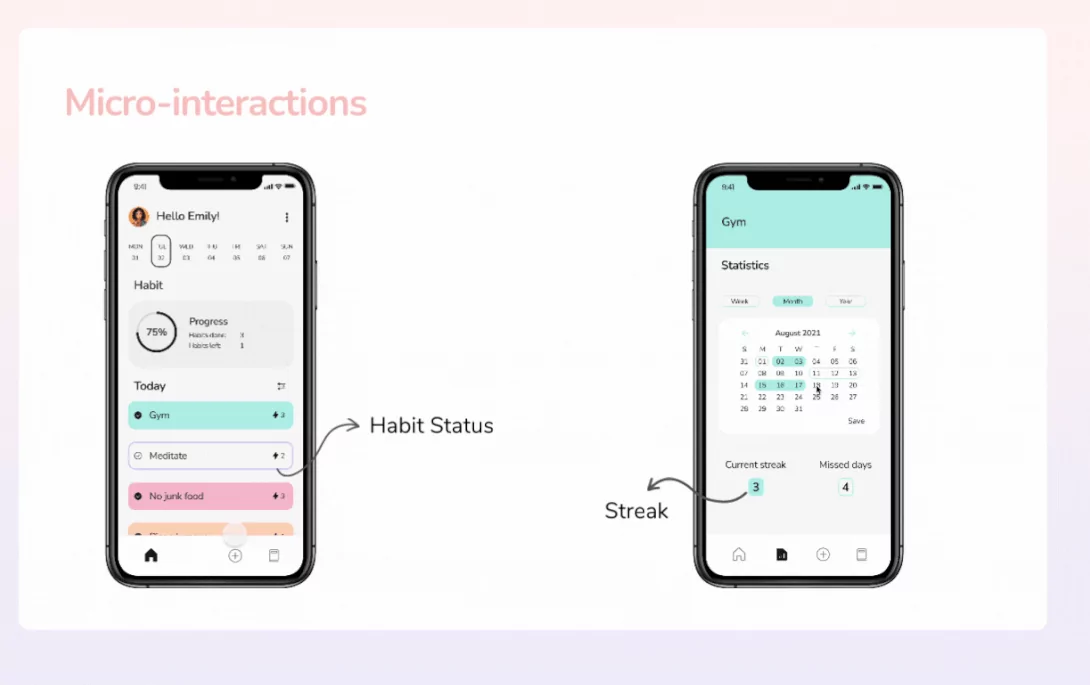
- Visual streak calendars (don’t break the chain)
- Progress bars for multi-week goals
- Smart rescheduling when you miss days
- Habit analytics tied to calendar events
- Cross-platform sync (phone, desktop, watch)
The Compound Effect of Calendar-Based Tracking
Each completed habit reinforces your daily rhythm. After 21 days, your calendar shows unbroken streaks across fitness, reading, hydration—creating momentum that spills into untracked areas of life.
Top 5 Digital Calendars with Habit Tracking
1. Fhynix (Best Overall Calendar-Habit Hybrid)
Fhynix merges your calendar with habit tracking in a unified timeline. Morning meditation flows into work blocks into evening reading—all visible in context. WhatsApp reminders ensure zero missed habits.
Key strengths: Cross-platform sync, timeline analytics showing habit-schedule interactions, drag-and-drop rescheduling. Perfect for professionals building routines around packed calendars.
2. Habitify (Best Cross-Platform Analytics)
Habitify categorizes habits by time of day and life area, then overlays them on your calendar. See how evening workouts affect sleep quality or morning journaling boosts productivity.
Apple Health/Google Fit integration auto-logs steps, water, sleep. Detailed streak analytics reveal your best habit times. Freemium model, premium unlocks unlimited tracking.
3. Notion Calendar (Best for Customization)
Notion combines calendar views with habit databases. Custom dashboards track “Read 20 pages daily” with progress bars, mood logs, and weekly reflections all in one page.
Pro move: Link habits to projects. “Write 500 words” habit auto-feeds your novel database. Total flexibility for power users who want tailored systems.
Step-by-Step: Building Your Habit-Tracking Calendar
Step 1: Start with 3 Core Habits Maximum
Pick non-negotiable daily habits that compound:
- Move (10 min walk minimum)
- Learn (5 pages reading/audio)
- Connect (3 min gratitude/journaling)
Time-block immediately. 6 AM move, 8 PM learn, 9:30 PM connect. Calendar integration makes these auto-reminders, not good intentions.
Step 2: Set Up Visual Progress Tracking
Use color-coded calendar cells:
| Color | Meaning | Action |
|---|---|---|
| 🟢 Green | Habit completed | Keep streak alive |
| 🟡 Yellow | Minimum completed | Good enough |
| 🔴 Red | Missed | Reschedule tomorrow |
Step 3: Enable Smart Notifications
Calendar-based reminders work 3x better than standalone notifications. Your habit appears as a familiar calendar event—”6 AM: Move (3-day streak)” feels urgent beside meetings.
Goal Monitoring: From Vague Dreams to Calendar Reality
Break annual goals into monthly milestones, weekly targets, daily habits. “Write book” becomes “500 words daily” calendar events. Progress bars show 30% complete after March.
Quarterly Goal Breakdown Template
| Goal | Daily Habit | Weekly Check-in | Q1 Target |
|---|---|---|---|
| Run half-marathon | 20 min run/walk | 90 min weekly | 5K race |
| Launch newsletter | 250 words daily | 1 draft/week | 12 issues |
Weekly Review Ritual (Sunday 8 PM)
- Review calendar streaks (greens vs reds)
- Adjust habit timing based on life changes
- Update quarterly progress bars
- Plan next week’s 3 priority blocks
Advanced Features for Power Users
Cross-App Automation
Zapier connects your calendar to everything:
- Complete workout → Log to Notion database
- Finish reading → Update book progress bar
- Miss habit 3 days → Send accountability text
Habit Stacking with Calendar Events
Link new habits to existing calendar events:
- Post-meeting = 2 min stretch
- Pre-lunch = Gratitude journal
- Bedtime alarm = Blue light blocking
Common Pitfalls and Fixes
| Problem | Solution |
|---|---|
| Too many habits (burnout) | Max 3 daily, add 1 monthly |
| Missed days kill motivation | Smart reschedule, never restart |
| Habit timing conflicts | Calendar conflict detection |
Getting Started Today (15-Minute Setup)
- Pick app: Fhynix (integrated), Habitify (analytics), Notion (custom)
- Add 3 habits: Move, learn, connect with exact times
- Enable reminders: Calendar notifications only
- Sunday prep: Block next week’s habit slots
Final Thoughts: Your Calendar IS Your Habit System
Digital calendars with habit tracking eliminate the “I’ll do it later” gap. Habits become calendar events, streaks become visual proof, goals become measurable blocks. Stop collecting apps—build one system where your entire growth lives.
Today: Pick your platform, add 3 habits, set reminders. Tomorrow: 3 green squares. In 90 days: Unbreakable daily rhythm.
