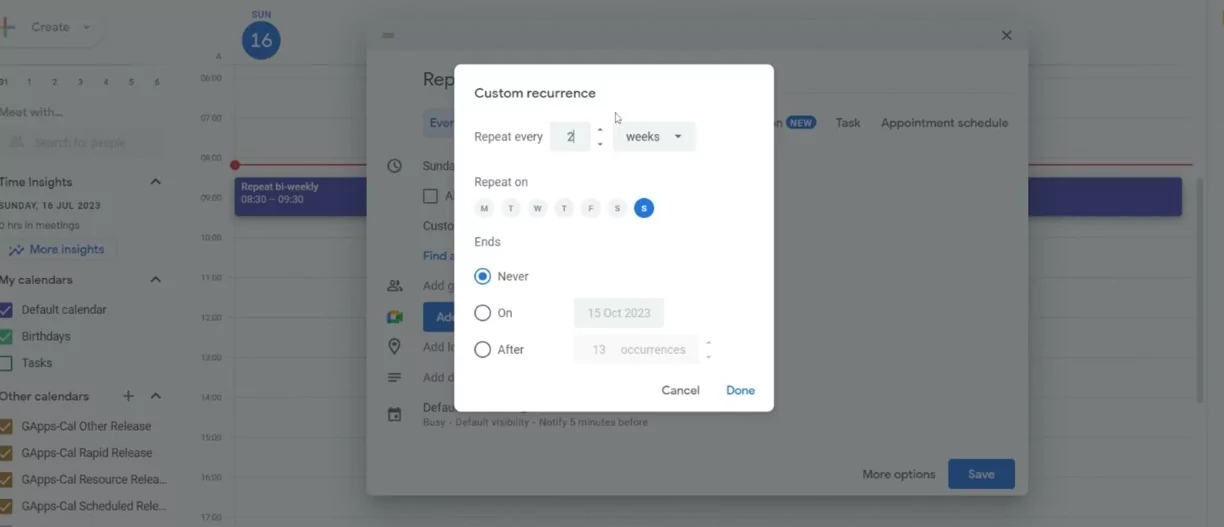
Managing recurring calendar events can be challenging when holidays disrupt your regular schedule. Whether for work meetings, classes, or personal reminders, setting up a recurring event that automatically skips holidays keeps your calendar organized without manual adjustments each time.
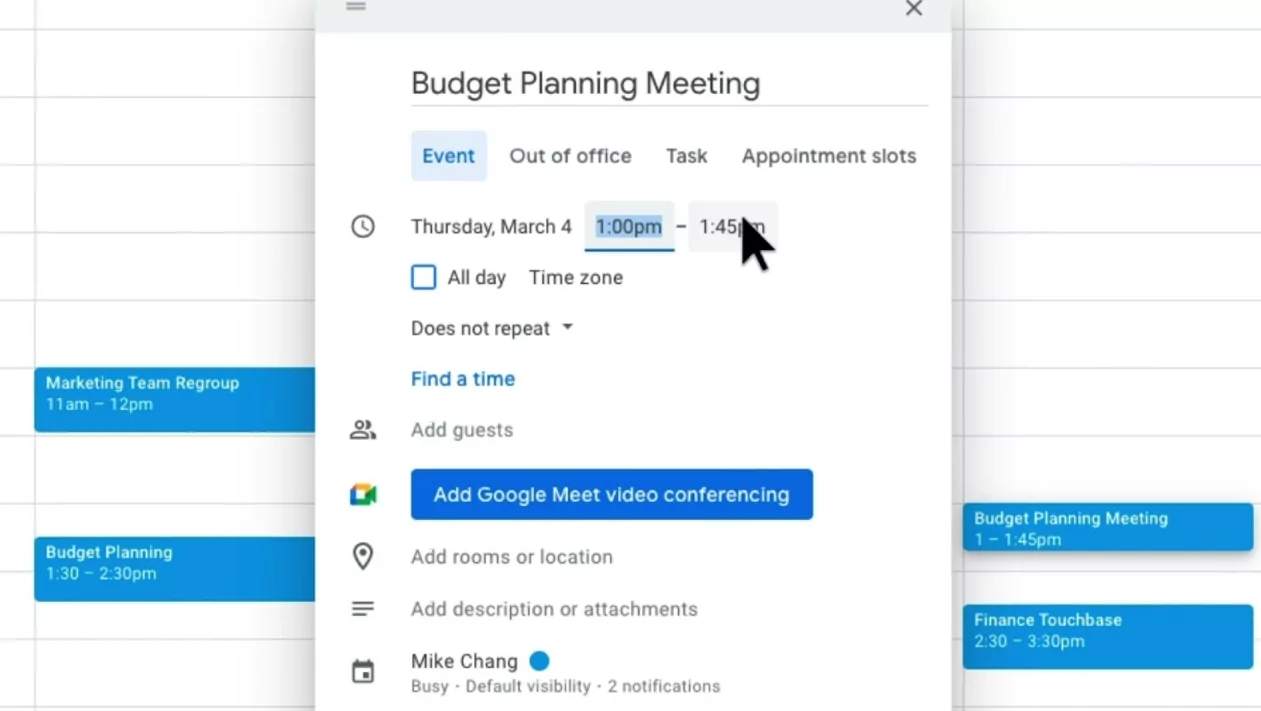
Understanding the Challenge
Most calendar apps allow you to create recurring events with daily, weekly, monthly, or yearly frequency. However, they generally don’t offer built-in options to exclude holidays automatically. This means you often have to manually edit or delete events that fall on holidays.
Practical Ways to Skip Holidays in Recurring Events
- Create the recurring event as usual. Set your event to repeat on your preferred schedule (e.g., every Monday).
- Manually delete or edit holiday occurrences. When a holiday falls on your event day, open that occurrence and either delete it or reschedule it to another day.
- Use calendar exceptions features. Some apps let you “edit this occurrence” or “delete this occurrence” without affecting the entire series.
- Split the series if holidays are frequent. Create separate recurring events excluding holiday periods for easier long-term management.
- Add separate “holiday” events to mark non-working days. This visual cue helps prevent misplanning.
Tips for Different Popular Calendar Apps
Google Calendar
Create your recurring event normally, then select individual holiday dates to delete or adjust. Google Calendar does not currently support automatic holiday exclusion in recurring events, so manual adjustment is necessary.
Microsoft Outlook
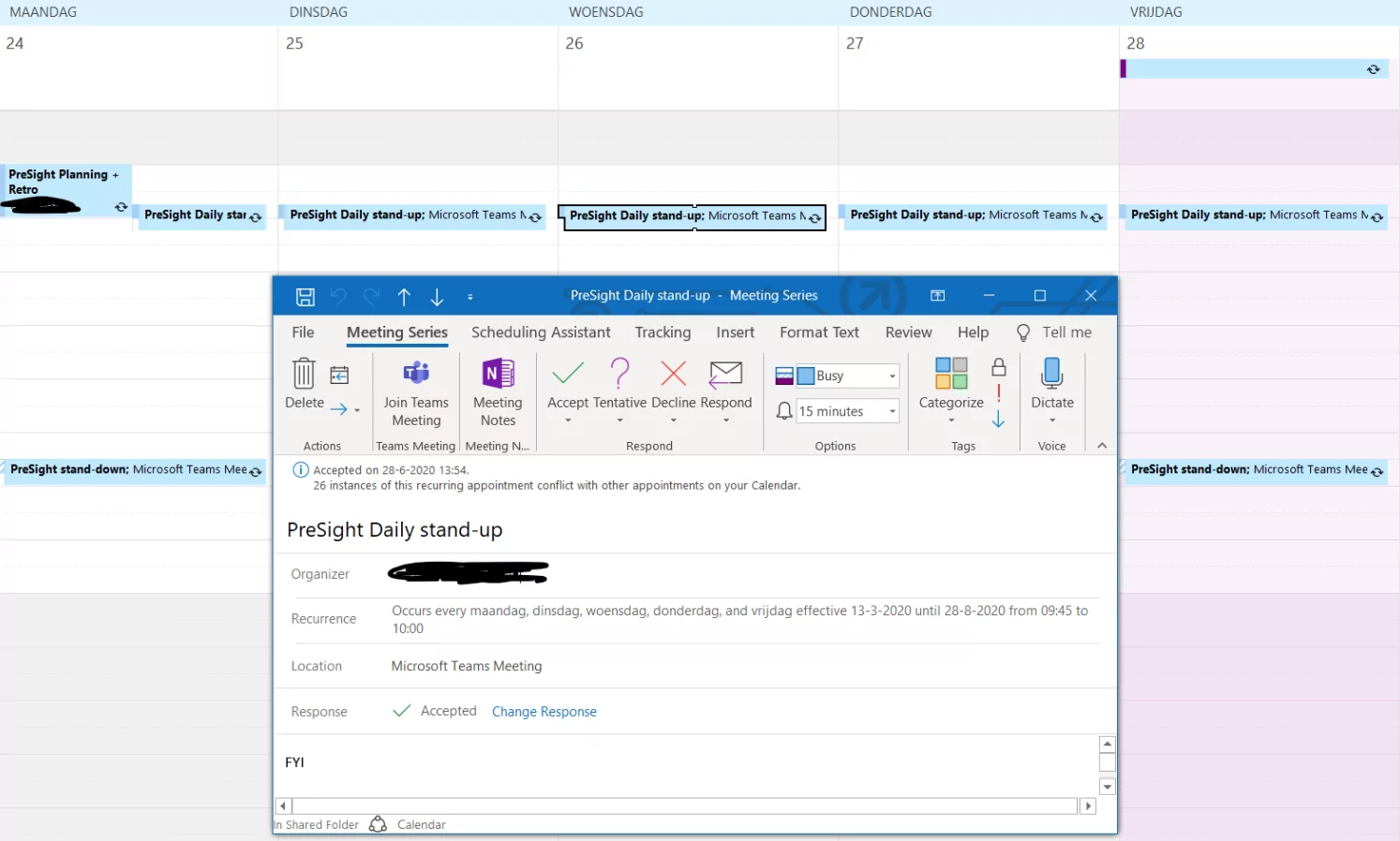
Outlook allows you to modify specific instances in a recurring event series. Use the “Open this occurrence only” option to delete or reschedule holiday events without disturbing the rest of the series. For complex schedules, splitting the series might be helpful.
Apple Calendar
Apple Calendar offers a “Custom” repeat option to fine-tune recurrence patterns, but skipping holidays requires manual deletion of occurrences on those dates. Use the “Delete this occurrence” feature to manage exceptions.
Automating Holiday Skips with Add-ons and Scripts
Advanced users can leverage third-party calendar add-ons, scripting with Google Apps Script, or Microsoft Power Automate to create calendars that automatically skip public holidays based on holiday calendars imported into the system.
Conclusion
While most calendar apps don’t automatically skip holidays in recurring events, manual adjustments, use of exception features, and smart splitting of event series ensure your schedule remains clean and accurate. Combining these methods with holiday events as visual reminders can streamline your planning and improve productivity