In the age of digital connectivity, having a reliable calendar app that works seamlessly both online and offline is essential. A digital calendar app with offline access and local sync combines convenience with privacy, allowing users to manage their schedules without constant internet connectivity while syncing locally across their own devices.
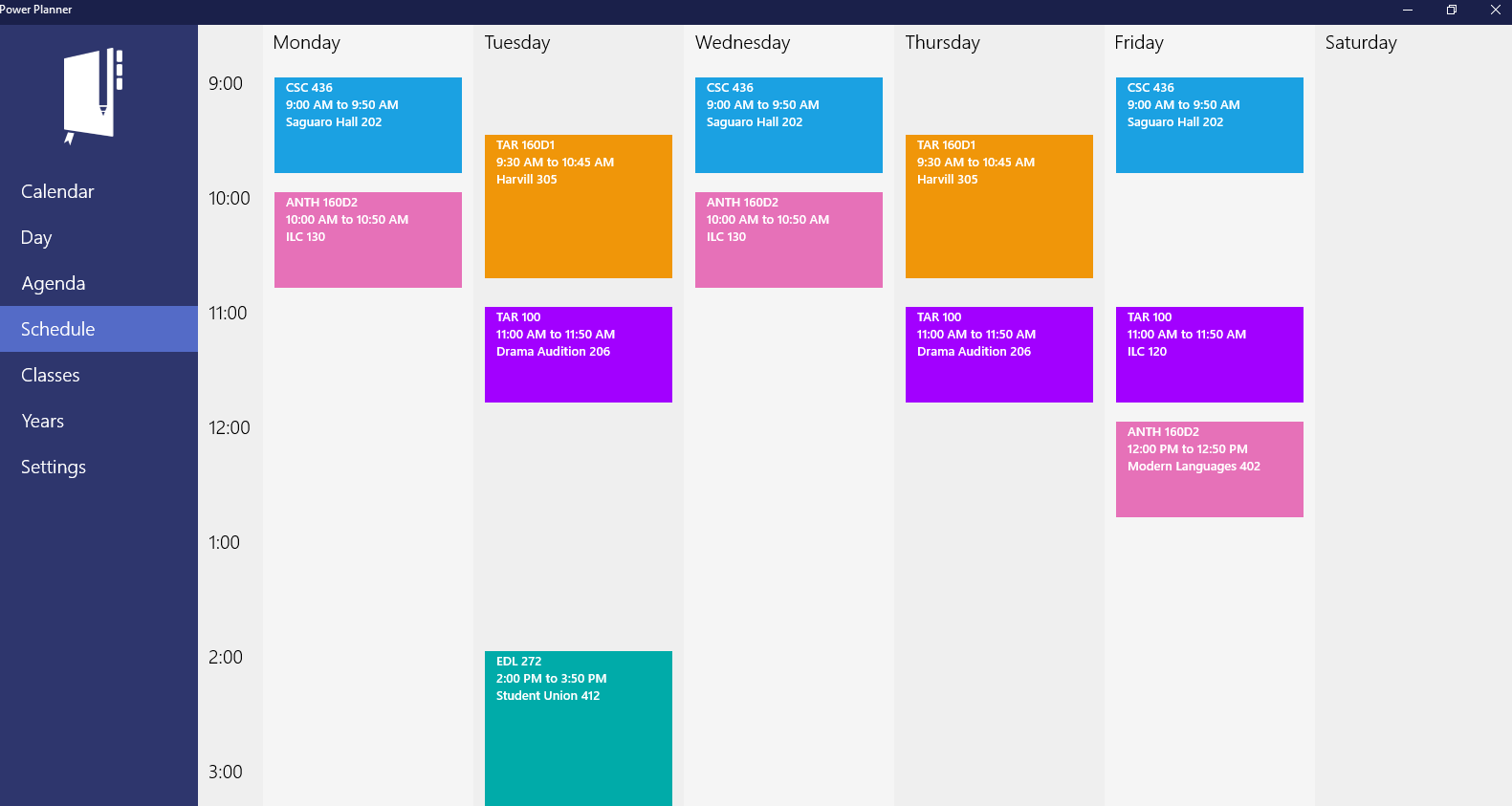
Why Choose a Calendar App with Offline Access?
Offline access means you can view, add, and edit events without an internet connection. This is especially valuable for users with intermittent connectivity, traveling professionals, or anyone valuing seamless access regardless of network availability.
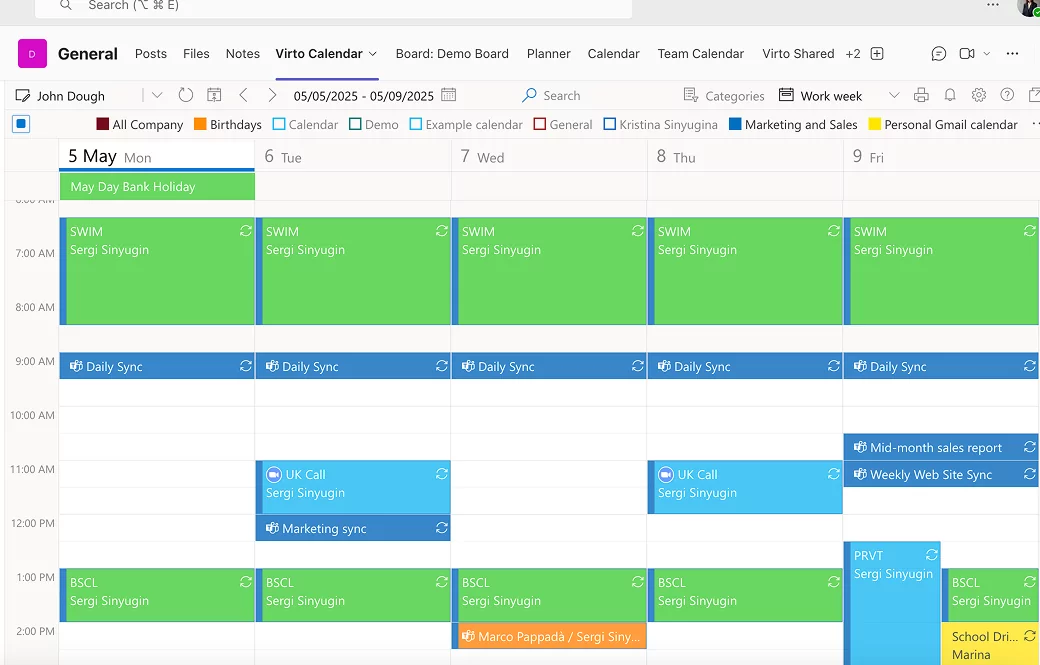
Benefits of Local Sync in Calendar Apps
Local sync prevents data dependency on cloud servers by syncing calendar data directly between your devices via local networks or Bluetooth. This boosts security and privacy, reducing reliance on external servers and minimizing data breaches or unauthorized access.
Key Features to Look for in a Digital Calendar App with Offline Access and Local Sync
- Offline event creation and editing: Full functionality without internet.
- Local device-to-device synchronization: Sync events using WiFi, Bluetooth, or LAN.
- Cross-platform compatibility: Support for Android, iOS, Windows, and macOS devices.
- Calendar import/export: Ability to import/export .ics or other standard calendar files.
- Privacy-focused design: Minimal cloud dependency, local storage of data.
- Customizable reminders and notifications: Alerts work offline as well.
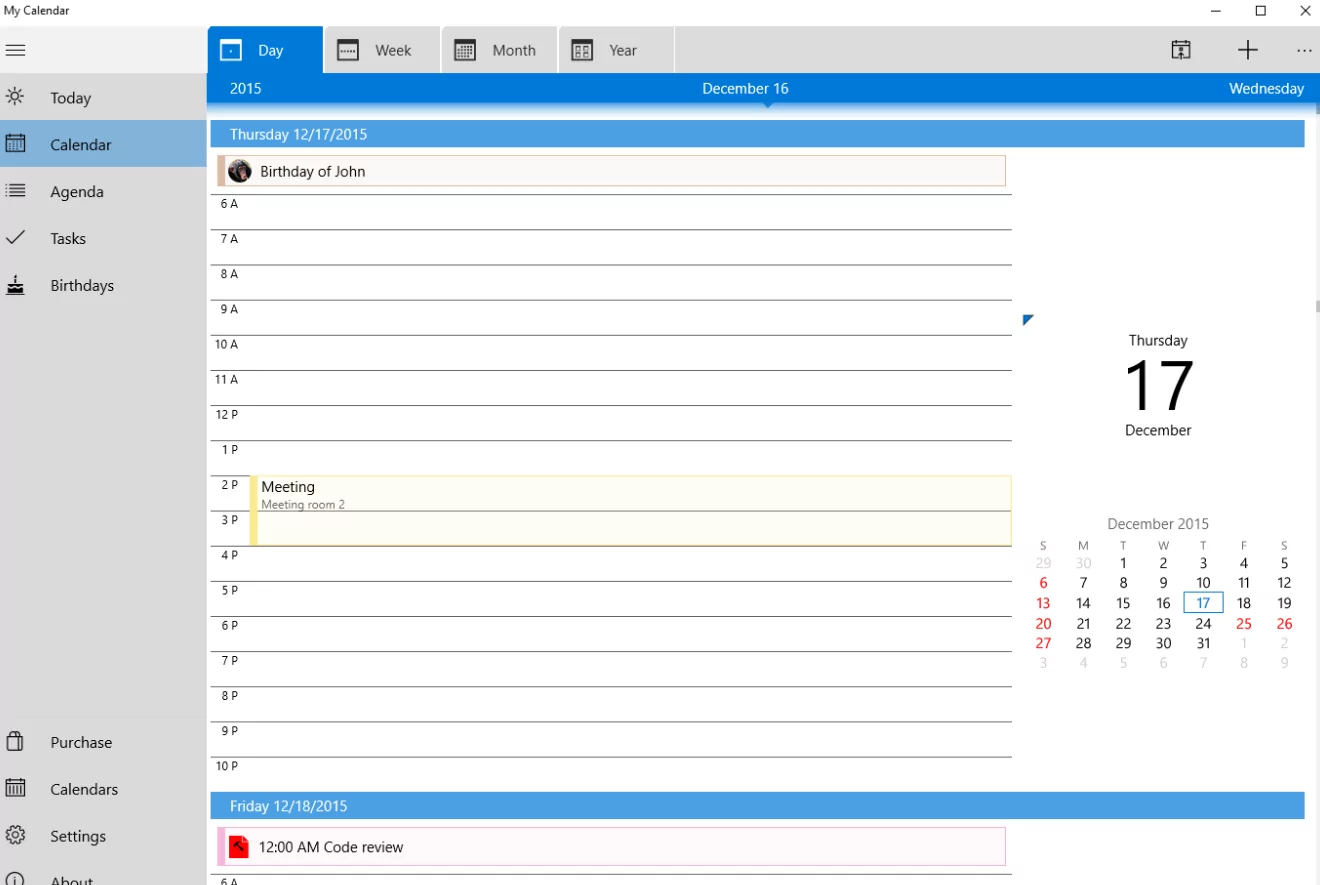
Top Apps Offering Offline Access and Local Sync Features
- Simple Calendar: An Android app highly rated for its offline capabilities and local syncing through CalDAV protocol support.
- OneCalendar: Known for user-friendly interface with offline work and local synchronization for Windows and macOS.
- DigiCal: Offers offline event management and integrates with multiple calendars, syncing locally across devices.
Why Offline and Local Sync Matter More Than Ever
With increasing concerns about digital privacy and unreliable internet access in many areas, users seek apps that empower them to maintain productivity without sacrificing control over their data. Offline calendar apps with local sync strike a balance between connectivity and autonomy.
Conclusion
Choosing a digital calendar app with offline access and local sync enhances your scheduling flexibility, protects your privacy, and ensures your calendar is always available. Whether for daily personal planning or collaborative work without cloud dependency, these apps represent the future of secure and reliable time management.
