Managing client relationships requires more than simply showing up to meetings on time. Successful professionals prepare in advance, review client information, track action items, and follow up consistently. A digital calendar with client meeting reminders and prep notes helps streamline this process by combining scheduling, organization, and communication into a single system.
Whether you are a consultant, freelancer, salesperson, coach, agency owner, or business executive, an organized calendar system can improve productivity, reduce missed opportunities, and create a more professional client experience.
This guide explores the benefits of using a digital calendar for client management, key features to look for, and best practices for integrating meeting reminders and preparation notes into your workflow.
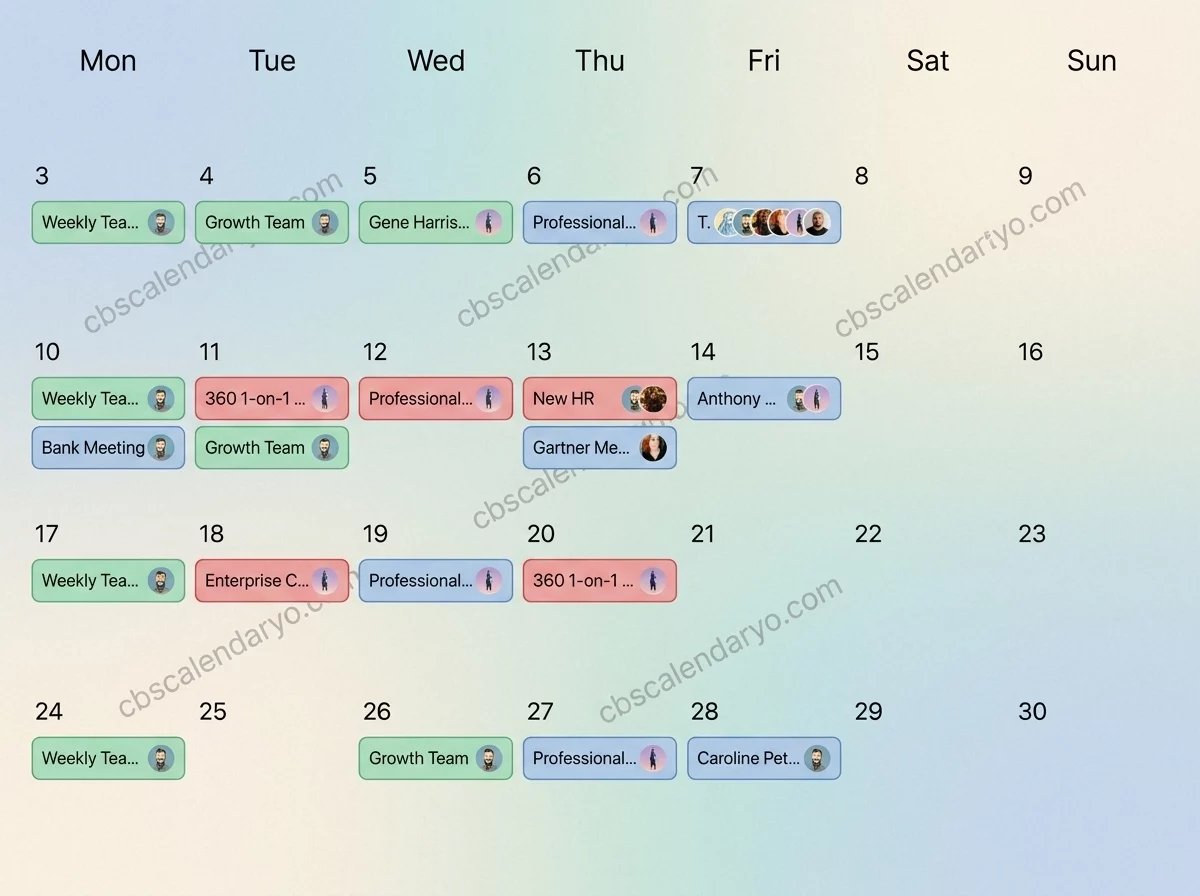
Why Client Meeting Organization Matters
Client meetings often involve important decisions, project updates, negotiations, or strategic discussions. Without proper preparation, meetings can become less productive and valuable.
A structured digital calendar system helps professionals:
- Prepare for meetings in advance
- Avoid scheduling conflicts
- Track important client information
- Improve follow-up consistency
- Strengthen professional relationships
When preparation becomes part of the scheduling process, meetings become more efficient and effective.
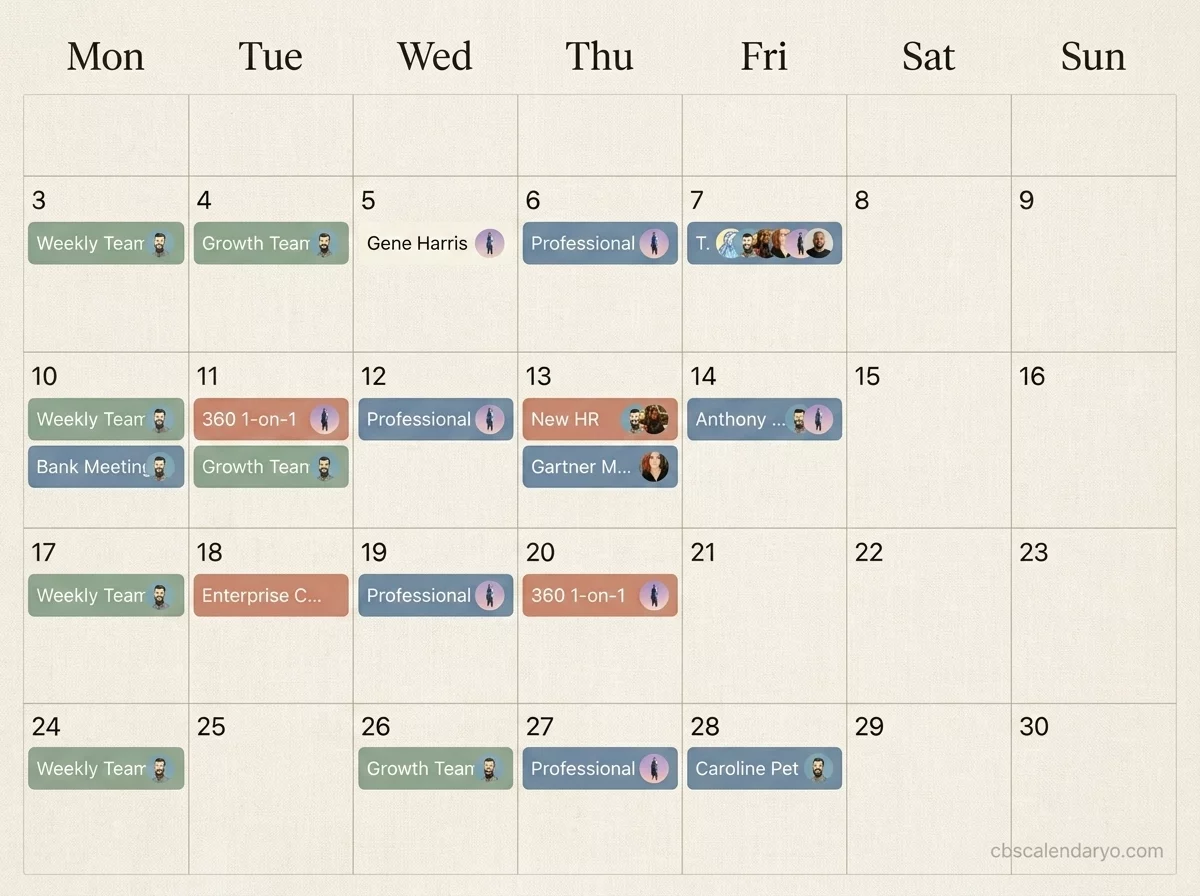
What Is a Digital Calendar with Client Meeting Reminders?
A digital calendar with client meeting reminders is a scheduling tool that automatically alerts users about upcoming appointments while providing space to store relevant meeting information.
These calendars typically include:
- Appointment scheduling
- Automated reminders
- Recurring meetings
- Client contact details
- Meeting preparation notes
- Task and follow-up tracking
Instead of managing multiple tools, users can centralize their meeting workflow within a single calendar system.
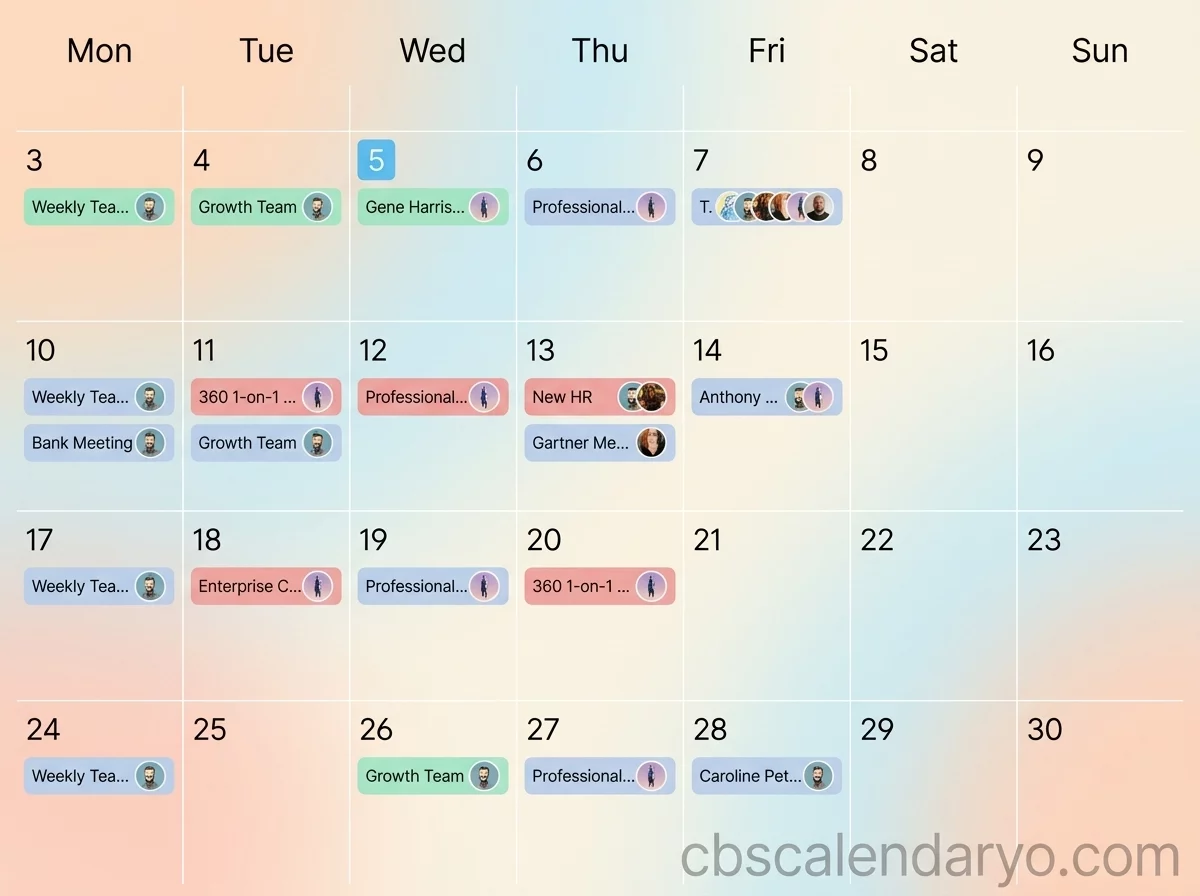
Benefits of Automated Client Meeting Reminders
Reduced Missed Appointments
Automated reminders ensure meetings remain visible and top of mind.
Better Time Management
Scheduled notifications help users allocate preparation time before each meeting.
Improved Professionalism
Being consistently prepared demonstrates reliability and attention to detail.
Less Administrative Work
Automation eliminates the need for manual reminder tracking.
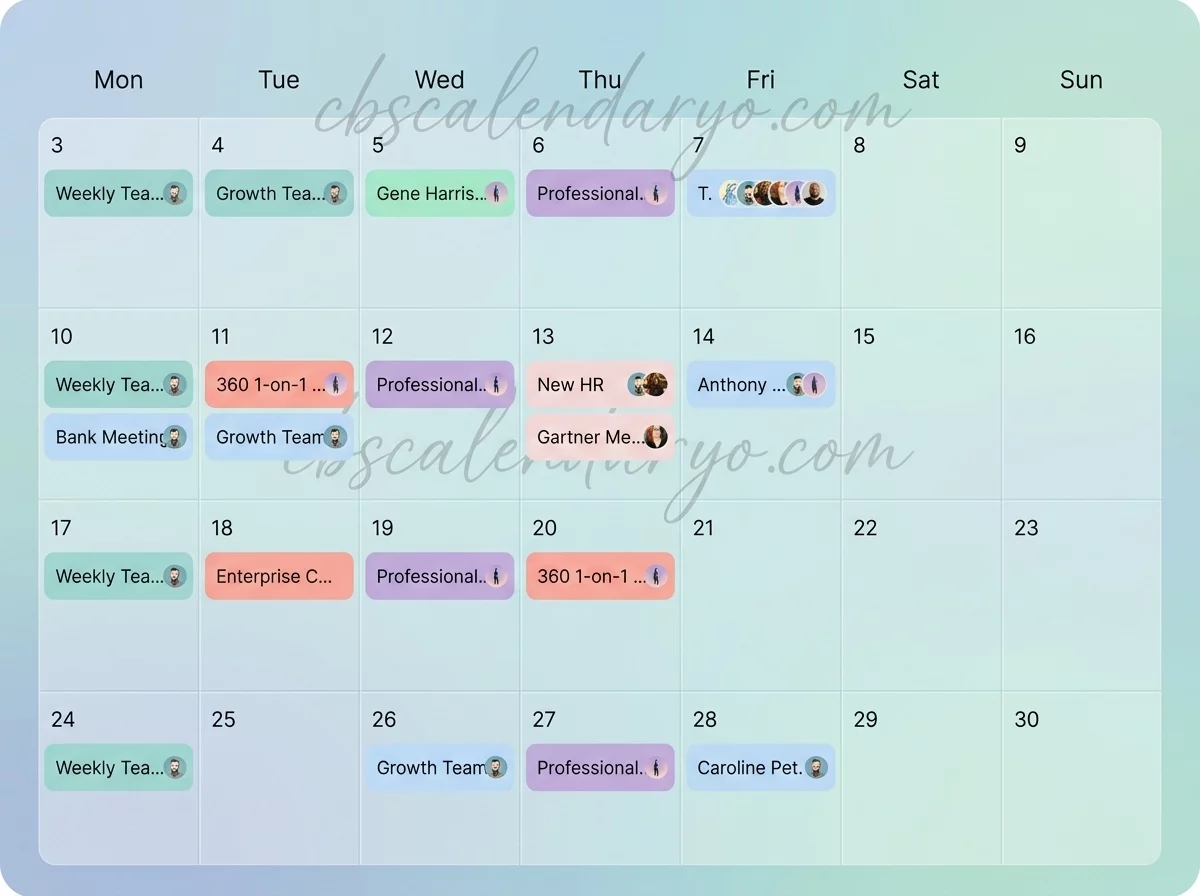
The Importance of Prep Notes Before Client Meetings
Preparation notes transform a calendar from a scheduling tool into a relationship management system.
Useful prep note categories include:
- Meeting objectives
- Client goals and priorities
- Previous discussion summaries
- Questions to address
- Pending action items
- Project updates
Having this information attached directly to calendar events reduces the need to search through emails and documents.
How to Structure Client Meeting Prep Notes
Client Overview
Include a brief summary of the client’s business, project status, or current needs.
Meeting Agenda
Outline the primary discussion topics and objectives.
Key Questions
Prepare important questions beforehand to maximize meeting value.
Action Items
Record commitments, deadlines, and next steps during or immediately after the meeting.
Using Calendar Time Blocking for Meeting Preparation
One common mistake is scheduling meetings back-to-back without preparation time.
Consider blocking:
- 15–30 minutes before meetings for preparation
- 10–15 minutes after meetings for notes and follow-up tasks
- Weekly review sessions for client management
This approach significantly improves meeting quality and reduces stress.
Digital Calendar Features That Improve Client Management
Recurring Event Scheduling
Ideal for ongoing client check-ins and project reviews.
Shared Calendars
Allow teams to coordinate schedules and client communication.
Custom Notifications
Different reminder intervals can be set depending on meeting importance.
Searchable Event History
Past meetings and notes remain accessible for future reference.
Industries That Benefit Most from Client Meeting Calendars
- Consulting firms
- Marketing agencies
- Financial advisors
- Sales professionals
- Business coaches
- Legal professionals
- Freelancers and independent contractors
Any profession that relies on client relationships can benefit from a more organized calendar workflow.
Digital vs Printable Meeting Planning Systems
Digital calendars excel at reminders, synchronization, and accessibility. Printable meeting planners provide a distraction-free environment for detailed preparation.
Many professionals use:
- Digital calendars for scheduling and reminders
- Printable prep sheets for detailed meeting planning
- Weekly planners for strategic client reviews
This hybrid approach combines flexibility with focused preparation.
Common Mistakes to Avoid
- Scheduling meetings without preparation time
- Failing to document action items
- Ignoring reminder settings
- Keeping client information in multiple disconnected systems
- Not reviewing notes before recurring meetings
A consistent calendar workflow helps eliminate these issues.
Future Trends in Digital Meeting Management
Modern calendar systems increasingly integrate scheduling, note-taking, customer relationship management, and productivity tools. Artificial intelligence is also helping automate meeting summaries, preparation suggestions, and follow-up reminders.
As these technologies evolve, digital calendars will continue to become central hubs for professional relationship management.
Conclusion
A digital calendar with client meeting reminders and prep notes is more than a scheduling tool—it is a productivity system that supports stronger client relationships and better business outcomes.
By combining automated reminders, structured preparation notes, and strategic time blocking, professionals can improve meeting quality, reduce administrative workload, and create a more organized client management process. With the right calendar workflow, every client interaction becomes an opportunity to build trust, deliver value, and achieve long-term success.
FAQ Section
What is a digital calendar with client meeting reminders?
It is a scheduling system that combines appointment management, automated notifications, and meeting preparation tools.
Why should prep notes be attached to calendar events?
Prep notes keep important client information easily accessible before and during meetings.
How much preparation time should be scheduled before meetings?
Most professionals benefit from 15–30 minutes of preparation before important client meetings.
Can digital calendars improve client relationships?
Yes. Better preparation, timely follow-ups, and organized communication help strengthen relationships.
Are digital calendars better than paper planners for client management?
Digital calendars offer automation and accessibility, while paper planners can complement them for detailed preparation.
