Managing a regular 9-to-5 schedule is already challenging—but for shift workers, things can get even more complicated. Rotating shifts, night work, and unpredictable hours make it harder to stay organized. That’s where choosing the right Calendar App for Shift Workers and Schedule Planning becomes essential.
Instead of relying on memory or messy notes, a well-designed calendar app helps you keep track of your shifts, plan your personal life, and avoid burnout. In this guide, we’ll explore the best options and how to use them effectively.
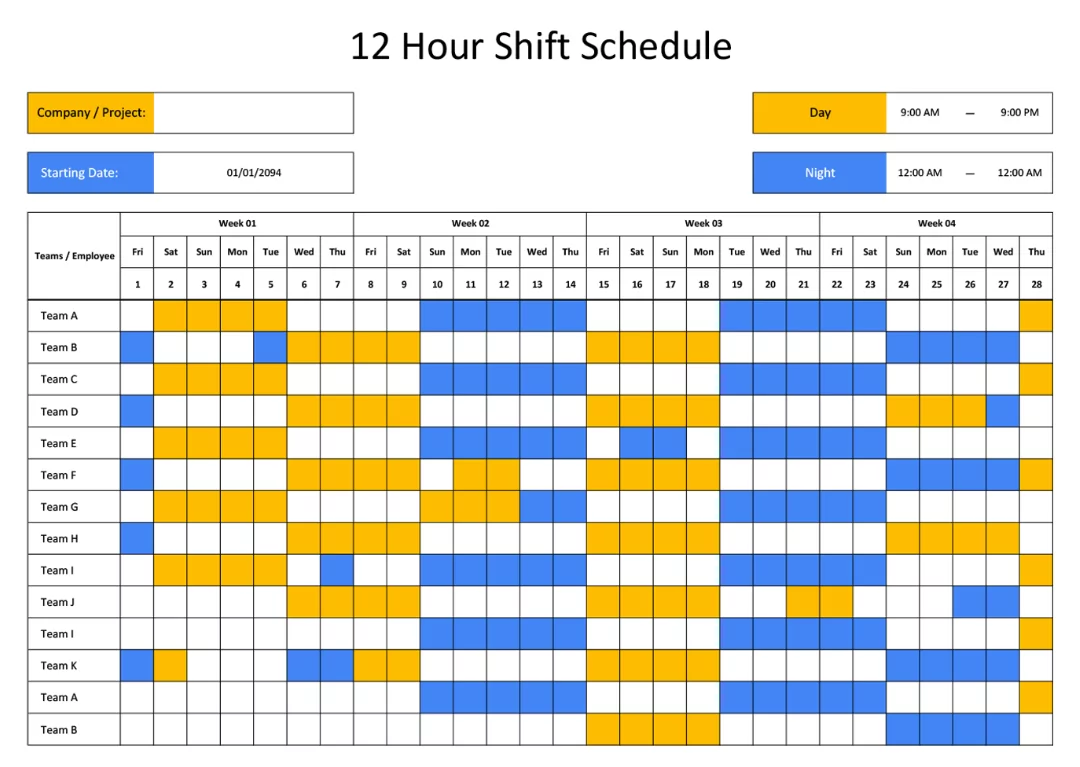
Why Shift Workers Need Specialized Calendar Apps
Standard calendar apps are great for fixed schedules, but they often fall short when dealing with rotating or irregular shifts. A proper Calendar App for Shift Workers and Schedule Planning should be flexible, easy to update, and capable of handling complex patterns.
Challenges Shift Workers Face
- Rotating schedules that change weekly
- Night shifts that cross over into the next day
- Difficulty balancing work and personal life
- Tracking overtime and days off
A specialized calendar app helps solve these issues by offering tools designed specifically for shift-based work.
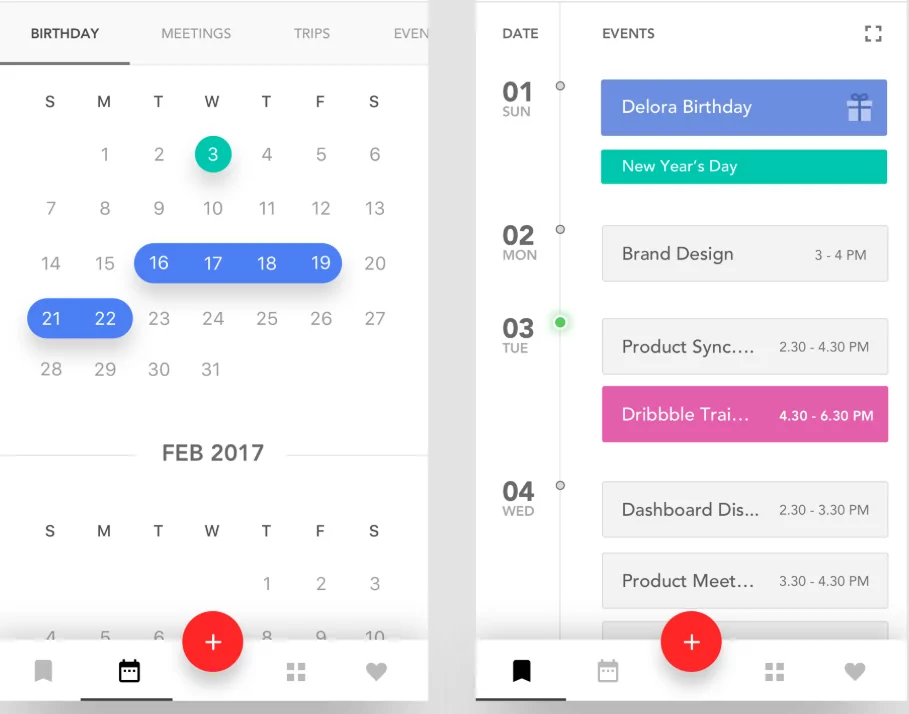
Features to Look for in a Calendar App for Shift Workers
1. Custom Shift Scheduling
You should be able to create and repeat shift patterns easily, whether it’s a rotating schedule or fixed cycle.
2. Color Coding
Different colors for day shifts, night shifts, and days off make your schedule easier to understand at a glance.
3. Notifications and Reminders
Automatic alerts ensure you never miss a shift, even if your schedule changes frequently.
4. Cross-Device Sync
Your calendar should be accessible on your phone, tablet, and computer.
5. Work-Life Balance Tools
Some apps allow you to track sleep, rest days, and personal activities to maintain a healthy routine.
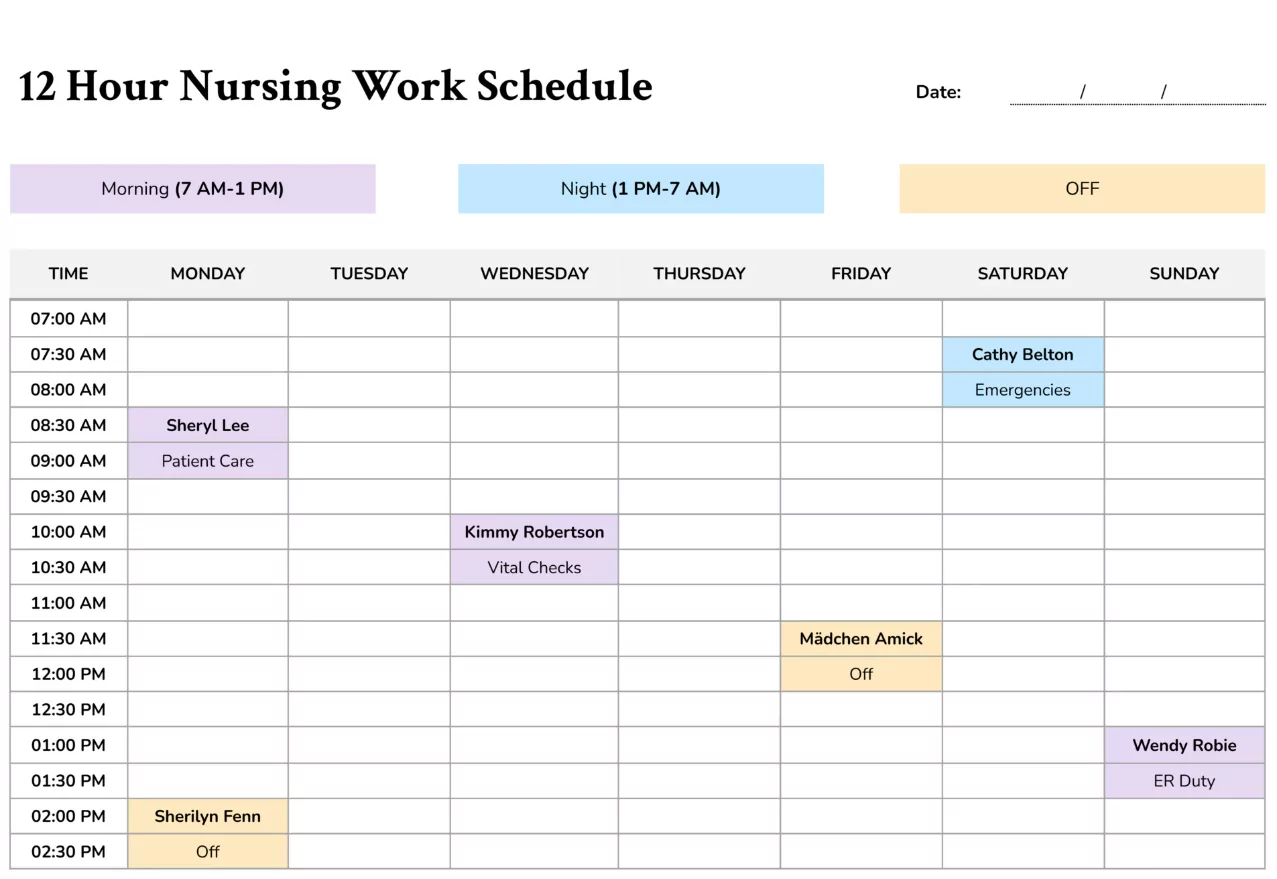
Best Calendar Apps for Shift Workers and Schedule Planning
1. Google Calendar
Google Calendar is a popular choice due to its simplicity and flexibility. You can create custom events, use color coding, and set recurring schedules.
While it’s not specifically built for shift workers, it can still be adapted effectively with the right setup.
2. Microsoft Outlook Calendar
Outlook Calendar is ideal for professionals who need integration with email and team collaboration tools.
It allows for shared calendars and detailed scheduling, making it useful for team-based shift planning.
3. Shift Work Calendar Apps
There are also dedicated apps designed specifically for shift workers. These tools offer built-in shift patterns, rotation tracking, and advanced customization.
They are perfect for healthcare workers, security staff, and anyone with non-traditional schedules.
4. Apple Calendar
Apple Calendar provides a clean and user-friendly interface for Apple users. It supports recurring events and synchronization across devices.
It works well for individuals who want a simple but effective solution.
How to Set Up Your Shift Schedule Effectively
Start with Your Work Pattern
Identify your shift cycle—whether it’s weekly, bi-weekly, or rotating—and input it into your calendar.
Use Clear Labels
Name your shifts clearly, such as “Day Shift,” “Night Shift,” or “Off Day.”
Apply Color Coding
Assign colors to each type of shift for quick recognition.
Add Personal Time
Include family time, exercise, and rest days to maintain balance.
Review Weekly
Check your schedule regularly to stay updated and make adjustments if needed.
Tips for Better Schedule Planning
Prioritize Rest
Shift work can disrupt sleep patterns. Make sure to schedule adequate rest time.
Avoid Overbooking
Don’t fill every free slot with tasks. Leave room for recovery and flexibility.
Plan Meals and Exercise
Maintaining a healthy lifestyle is easier when you plan ahead.
Communicate Your Schedule
Share your calendar with family or coworkers to avoid conflicts.
Common Mistakes to Avoid
- Not updating your schedule regularly
- Ignoring rest and recovery time
- Using unclear labels for shifts
- Relying on memory instead of a system
Consistency is key when managing a shift-based lifestyle.
Digital vs Paper Planning for Shift Workers
While some people prefer writing things down, digital tools offer greater flexibility. A Calendar App for Shift Workers and Schedule Planning allows you to update schedules instantly, set reminders, and access your plan anywhere.
However, combining both methods can sometimes be the most effective approach.
Final Thoughts
Choosing the right Calendar App for Shift Workers and Schedule Planning can make a huge difference in your daily life. It helps you stay organized, reduce stress, and maintain a healthy balance between work and personal time.
The best app is one that fits your routine and is easy to use consistently. Start simple, build your schedule step by step, and adjust as needed.
With the right system in place, even the most complex shift schedule can become manageable.
