Deep work—focused, distraction-free work on cognitively demanding tasks—is becoming increasingly valuable in a world full of interruptions. One of the most effective ways to protect deep work is by using time blocking on your calendar.
This article explains how to block time on your calendar for deep work sessions, why it improves productivity, and how to implement a sustainable system that works with real-life schedules.
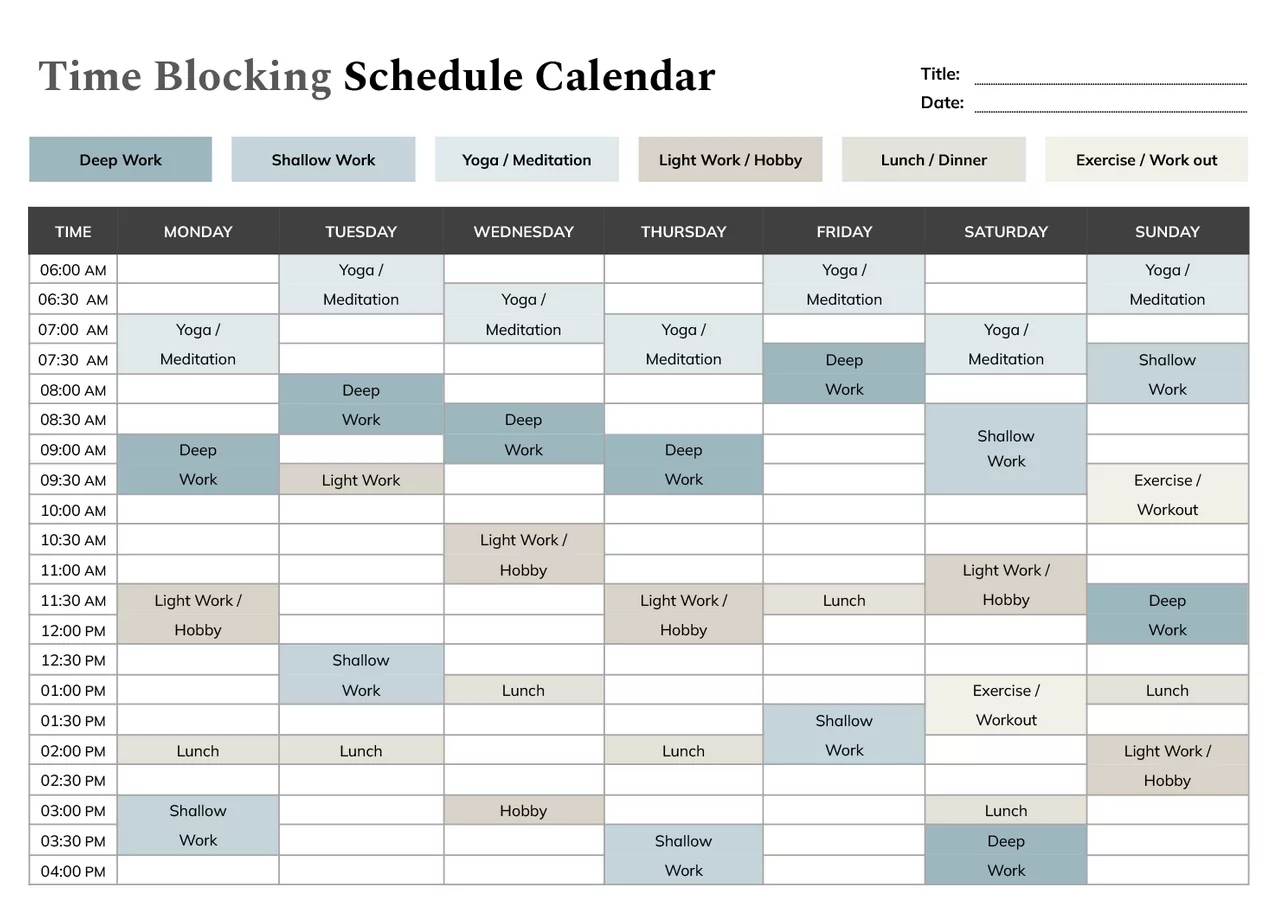
What Is Time Blocking?
Time blocking is a scheduling technique where you assign specific blocks of time to focused activities instead of keeping an open-ended to-do list. Each block on your calendar has a clear purpose.
For deep work, time blocking creates intentional space for high-concentration tasks such as writing, problem-solving, studying, or strategic planning.
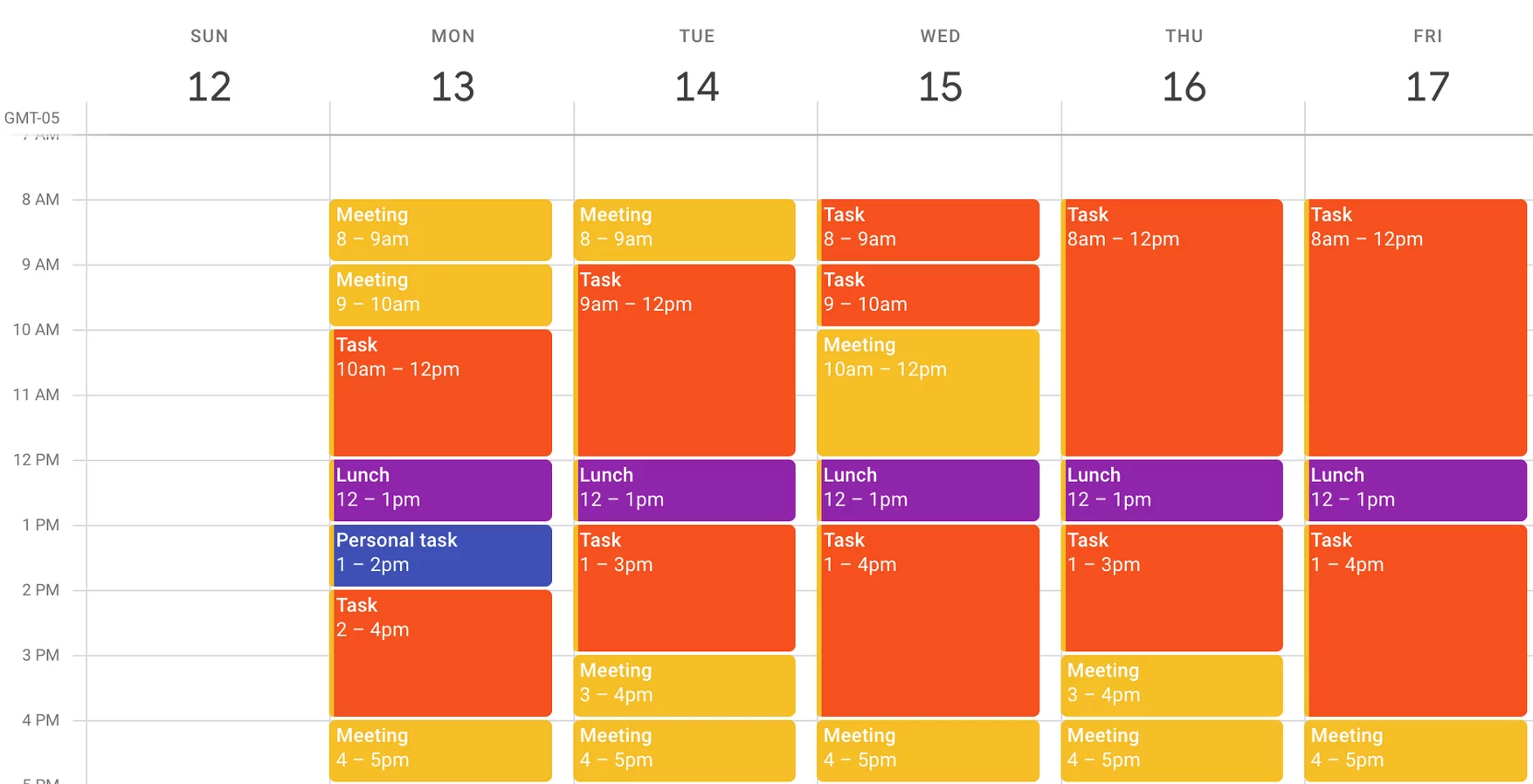
Why Deep Work Needs Calendar Protection
Without calendar protection, deep work is often pushed aside by meetings, messages, and urgent but low-impact tasks.
Blocking time for deep work helps:
- Reduce distractions and interruptions
- Improve concentration and mental clarity
- Increase output quality and efficiency
- Ensure important work actually gets done
Step 1: Identify Your Deep Work Activities
Start by defining what qualifies as deep work in your role or personal goals.
- Writing or content creation
- Studying or learning complex material
- Software development or design work
- Strategic thinking and planning
These tasks should require focus and deliver long-term value.
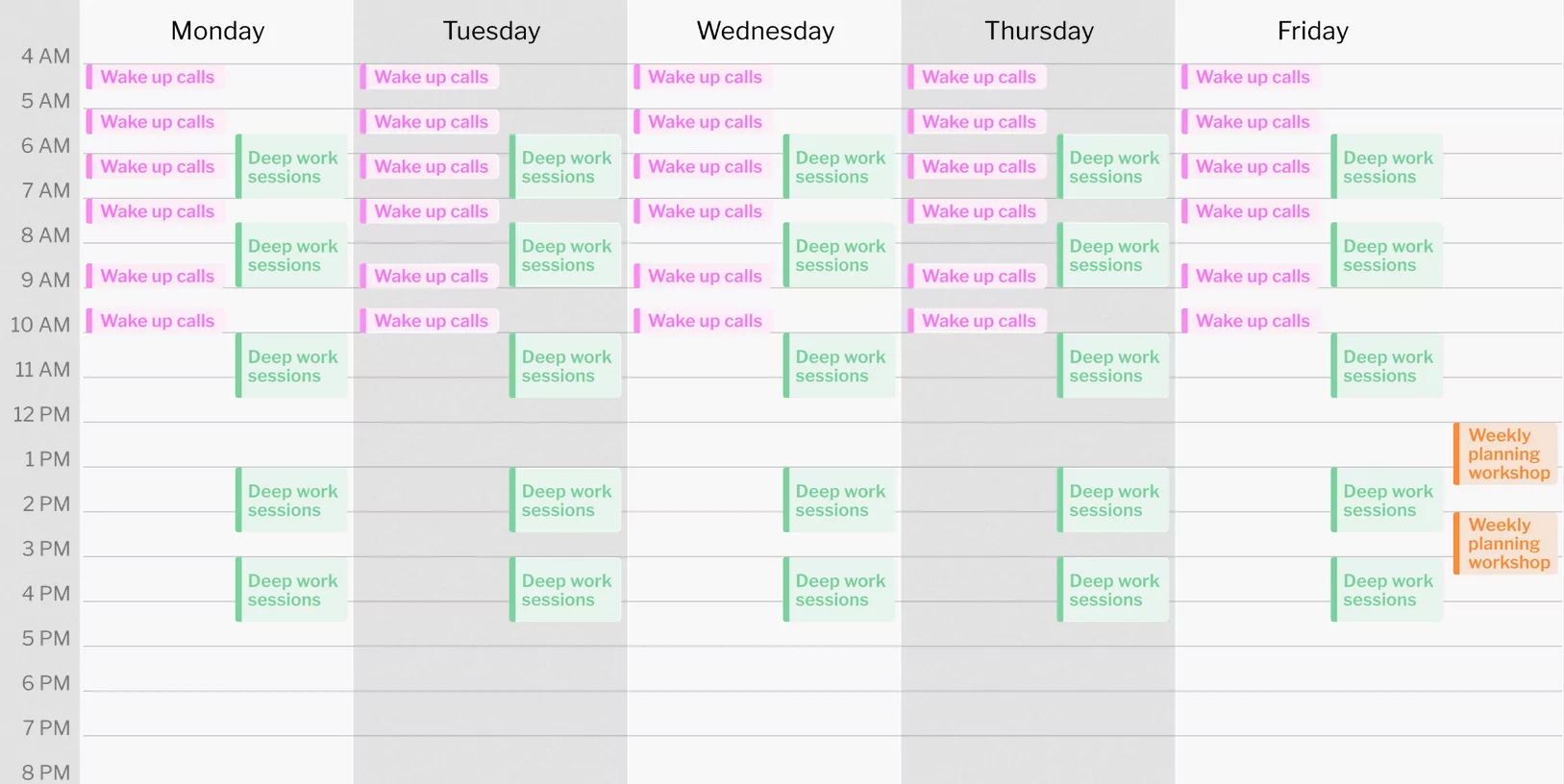
Step 2: Choose the Best Time for Deep Work
Deep work is most effective when scheduled during periods of high energy and low interruption.
- Early mornings for focused thinkers
- Late mornings before meetings begin
- Quiet evenings for creative tasks
Protect these time slots consistently.
Step 3: Block Time on Your Calendar
Create dedicated calendar blocks labeled clearly, such as “Deep Work,” “Focus Session,” or “Project Work.”
Recommended guidelines:
- Start with 60–90 minute sessions
- Limit deep work to 2–4 hours per day
- Schedule buffer time before and after sessions
Step 4: Set Boundaries and Reduce Interruptions
During deep work blocks:
- Turn off notifications
- Silence messaging apps
- Close unnecessary browser tabs
- Communicate availability expectations to others
Your calendar block signals that this time is non-negotiable.
Step 5: Review and Adjust Weekly
Deep work scheduling should evolve with your workload.
- Review blocked time weekly
- Adjust session length if needed
- Move blocks when conflicts arise
- Track which times produce the best results
Common Time Blocking Mistakes to Avoid
- Overbooking every minute of the day
- Scheduling deep work during low-energy periods
- Ignoring breaks and recovery time
- Treating deep work as optional
Who Benefits Most from Deep Work Time Blocking?
- Knowledge workers and professionals
- Students and researchers
- Writers, designers, and developers
- Entrepreneurs and creators
Digital vs Paper Calendars for Time Blocking
Digital calendars offer flexibility, reminders, and easy rescheduling, while paper planners provide focus and fewer digital distractions. Many people use digital calendars for blocking and paper planners for reflection.
Conclusion
Learning how to block time on your calendar for deep work sessions is a powerful productivity skill. By intentionally scheduling focus time, you protect your most valuable mental energy and ensure meaningful work gets done.
With consistent practice and regular reviews, time blocking transforms deep work from an aspiration into a reliable daily habit.
FAQ
What is the best length for a deep work session?
Most people find 60–90 minutes ideal for maintaining focus without burnout.
How many deep work sessions should I schedule per day?
Two to four hours of deep work per day is effective for most professionals.
Should deep work be scheduled every day?
Yes, if possible. Consistency helps build focus habits.
Can I move deep work blocks if something urgent comes up?
Yes. Reschedule the block instead of deleting it to maintain consistency.
Is time blocking suitable for flexible or unpredictable schedules?
Yes. Time blocking works best when combined with buffer time and weekly reviews,
