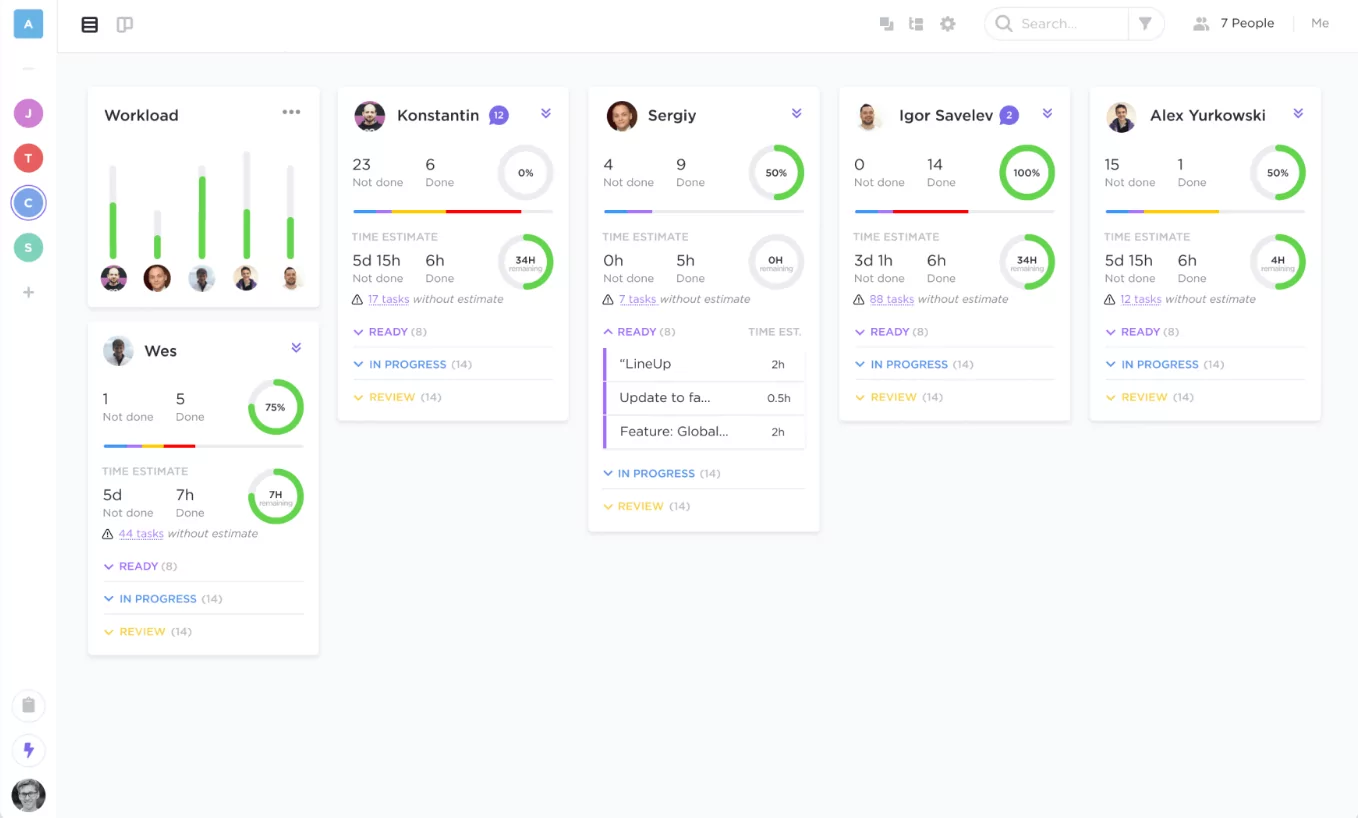
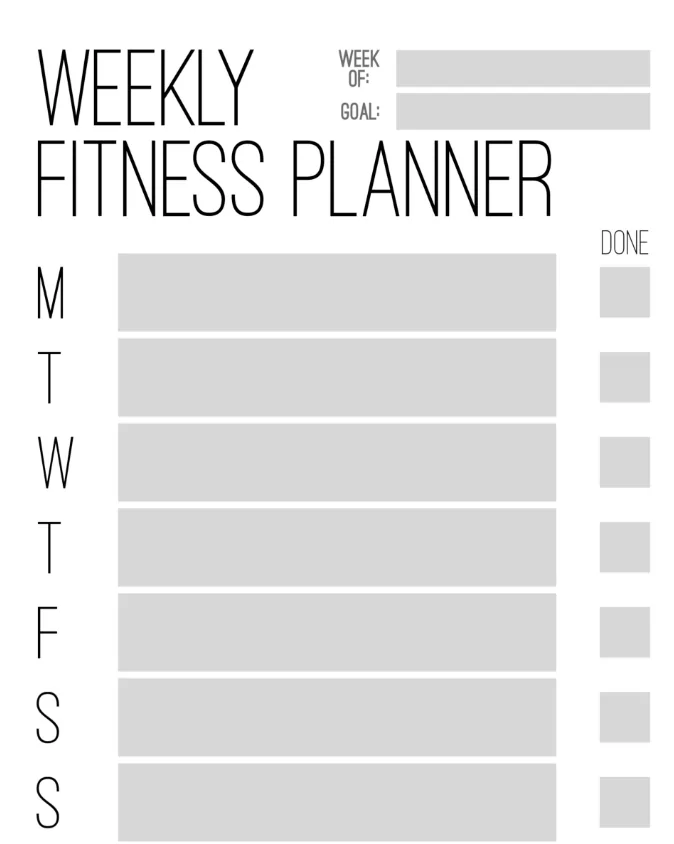
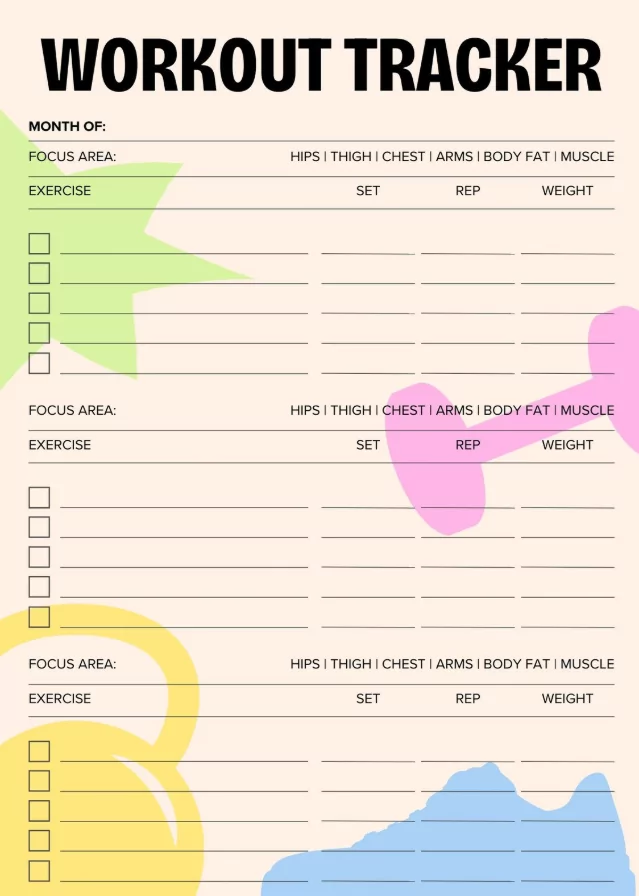
Plan smarter, stay consistent, and achieve your 2026 fitness goals with a ClickUp Fitness Calendar Template. Whether you’re training for a marathon, tracking gym sessions, or building new habits, this guide will show you how to set up, customize, and use a calendar that keeps you accountable every day.
Why Use a Fitness Calendar in 2026
- Accountability: See your progress visually with daily logs and missed days.
- Structure: Organize workouts by type — cardio, strength, mobility, or rest.
- Motivation: Celebrate streaks and milestones through monthly summaries.
- Integration: Sync your fitness goals with ClickUp tasks, due dates, and reminders.
How to Set Up Your Fitness Calendar Template in ClickUp
- Create a Fitness Space: In ClickUp, add a new space called “Fitness 2026.” This will host your lists, tasks, and goals.
- Use the Calendar View: Select Calendar View to visualize workouts by date. You can add daily exercise tasks or recurring routines.
- Design Your Template: Add sections like Warm-up, Main Workout, Cool Down, and Notes. Each day can include duration, reps, or sets.
- Set Custom Fields: Include fields for:
- Workout Type (Cardio, Strength, Flexibility)
- Duration (in minutes)
- Calories Burned
- Energy Level (1–10)
- Recurring Tasks: For routines like “Leg Day” or “Morning Yoga,” schedule repeating tasks weekly or bi-weekly.
- Track Progress: Use ClickUp Dashboards to view charts showing total hours, sessions, and average intensity per week.
Fitness Calendar Ideas You Can Recreate
1. Weekly Workout Planner
Plan each week with alternating focus areas—e.g., Mon: Cardio, Tue: Strength, Wed: Rest. Add motivational quotes in task notes for each day.
2. 30-Day Challenge Tracker
Set a short-term challenge, like “30 Days of Pushups.” Mark each day complete in ClickUp, and add checklists for progress photos or reflections.
3. Gym & Nutrition Combo Calendar
Create parallel task lists—one for workouts, one for meals. Use ClickUp automations to remind you to log meals after training sessions.
Printable Fitness Calendar Templates (JPG & PNG)
If you prefer offline planning, you can export your calendar from ClickUp or create a printable image version. Use these sizes for clarity:
| Paper | Pixels @300 PPI | Use |
|---|---|---|
| US Letter | 2550 × 3300 | Home/office printers |
| A4 | 2480 × 3508 | Standard printing |
| A3 / Tabloid | 3508 × 4961 / 3300 × 5100 | Wall calendar or poster display |
When exporting, use PNG for sharp lines or JPG for lightweight sharing. You can also include a small notes area for daily reflections or metrics.
Tips for Staying Consistent
- Batch-plan workouts: Plan 4–6 weeks at a time so you stay on track even when busy.
- Use reminders: ClickUp notifications can help you maintain streaks and discipline.
- Visual rewards: Use color labels for completed weeks or PR (personal record) days.
- Reflect weekly: Add a Sunday task to evaluate progress and adjust goals.
FAQ: Fitness Calendars in ClickUp
Can I sync ClickUp with my phone calendar?
Yes. Use the Calendar Sync feature to connect with Google Calendar or Apple Calendar so you’ll get mobile reminders for workouts.
Can I share my calendar with a coach or friend?
Absolutely. You can invite collaborators to your ClickUp workspace or export the monthly layout as a PDF or PNG.
What’s the best view for fitness tracking?
Try Calendar View for daily visibility or Board View if you prefer sorting workouts by categories (e.g., Strength, Cardio, Yoga).
Start Tracking Your 2026 Fitness Goals Today
A Fitness Calendar Template in ClickUp gives you a simple yet powerful system to organize, track, and celebrate your fitness journey. Whether you print it or keep it digital, structure your workouts, stay consistent, and make 2026 your healthiest year yet.