In today’s fast-paced world, managing time effectively can feel like juggling too many tasks at once. A well-organized calendar can become your best productivity partner. When combined with tools like Focus Keeper—a time-tracking and Pomodoro-style app—you can transform your day into a balanced, focused workflow. This guide explores practical calendar organization ideas to help you manage time, reduce distractions, and accomplish more with less stress.
Why Calendar Organization Matters
A calendar isn’t just a place to record appointments. It’s a visual map of how you spend your time. Poorly organized calendars can lead to missed deadlines, burnout, or overlapping commitments. On the other hand, a structured, thoughtful calendar helps you:
- Visualize tasks and goals clearly.
- Reduce time wasted on context switching.
- Prioritize important work before distractions take over.
- Maintain balance between work, rest, and personal life.
By mastering calendar organization, you’ll turn your schedule from chaos into clarity.
1. Start With a Time Audit
Before optimizing your calendar, analyze how you currently spend your time. Track your activities for a few days using apps like Focus Keeper or your phone’s built-in screen time tracker. Identify where hours are slipping away—meetings, scrolling, or multitasking. Once you see the pattern, you can allocate time more intentionally.
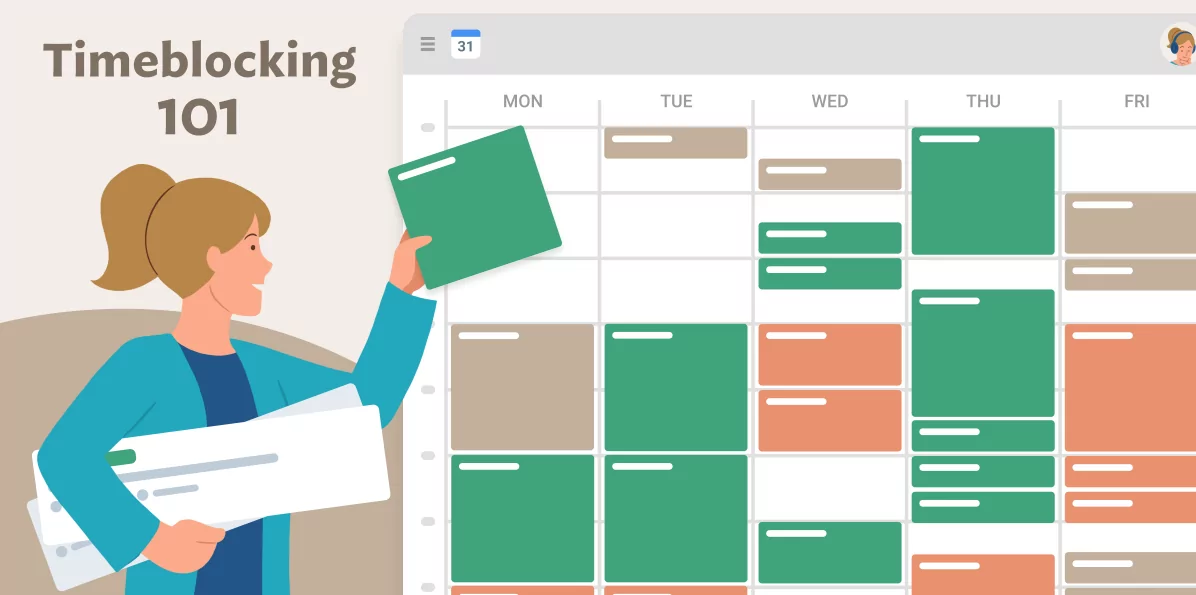
2. Apply Time Blocking
Time blocking is a popular productivity strategy that divides your day into dedicated segments for specific tasks. Instead of multitasking, you focus entirely on one activity within its time block. This helps you work deeply and avoid task switching.
- Open your calendar tool (Google Calendar, Outlook, Notion, etc.).
- Set blocks for deep work, admin tasks, meetings, breaks, and learning.
- Color-code each category (for example, blue for meetings, green for personal time).
By visually separating your time, you can see exactly how your day unfolds—and how realistic your plans are.
3. Combine Focus Keeper with Your Calendar
Focus Keeper is based on the Pomodoro Technique, which divides work into focused intervals (usually 25 minutes) followed by short breaks. When integrated with your calendar, this method can drastically improve concentration and prevent fatigue.
- Pick a task from your calendar block.
- Set a 25-minute focus session in Focus Keeper.
- Work without distractions until the timer rings.
- Take a 5-minute break, then start again.
This approach trains your brain to associate time blocks with deep focus, making you more efficient throughout the day.
4. Plan Weekly, Not Daily
Instead of organizing your time day-by-day, plan an entire week ahead. On Sunday evening or Monday morning, open your calendar and schedule key tasks for the next seven days. This helps you anticipate busy periods and spread work evenly across the week.
Weekly planning also prevents the “daily panic” of deciding what to do next. Once your calendar is set, all you need to do each morning is follow the plan and focus on execution.
5. Add Buffer Time Between Tasks
Back-to-back meetings or appointments often cause fatigue and lateness. Schedule 10–15 minutes of buffer time between calendar events. Use this small gap to take notes, stretch, or grab water before starting the next task. These micro-breaks restore mental clarity and make transitions smoother.
6. Use the 3-3-3 Rule
The 3-3-3 rule is a simple framework for structuring your day:
- 3 hours: Deep work (strategic or creative tasks)
- 3 hours: Collaborative work (meetings, communication)
- 3 hours: Administrative and personal routines
Use your calendar to mark these zones clearly. You can adjust the ratio depending on your job, but the idea is to give every major category its fair share of time.
7. Sync Personal and Work Calendars
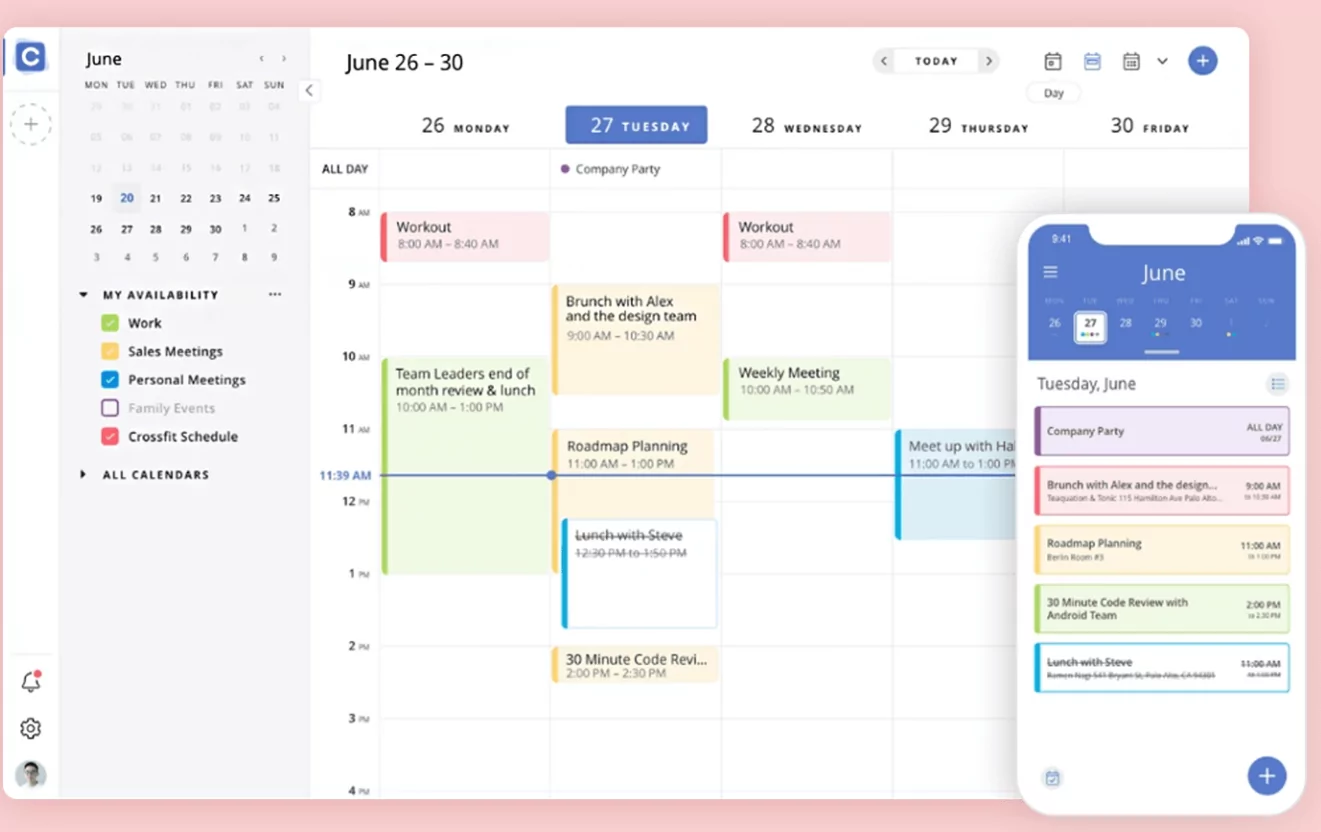
Many people maintain separate calendars for work and personal life—but without synchronization, conflicts can occur. Integrate both calendars (or use a tool that merges them) so you can avoid overlapping meetings and family plans. Having one unified view of your commitments ensures better decision-making when scheduling new events.
8. Leverage Color-Coding for Clarity
Colors instantly communicate meaning. Assign consistent colors for task types: blue for deep work, orange for meetings, green for exercise, yellow for family. Visual color patterns help you spot imbalances—like too many meetings or too little rest—at a glance.
9. Automate Recurring Tasks
Save time by automating repetitive calendar entries. For example:
- Set weekly recurring meetings or planning sessions.
- Auto-schedule reminders for monthly bills, birthdays, or reports.
- Use digital assistants like Google Assistant or Siri to add events hands-free.
Automation ensures consistency and reduces decision fatigue.
10. Review and Reflect Regularly
At the end of each week, review your calendar and Focus Keeper data. Ask yourself:
- Which time blocks worked best?
- Did I underestimate or overestimate task durations?
- What caused distractions?
Use these insights to adjust your schedule for the upcoming week. Over time, you’ll develop a system that fits your natural rhythms and priorities.
Example: Balanced Weekly Calendar Layout
| Day | Morning | Afternoon | Evening |
|---|---|---|---|
| Monday | Deep Work (Focus Keeper sessions) | Team Meetings | Workout + Family Time |
| Tuesday | Project Development | Emails + Admin Tasks | Reading / Relaxation |
| Wednesday | Creative Planning | Collaboration Calls | Free Time |
| Thursday | Deep Work | Client Updates | Exercise + Personal Growth |
| Friday | Content Creation | Weekly Review | Leisure / Hobbies |
11. Keep Your Calendar Minimal
Overloaded calendars can cause overwhelm. Avoid filling every minute—leave white space for flexibility and creativity. The best calendars are simple, clean, and easy to scan. Focus on key priorities rather than micromanaging every second of your day.
12. Use Reminders and Notifications Wisely
While reminders can be helpful, too many can interrupt your flow. Schedule notifications only for high-priority events or deadlines. For focus periods, turn on Do Not Disturb mode or mute unnecessary alerts. This balance helps you stay both informed and undistracted.
Final Thoughts
Organizing your calendar is more than a productivity hack—it’s a lifestyle shift. When combined with Focus Keeper or any Pomodoro-based tool, you can achieve sustainable focus and long-term balance. Experiment with time blocking, weekly reviews, and color-coding until you find your rhythm. Remember, the goal isn’t to fill your calendar—it’s to make every hour count.