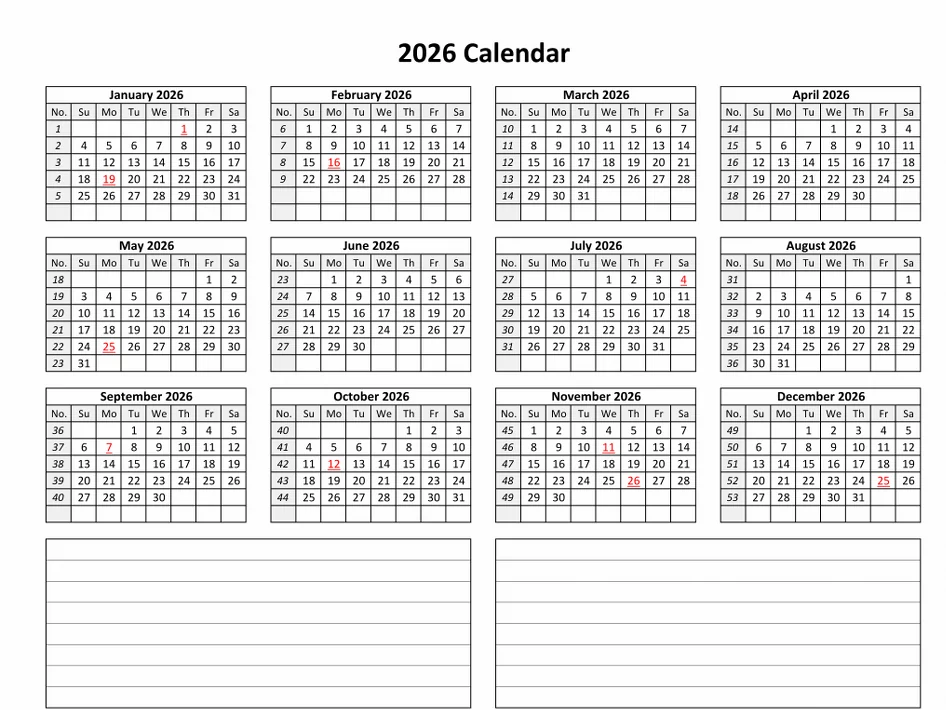
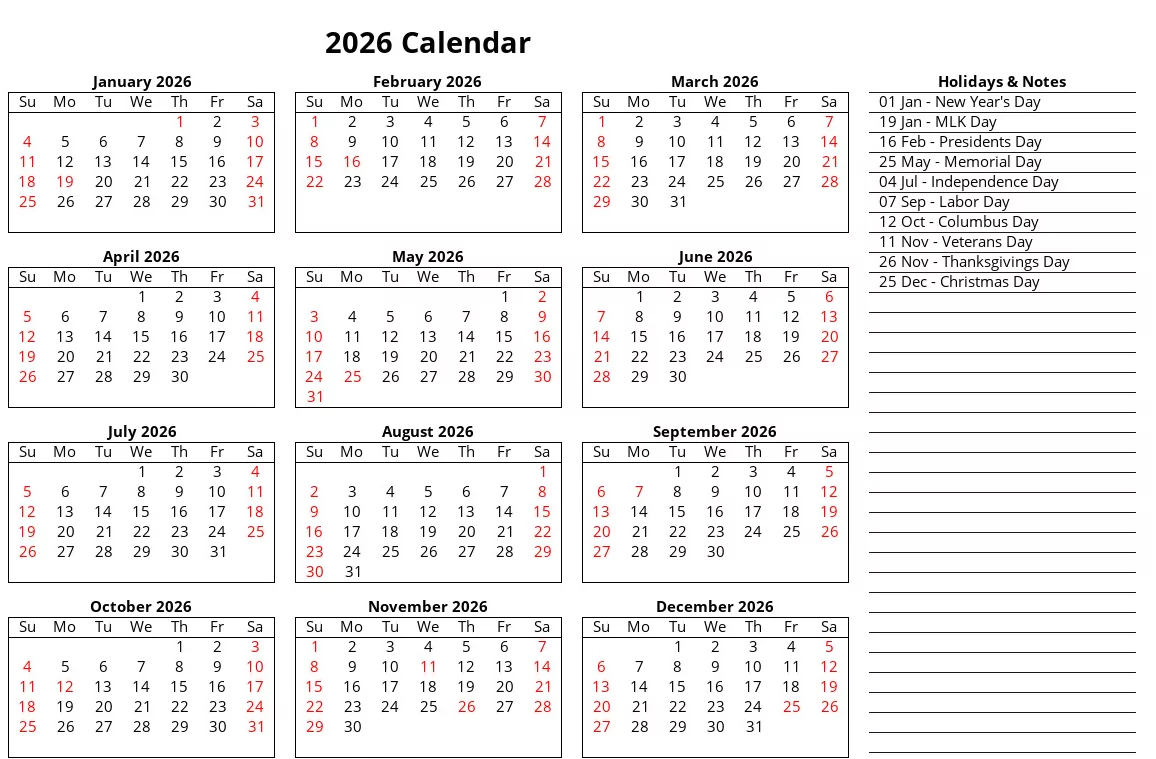
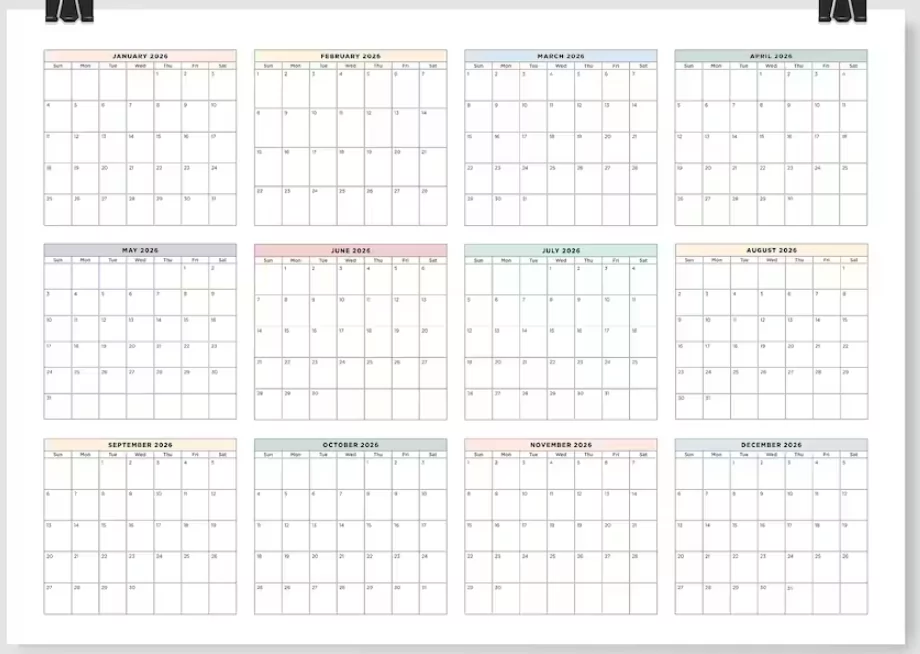
Planning your year has never been easier! With customizable 2026 calendar templates for Google Sheets and Microsoft Excel, you can design, modify, and print your own digital or physical planner in minutes. Whether you’re managing work projects, family events, or academic schedules, editable templates offer the flexibility you need to stay organized all year long.
Why Use Customizable Calendar Templates?
Unlike static calendars, customizable templates let you take control. You can change layouts, add your favorite colors, insert holidays, or even include personal reminders. Here are a few reasons to switch from standard downloads to editable versions:
- Flexibility: Modify fonts, colors, or layouts to suit your design preferences.
- Functionality: Add formulas or checkboxes in Sheets/Excel to track productivity.
- Accessibility: Edit your calendar online or offline, on desktop or mobile.
- Reusability: Duplicate and adapt the same template for 2027, 2028, and beyond.
Creating a Calendar in Google Sheets
Google Sheets is perfect for quick and collaborative planning. It’s cloud-based, easy to edit, and lets you share your calendar instantly with coworkers, classmates, or family members. Follow these steps to build your own 2026 calendar in Google Sheets:
- Open a new Google Sheet and rename it “2026 Calendar.”
- Label the first row with the days of the week (Sunday to Saturday or Monday to Sunday).
- Use the
=DATE(2026,1,1)function to start your year, then autofill the dates across the sheet. - Apply color formatting for weekends or public holidays.
- Add an extra column for notes, goals, or reminders.
To enhance visibility, you can merge cells for month headers, insert hyperlinks for quick navigation, and use conditional formatting to mark important events. Google Sheets also allows team editing, which means everyone can access and update shared plans instantly.
Designing a Calendar in Microsoft Excel
Excel offers advanced customization options that go beyond simple layouts. If you love detailed control over structure, colors, and printing, Excel templates are your best choice. Here’s how to design a professional 2026 calendar in Excel:
- Create a 7-column grid and adjust cell size for a square layout.
- Merge top cells for the month name and apply bold text styling.
- Use formulas like
=TEXT(DATE(2026,ROW(A1),1),"mmmm yyyy")to auto-generate months. - Highlight weekends with light gray shading or background color.
- Add formulas for project deadlines or working days using
WORKDAY()orNETWORKDAYS().
Combining Google Sheets and Excel Benefits
Both platforms have unique advantages. Google Sheets is excellent for sharing, while Excel excels at data management and printing. Many users create a calendar in Excel for print, then upload it to Sheets for real-time editing and collaboration.
| Feature | Google Sheets | Microsoft Excel |
|---|---|---|
| Accessibility | Online & cloud-based | Desktop & offline |
| Collaboration | Real-time editing and sharing | Limited to shared files |
| Automation | Google scripts | Powerful formulas & macros |
| Design | Basic styling | Advanced formatting tools |
Ideas to Customize Your 2026 Calendar
Once you’ve set up the base template, make it truly yours! Here are a few creative ideas:
- Add holidays: Include public, national, or religious holidays relevant to your region.
- Use colors: Assign specific colors for workdays, weekends, and special events.
- Incorporate goals: Add a “Goals” or “Notes” section for each month.
- Include links: Insert quick links to meetings, task lists, or project files.
- Printable version: Adjust margins and page breaks for a clean printed look.
Top Tips for Better Calendar Organization
- Keep one master version of your calendar and duplicate it for personal or work use.
- Regularly update it — at least once a month — to stay aligned with goals and events.
- Use filters or separate tabs for work, travel, birthdays, and holidays.
- Integrate with task management tools like Google Tasks or Microsoft To Do for automation.
- Backup your templates in Google Drive or OneDrive for easy access across devices.
Frequently Asked Questions
Can I share my 2026 calendar with others?
Yes! Google Sheets allows you to share calendars instantly with anyone via email or link. In Excel, save your file in OneDrive or SharePoint for similar collaboration features.
Can I include regional holidays automatically?
Yes. Use online public holiday datasets or custom formula lists to import holidays directly into your calendar cells.
Is it possible to print these templates?
Absolutely. Both Google Sheets and Excel let you adjust margins, paper size, and orientation. You can easily export your calendar to PDF before printing.
Conclusion
A customizable 2026 calendar template is more than just a planning tool — it’s your personal productivity hub. Whether you prefer the simplicity of Google Sheets or the power of Microsoft Excel, you can design a calendar that matches your workflow, goals, and creativity. By customizing colors, adding notes, and syncing events, you’ll stay organized and motivated throughout 2026 and beyond.