Managing a busy schedule can be challenging when you’re manually entering the same appointments, meetings, and tasks repeatedly. Whether you’re a business professional, freelancer, student, or team manager, learning how to auto-fill your calendar with recurring meetings and tasks can significantly improve productivity while reducing administrative work.
Modern calendar applications allow users to automate repetitive scheduling activities, ensuring important events never get forgotten. By using recurring events, task automation, and calendar integrations, you can create a structured schedule that keeps your personal and professional life organized.
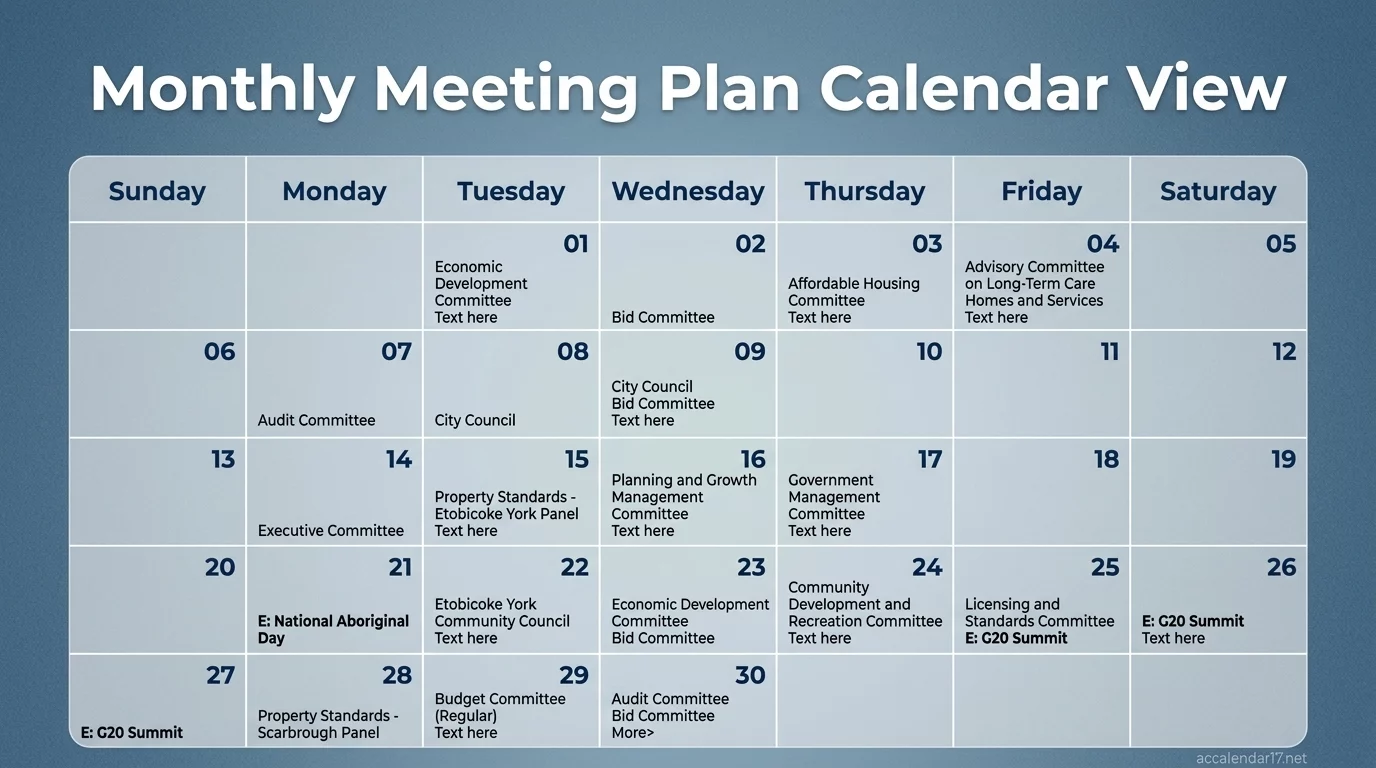
In this guide, you’ll learn how recurring calendar automation works, the benefits it offers, and the best practices for setting up a highly efficient scheduling system.
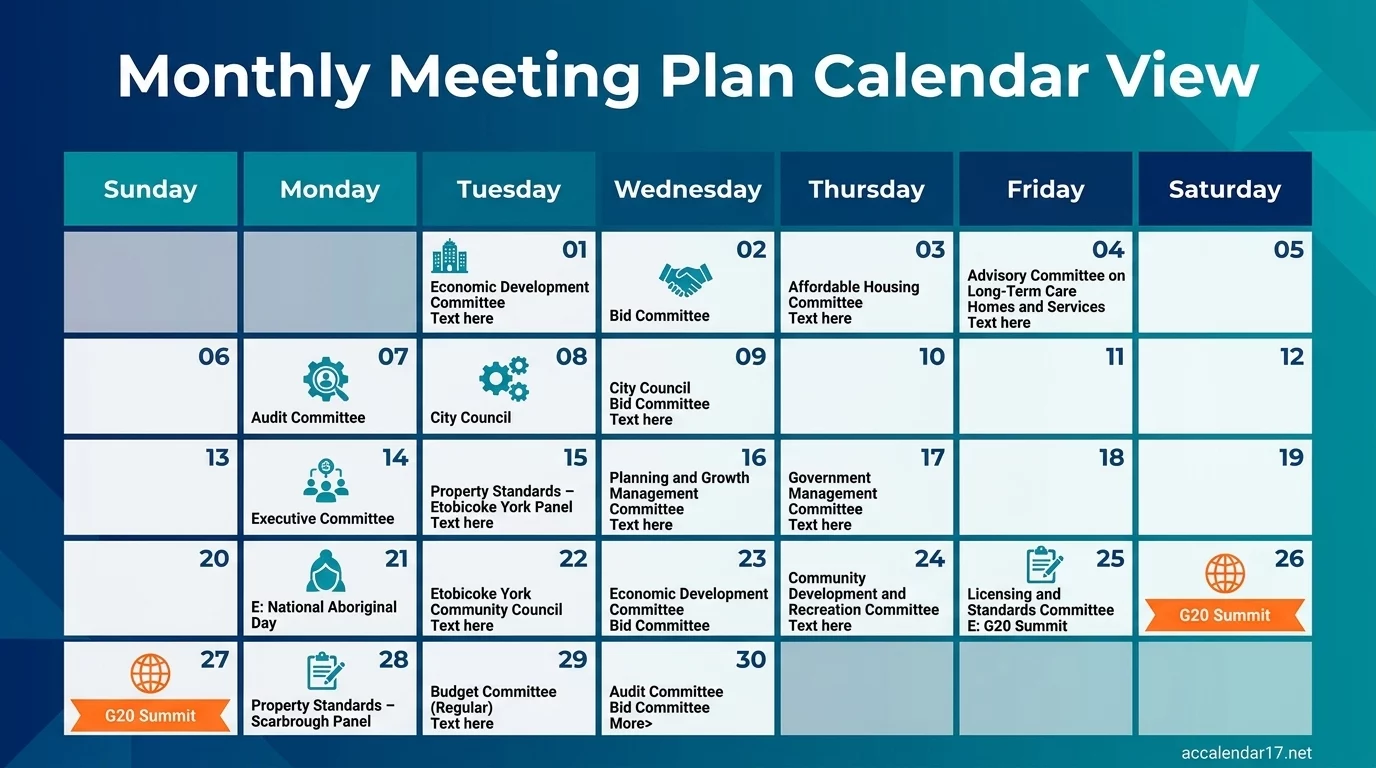
What Does Auto-Filling a Calendar Mean?
Auto-filling a calendar refers to automatically creating recurring events, appointments, reminders, or tasks according to predefined schedules.
Instead of manually adding the same event every week or month, calendar software generates future occurrences automatically.
Examples include:
- Weekly team meetings
- Monthly project reviews
- Daily workout sessions
- Quarterly business planning meetings
- Bill payment reminders
- Content publishing schedules
This automation helps maintain consistency and eliminates repetitive data entry.
Benefits of Using Recurring Calendar Events
Creating recurring meetings and tasks provides numerous advantages.
Saves Time
One of the biggest benefits is reducing manual scheduling work.
Instead of entering an event 52 times per year, you create it once and let the calendar generate future instances automatically.
Improves Organization
Recurring schedules ensure important commitments remain visible.
Benefits include:
- Fewer missed meetings
- Better deadline management
- Improved time blocking
- Increased consistency
Enhances Productivity
When routine tasks are automatically scheduled, you spend less mental energy remembering them.
This allows greater focus on high-value work.
Reduces Scheduling Errors
Automation minimizes:
- Forgotten appointments
- Double bookings
- Incorrect dates
- Inconsistent reminders
As a result, your schedule becomes more reliable and predictable.
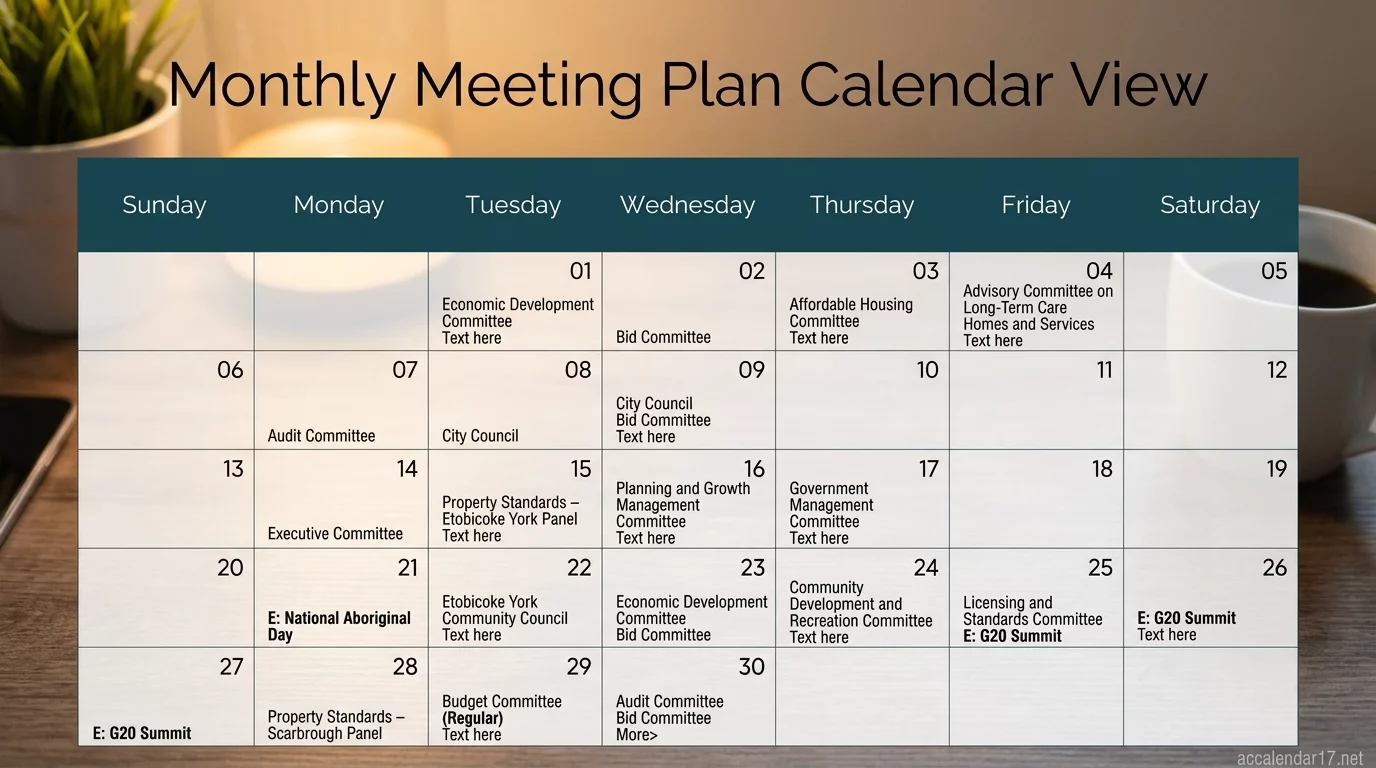
Types of Recurring Calendar Events
Most modern calendar applications support multiple recurrence patterns.
Daily Recurring Events
Useful for:
- Morning planning sessions
- Exercise routines
- Medication reminders
- Daily reporting tasks
Examples:
- Every weekday at 8:00 AM
- Every day at 6:00 PM
Weekly Recurring Events
Ideal for:
- Team meetings
- Staff check-ins
- Weekly reviews
- Coaching sessions
Examples:
- Every Monday at 10:00 AM
- Every Wednesday and Friday at 2:00 PM
Monthly Recurring Events
Perfect for:
- Budget reviews
- Invoice processing
- Performance evaluations
- Membership renewals
Examples:
- First Monday of each month
- Last Friday of every month
Annual Recurring Events
Common uses include:
- Birthdays
- Anniversaries
- Company events
- Tax deadlines
These events require minimal maintenance while providing long-term scheduling consistency.
How to Auto-Fill Calendar with Recurring Meetings
Most calendar applications offer built-in recurring event features.
Step 1: Create a New Event
Start by entering:
- Event title
- Date
- Time
- Location
- Participants
Step 2: Select Recurrence Settings
Choose how often the event repeats:
- Daily
- Weekly
- Monthly
- Yearly
- Custom schedule
Many platforms also allow advanced recurrence options.
Step 3: Set End Conditions
Determine whether the recurrence:
- Continues indefinitely
- Ends after a specific number of occurrences
- Ends on a specific date
This prevents unnecessary calendar clutter.
Step 4: Configure Notifications
Set reminders such as:
- 15 minutes before
- 1 hour before
- 1 day before
Automated alerts help ensure attendance and preparation.
How to Auto-Fill Calendar with Recurring Tasks
Recurring tasks differ slightly from recurring meetings because they focus on completion rather than attendance.
Examples of Recurring Tasks
- Send weekly reports
- Review financial statements
- Publish blog posts
- Follow up with clients
- Update project documentation
Task Automation Features
Many task management tools allow:
- Automatic task creation
- Deadline assignment
- Priority settings
- Team member allocation
When integrated with calendars, recurring tasks become visible alongside scheduled meetings.
Best Calendar Tools for Recurring Scheduling
Several calendar platforms excel at recurring event automation.
Google Calendar
Google Calendar is one of the most popular scheduling solutions.
Key features:
- Custom recurring schedules
- Multiple reminders
- Calendar sharing
- Cross-device synchronization
It’s particularly useful for personal and professional productivity.
Microsoft Outlook Calendar
Outlook provides robust scheduling capabilities for businesses.
Benefits include:
- Team scheduling
- Meeting invitations
- Resource booking
- Enterprise integration
Apple Calendar
Apple users benefit from seamless synchronization across devices.
Features include:
- Recurring event management
- Siri integration
- Shared calendars
- Automated reminders
Project Management Platforms
Tools such as project management systems often support recurring task automation, helping teams manage workflows more effectively.
Advanced Calendar Automation Strategies
Beyond basic recurring events, advanced users can automate entire scheduling systems.
Time Blocking
Time blocking reserves dedicated periods for recurring activities.
Examples include:
- Deep work sessions
- Exercise periods
- Learning time
- Administrative work
This technique improves focus and reduces distractions.
Template-Based Scheduling
Create reusable calendar templates for:
- Project launches
- Client onboarding
- Monthly reviews
- Content production workflows
Templates eliminate repetitive planning efforts.
Automated Workflow Integration
Many automation platforms connect calendars with:
- Email systems
- Task management software
- CRM platforms
- Communication tools
These integrations automatically generate events based on triggers and actions.
Common Mistakes to Avoid
While recurring scheduling is powerful, certain mistakes can reduce effectiveness.
Overloading Your Calendar
Avoid creating recurring events for every activity.
Too many recurring entries can:
- Reduce flexibility
- Cause calendar fatigue
- Create unnecessary clutter
Forgetting to Review Recurring Events
Business priorities change over time.
Conduct regular audits to remove outdated events and tasks.
Ignoring Buffer Time
Back-to-back recurring meetings often lead to stress and delays.
Leave space between appointments for:
- Preparation
- Follow-up work
- Breaks
Using Too Many Separate Calendars
Managing multiple disconnected calendars increases complexity.
Whenever possible:
- Consolidate schedules
- Synchronize calendars
- Use centralized planning systems
Best Practices for Recurring Task Management
To maximize productivity:
Prioritize High-Impact Activities
Automate recurring tasks that provide consistent value.
Examples include:
- Strategic planning
- Client communication
- Financial reviews
- Professional development
Color-Code Events
Visual organization helps identify:
- Meetings
- Personal tasks
- Deadlines
- Projects
At a glance, you can understand your schedule.
Review Weekly
Spend 15–20 minutes each week reviewing:
- Upcoming commitments
- Completed tasks
- Scheduling conflicts
Regular reviews keep your calendar accurate and effective.
The Future of Calendar Automation
Calendar technology continues to evolve rapidly.
Emerging features include:
- AI-generated schedules
- Smart task prioritization
- Predictive meeting planning
- Automated workload balancing
- Voice-controlled scheduling
These innovations will further reduce manual scheduling while improving productivity.
Conclusion
Learning how to auto-fill your calendar with recurring meetings and tasks is one of the simplest ways to improve productivity and organization. By automating repetitive scheduling activities, you can save time, reduce errors, and maintain a consistent workflow.
Whether you’re managing personal responsibilities, business operations, or team projects, recurring calendar automation provides structure and efficiency. Start by identifying your most frequent activities, setting up recurring schedules, and reviewing them regularly. With the right approach, your calendar becomes a powerful productivity tool that works for you instead of requiring constant maintenance.
What is a recurring calendar event?
A recurring calendar event automatically repeats according to a predefined schedule, such as daily, weekly, monthly, or yearly.
Can recurring tasks be automated?
Yes. Most task management and calendar platforms support automatic recurring task creation and reminders.
Which calendar app is best for recurring meetings?
Google Calendar and Microsoft Outlook are among the most popular options due to their flexible recurrence settings and integration capabilities.
How often should recurring events be reviewed?
A monthly review is recommended to remove outdated events and ensure schedules remain relevant.
Does recurring scheduling improve productivity?
Yes. Automating repetitive events reduces administrative work, minimizes scheduling errors, and helps maintain consistency across personal and professional activities.
How far in advance should I create a destination wedding calendar?
Ideally, create your calendar 12 to 18 months before the wedding date to accommodate international bookings and travel arrangements.
Which time zone should be used on wedding invitations?
Always use the local time zone of the wedding destination to avoid confusion among guests and vendors.
What is the best tool for international wedding scheduling?
Google Calendar is often the preferred choice due to automatic time zone conversion and easy sharing features.
How can I prevent missed vendor meetings?
Use calendar invitations with automatic reminders and include time zone information in every meeting request.
Should guests receive event schedules before traveling?
Yes. Providing a detailed itinerary at least 30 days before travel helps guests prepare and adjust to the destination schedule.
