In the high-speed environment of remote work and digital collaboration, managing your schedule is only half the battle. The real challenge often lies in capturing what happens during and after the meeting. Have you ever left a Zoom call only to realize you forgot to log the action items? Or perhaps you were so busy typing minutes that you missed a crucial brainstorming idea?
This is where the next generation of productivity tools steps in. A calendar application with meeting notes and recording integration is no longer just a luxury—it is a necessity for modern professionals. By unifying scheduling, documentation, and audio capture into a single workflow, these tools are revolutionizing how teams operate in 2026.
The Hidden Cost of Disconnected Tools
Traditionally, a professional’s workflow involves a fragmented set of applications. You likely use:
- Google Calendar or Outlook for scheduling.
- Evernote, Notion, or OneNote for jotting down minutes.
- Zoom or Microsoft Teams for the actual call.
- Otter.ai or separate transcription services to turn speech into text.
This “context switching” tax is real. Research suggests that constantly toggling between different applications breaks focus and lowers overall productivity. More importantly, when your notes live in one place and your calendar in another, context is lost.
You might see a meeting titled “Project Alpha Sync” on your calendar from three weeks ago, but finding the specific decisions made during that hour often involves digging through three different drive folders. A dedicated calendar application with meeting notes solves this by keeping everything centrally located.
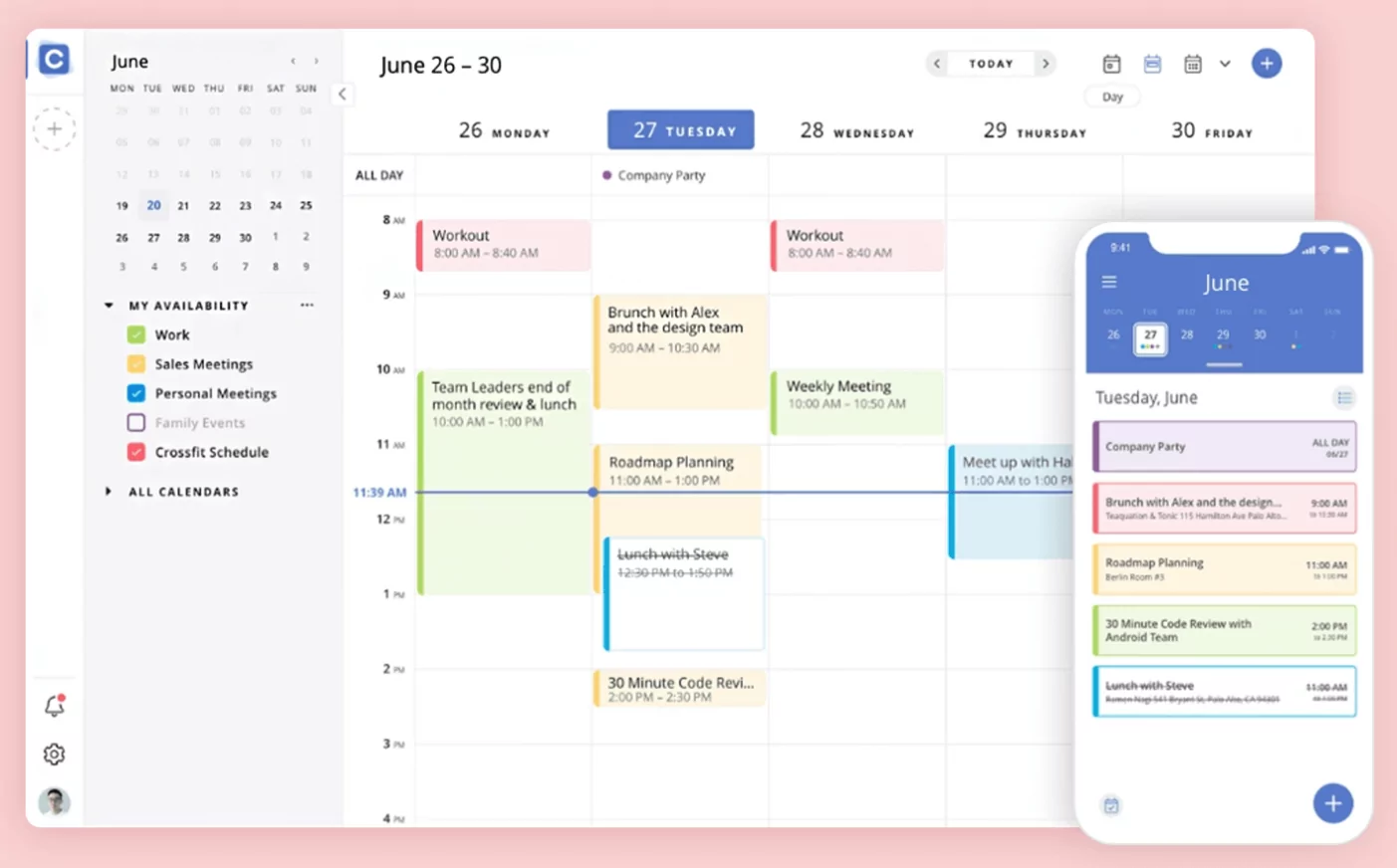
3 Reasons You Need Integrated Meeting Recording
When you switch to a comprehensive calendar solution that integrates recording and note-taking, you create a centralized “source of truth” for every interaction. Here is why this integration is a game-changer:
1. Automated Context and Preparation
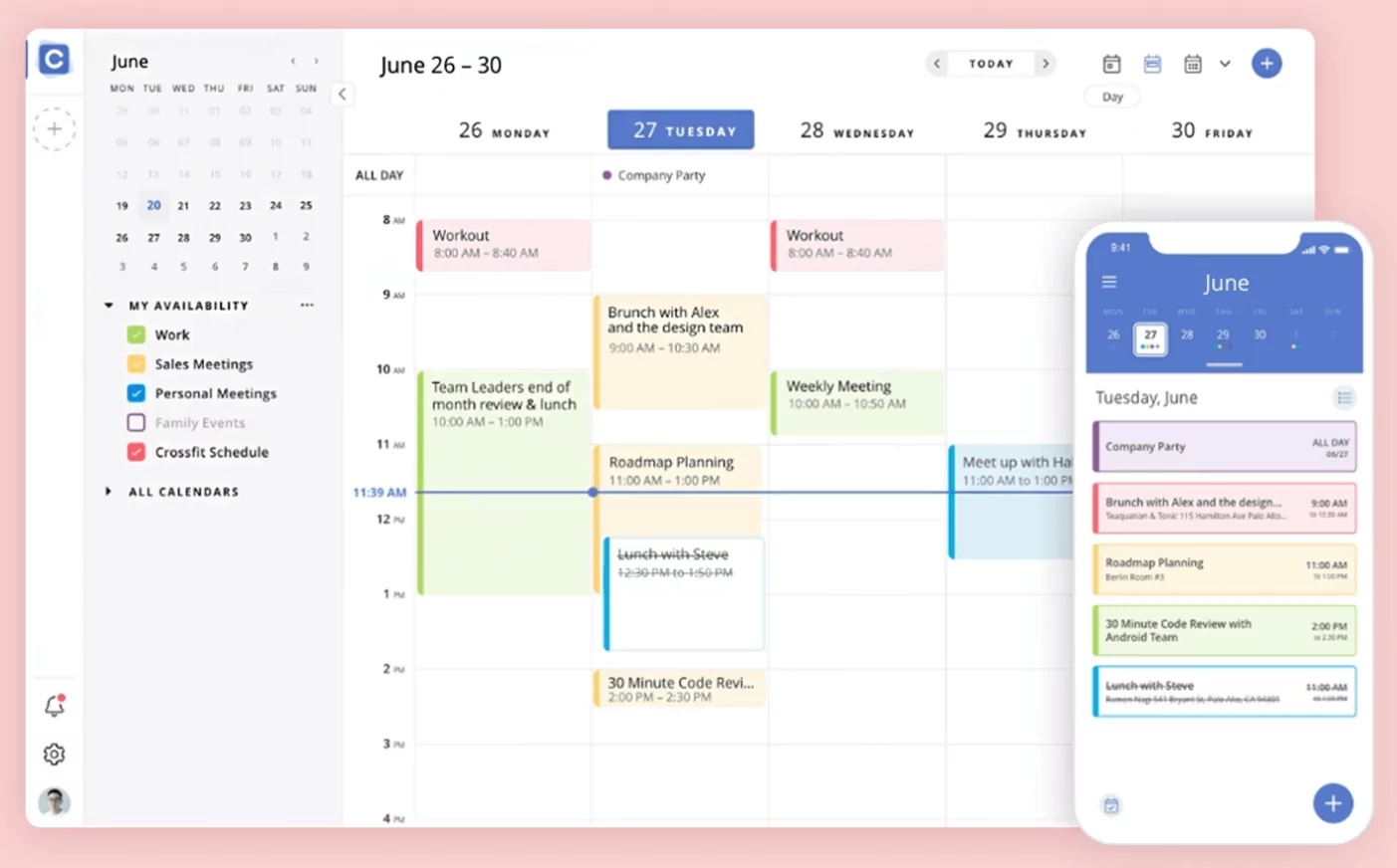
Imagine opening your calendar event and immediately seeing a note template pre-filled with the attendee list and agenda. Tools like Notion Calendar or Morgen allow you to link documents directly to the time slot. You don’t have to waste time typing out who is present—the system handles the administrative load for you.
2. Never Miss a Detail with Audio Sync
Taking verbatim notes is nearly impossible while trying to actively participate in a conversation. An integrated meeting recording feature solves this. By clicking “Record” directly within your calendar interface (or using an integrated bot like Fireflies.ai), the audio is synced to that specific event.
This means you can revisit the meeting entry two months later, click the calendar event, and listen to exactly what was said regarding a specific topic.
3. AI-Powered Searchability
The true power of productivity meets SEO here. When your notes are attached to calendar events, they become searchable by date, person, or keyword. Many modern integrations use AI to scan your recordings for action items, automatically generating to-do lists from the transcript so tasks never fall through the cracks.
Top Features to Look For in 2026
If you are ready to upgrade your tech stack, look for a calendar application that offers these specific specifications:
- Bidirectional Sync: Changes made in your notes app should reflect in your calendar, and vice versa.
- Native Recording or API Integration: Does the app record natively, or does it seamlessly integrate with Zoom/Teams to pull the recording link automatically?
- AI Summarization: The best tools don’t just record; they transcribe and summarize the key points for you.
- Cross-Platform Availability: Ensure the app works seamlessly across your desktop and mobile devices.
The era of keeping your schedule separate from your work output is ending. Using a calendar application with meeting notes and recording integration streamlines administrative tasks, allowing you to focus on high-value work. By consolidating your tools, you ensure that every meeting is actionable, searchable, and never forgotten.
Whether you are a freelancer managing multiple clients or a project manager leading a remote team, investing in this integrated technology is one of the highest ROI moves you can make for your personal productivity this year.
