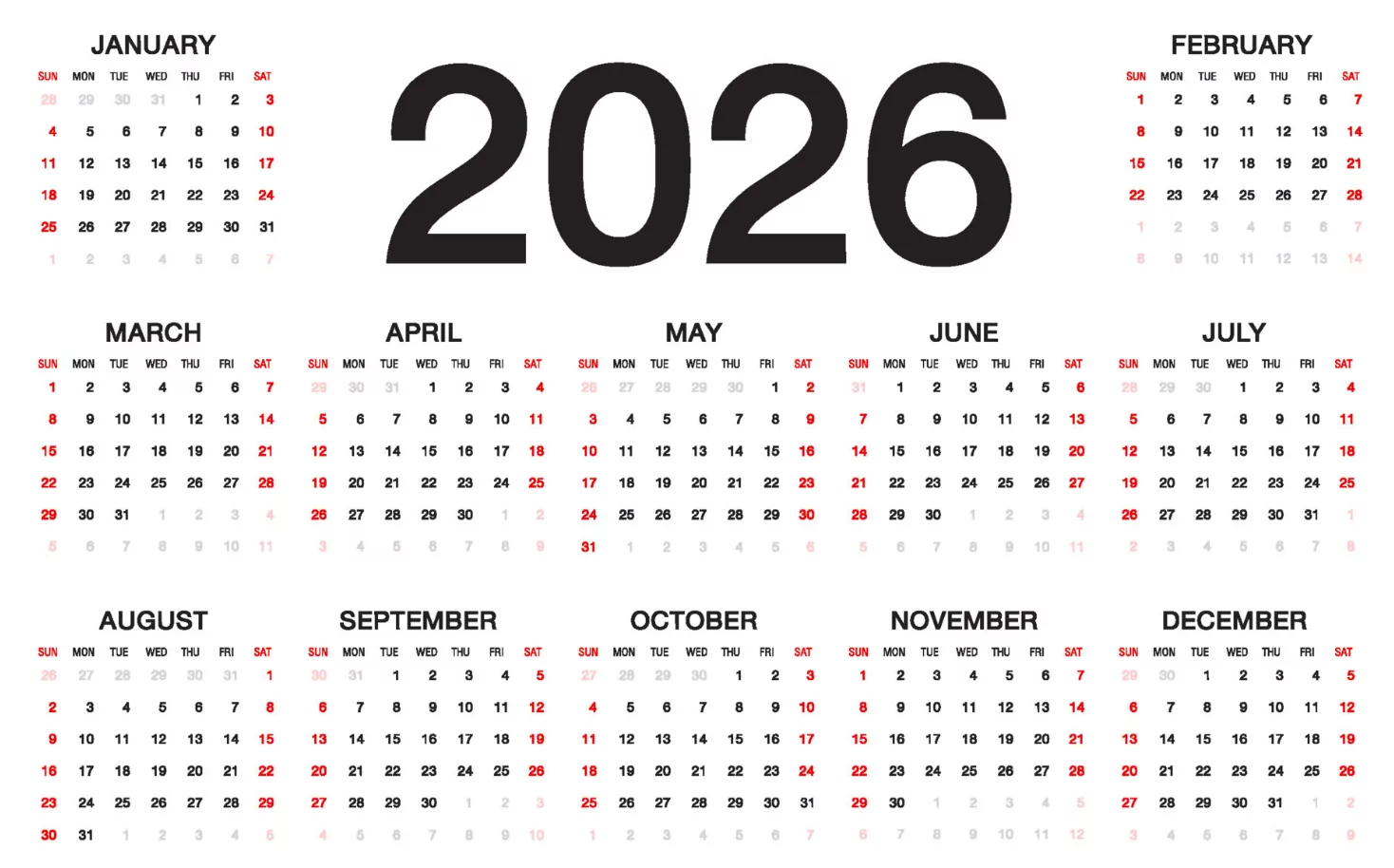
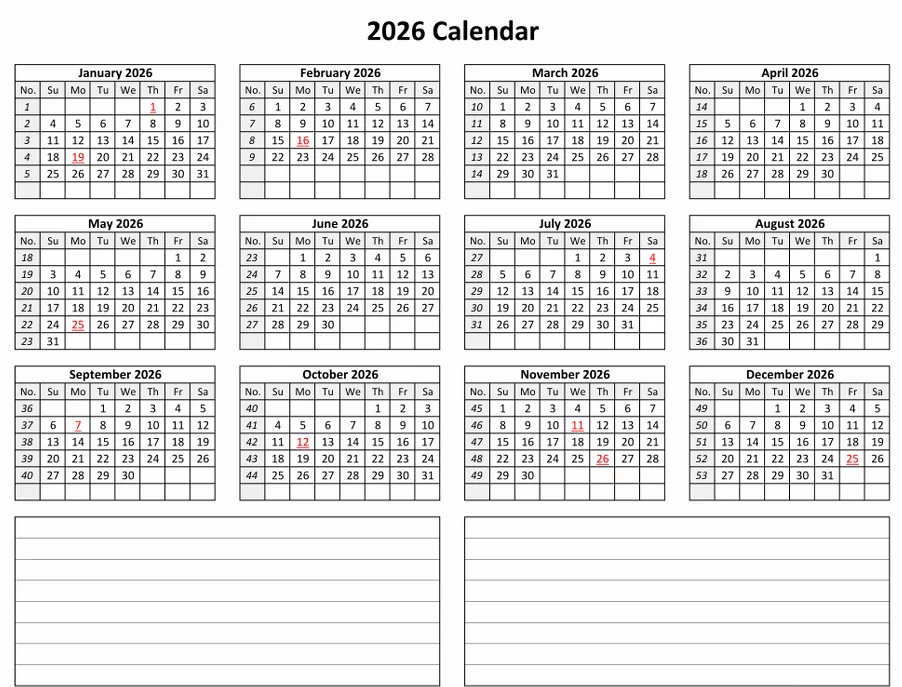
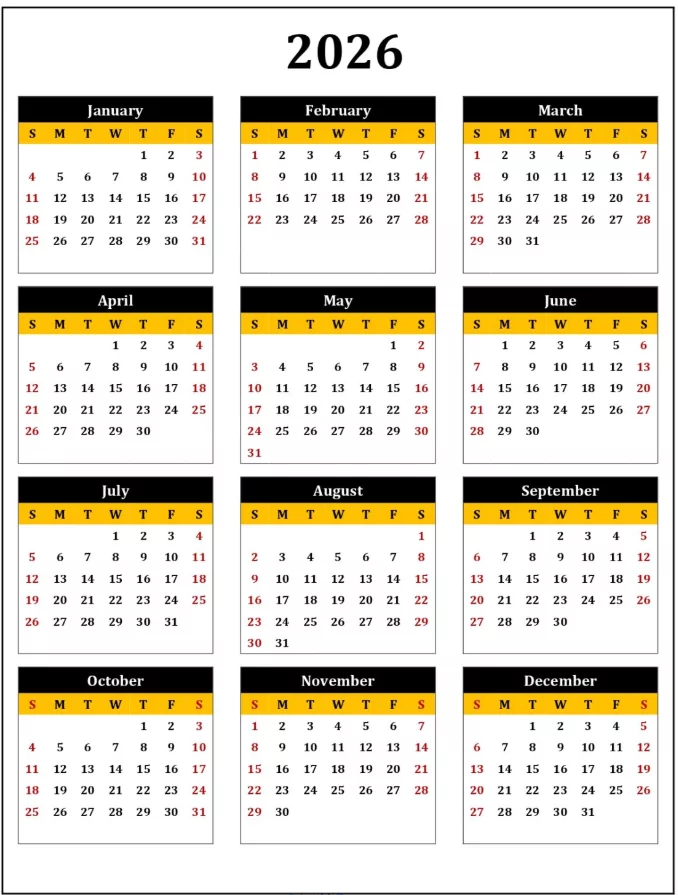
Plan smarter and stay organized all year with our customizable 2026 calendar templates for Google Sheets and Microsoft Excel. These editable layouts are perfect for anyone who prefers digital planning or wants to generate printable versions with personalized formatting. Whether you’re managing work schedules, school projects, or personal goals, these templates are flexible, easy to use, and completely free to download.
Why Use a 2026 Calendar Template in Google Sheets or Excel?
Unlike static PDFs, spreadsheet-based calendars are fully editable—you can add events, apply color-coding, auto-generate weeks, and reuse them every year.
- Customizable design: Adjust fonts, colors, and layouts instantly.
- Auto-fill formulas: Create rolling dates and recurring events.
- Collaboration ready: Share and edit in real time with team members in Google Sheets.
- Printable: Export as PDF or print directly in landscape or portrait format.
- Free templates: Pre-formatted by month or by year—no setup required.
Available 2026 Calendar Formats
- Monthly Calendars (January–December 2026): One month per tab or page; large boxes for events.
- Yearly Overview (One Sheet): Great for long-term project tracking or vacation planning.
- Weekly Planner Format: Auto-updating week grids with formulas and weekday headers.
- Monday-Start or Sunday-Start: Choose your preferred weekly structure.
- Color-coded Variants: Ideal for school, business, or family sharing.
Key Features of Google Sheets 2026 Calendar Templates
- Instant online access: Open directly in your browser without installing software.
- Built-in sharing: Collaborate live with teammates or classmates.
- Editable cells: Add tasks, goals, or time-blocked events easily.
- Linked sheets: Use formulas like
=SEQUENCE()or=DATE()to auto-generate dates. - Design options: Add custom themes or your own logo in the header.
Key Features of Excel 2026 Calendar Templates
- Fully offline access: Ideal for corporate users or Windows environments.
- Pre-set formatting: Use conditional formatting for deadlines and color-coded categories.
- Macros & automation: Create formulas to track events, budgets, or attendance automatically.
- Printable layouts: Export to PDF for easy wall or desk printing.
Template Design Options
- Minimalist White Grid: Clean lines, great for printing or embedding in reports.
- Color Accent Theme: Light pastel or corporate blue tones for monthly sections.
- Big-Box Version: Extra-large day cells for to-dos and appointments.
- Compact Yearly View: 12-month grid on one page with auto-updating formulas.
- Notes + Goals Layout: A version with extra columns for monthly goals and reminders.
How to Use the 2026 Calendar in Google Sheets
- Open the shared link or make a copy of the Google Sheets template.
- Edit event names, colors, and categories directly in cells.
- Use conditional formatting to highlight weekends, holidays, or project phases.
- Share with colleagues or family for live updates and edits.
- Export as PDF or print directly from Google Sheets when ready.
How to Use the 2026 Calendar in Excel
- Download the Excel (.xlsx) template and open it in Microsoft Excel or LibreOffice Calc.
- Edit date ranges, notes, or tasks in editable cells.
- Use
AutoFillandConditional Formattingto color-code categories. - Add formulas for recurring events or task summaries.
- Save your changes and print or export to PDF.
Adobe-Compatible Options (Bonus)
Prefer working in design tools? We also include Adobe PDF and Illustrator versions of the same calendar layouts. These are perfect for graphic designers or content creators who want a branded calendar to share online or print professionally.
- Adobe PDF: Editable form fields for dates and notes; best for quick printing.
- Adobe Illustrator (AI): Vector-based calendar grid for custom branding, logos, and design tweaks.
- Adobe InDesign: Multi-page calendar file ideal for creating booklets or planners.
Benefits of Customizable Digital Calendars
- Instant download—no software installation needed.
- Works across all devices (desktop, tablet, mobile).
- Perfect for personal, professional, or educational use.
- Reusable: update for future years using simple date formulas.
FAQ – Customizable 2026 Calendar Templates
1. Are these templates free?
Yes! All templates for Google Sheets, Excel, and Adobe are free for personal and professional use.
2. Can I share the Google Sheets version with others?
Yes. Just click “Share” and grant view or edit permissions for collaboration.
3. Can I add holidays automatically?
Yes. Use built-in Google Sheets scripts or Excel formulas to import U.S. holidays into your template.
4. Do these templates include color formatting?
Yes—each version comes with both a neutral and a color-accent layout. You can modify colors freely.
5. Can I print the calendar?
Absolutely! All versions are printable in Letter or A4 format and export cleanly as PDFs.
The Customizable 2026 Calendar Templates for Google Sheets & Excel combine the flexibility of spreadsheets with the visual control of design tools. Whether you’re tracking goals, managing projects, or planning content, these templates adapt to any workflow. Download your favorite version today—plan digitally, print when needed, and stay ahead all year long!