In today’s fast-paced digital world, calendars have become essential tools for managing meetings, appointments, deadlines, and personal commitments. However, while calendar notifications are designed to keep us organized, too many reminders can have the opposite effect. Constant alerts, pop-ups, emails, and mobile notifications can create calendar notification overload, leading to distraction, stress, reduced productivity, and what experts often call notification fatigue.
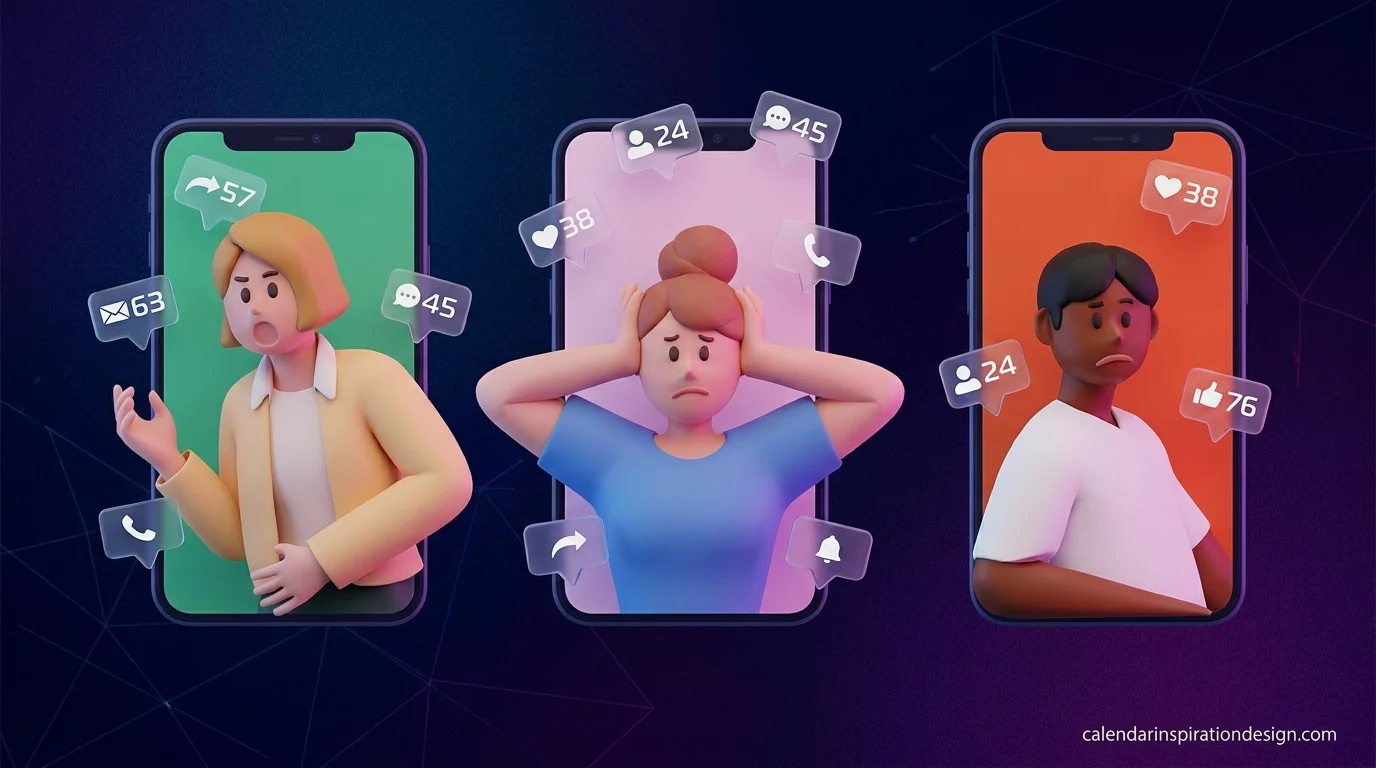
If you find yourself ignoring reminders, dismissing alerts without reading them, or feeling overwhelmed by a never-ending stream of notifications, you’re not alone. Learning how to reduce calendar notification overload and fatigue can help you regain control of your schedule, improve focus, and create a healthier relationship with technology.
This guide explores practical strategies for optimizing calendar notifications while maintaining productivity and organization.
What Is Calendar Notification Overload?
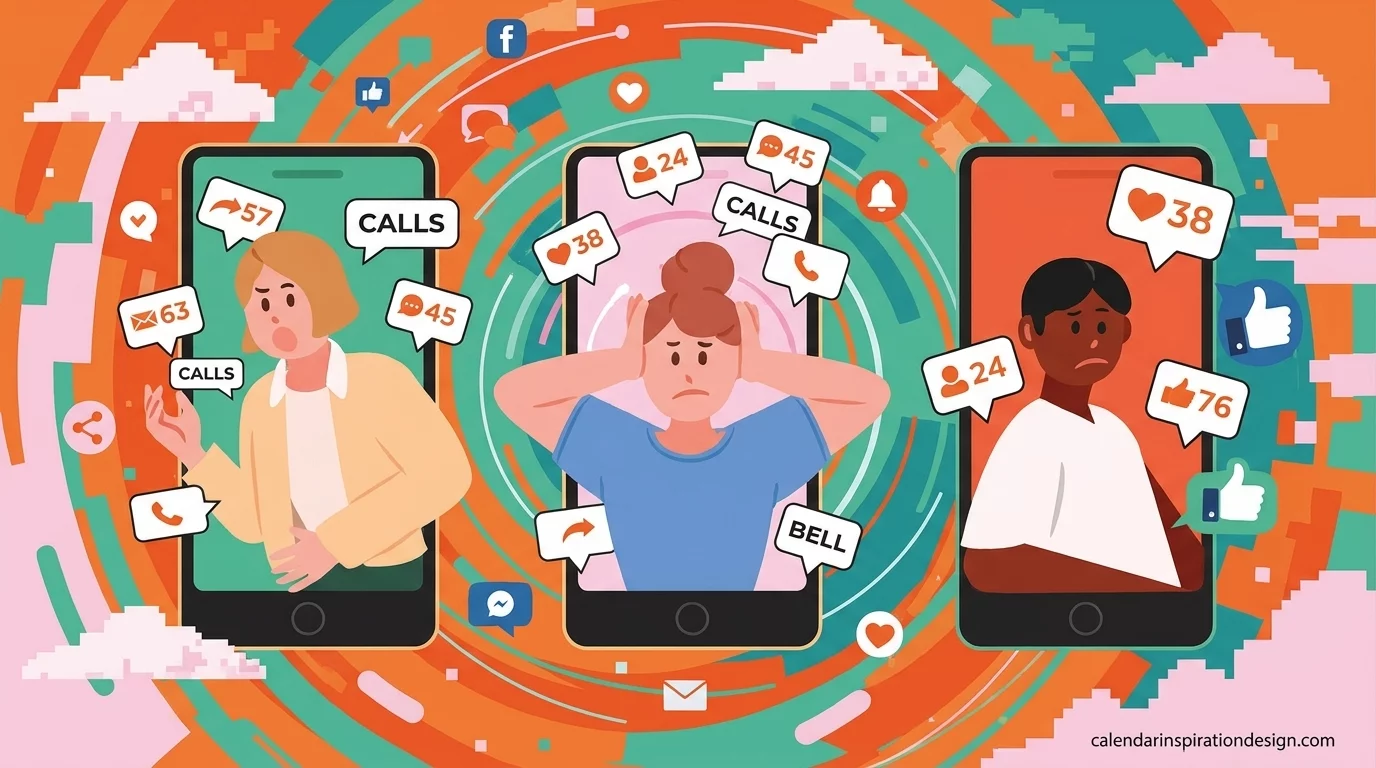
Calendar notification overload occurs when users receive more reminders and alerts than they can effectively process.
Common examples include:
- Multiple reminders for the same meeting
- Notifications from shared calendars
- Email alerts combined with mobile alerts
- Recurring task reminders throughout the day
- Last-minute meeting invitations
Over time, excessive notifications can reduce the effectiveness of reminders because users become accustomed to ignoring them.
Signs of Notification Fatigue
You may be experiencing notification fatigue if you:
- Automatically dismiss alerts without reading them
- Feel stressed by constant notifications
- Miss important reminders despite receiving many alerts
- Experience frequent interruptions during focused work
- Find your calendar cluttered with unnecessary reminders
Recognizing these symptoms is the first step toward creating a more effective notification system.
Why Too Many Calendar Notifications Hurt Productivity
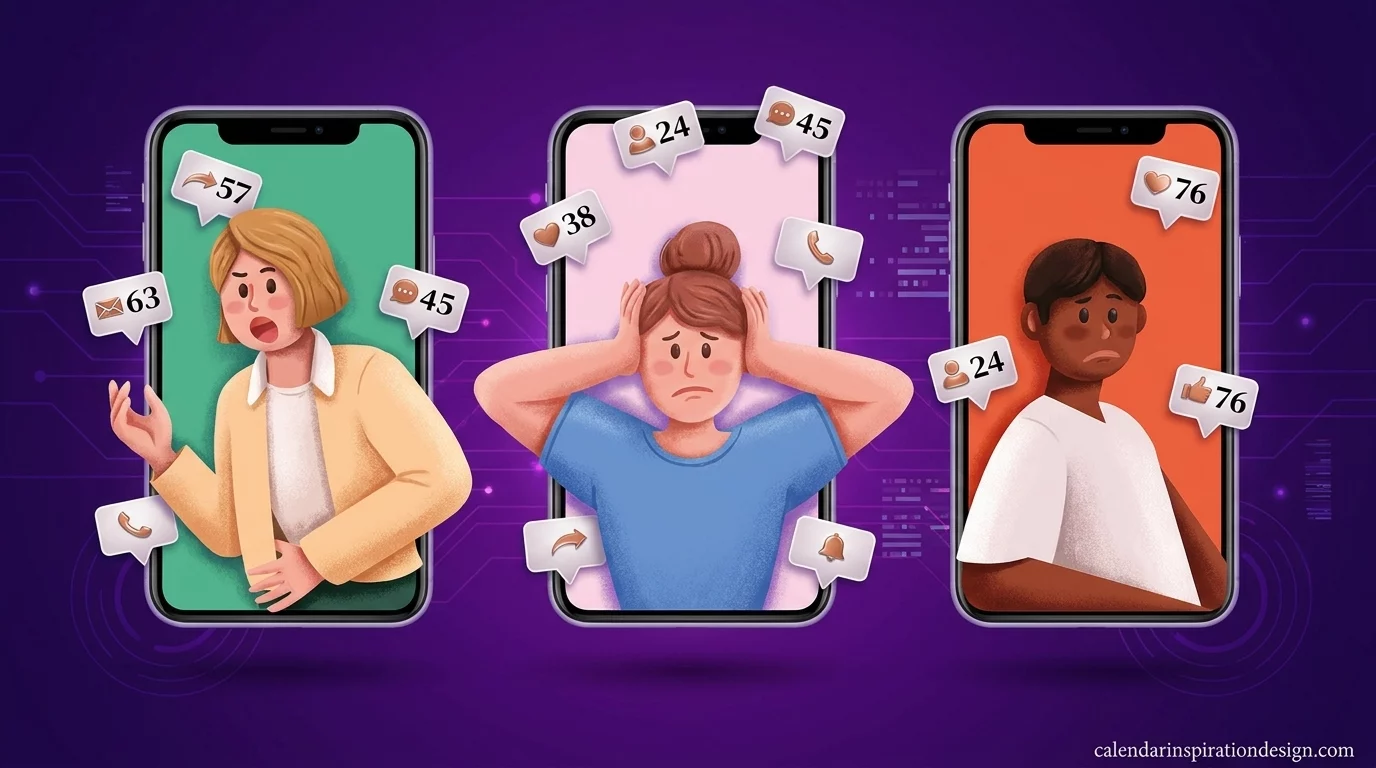
Many people assume more reminders lead to better organization. In reality, excessive notifications often produce the opposite result.
Increased Mental Fatigue
Every notification demands attention.
Even a quick glance at a reminder forces your brain to:
- Shift focus
- Process information
- Decide whether action is required
These small interruptions accumulate throughout the day, draining mental energy.
Reduced Focus and Deep Work
Frequent alerts interrupt concentration.
Research consistently shows that task switching can reduce productivity and increase the time needed to complete important work.
When notifications constantly interrupt your workflow, maintaining deep focus becomes difficult.
Alert Desensitization
When users receive too many reminders, they become less responsive to all notifications.
This phenomenon, often called “alert fatigue,” means even critical reminders may be ignored because they blend into the background noise.
Audit Your Current Calendar Notifications
The first step in reducing overload is understanding how many alerts you’re actually receiving.
Review Notification Settings
Check your calendar for:
- Meeting reminders
- Recurring task alerts
- Shared calendar notifications
- Event invitation updates
- Email reminders
Many users discover they have duplicate notifications activated across multiple devices.
Identify Unnecessary Alerts
Ask yourself:
- Does this reminder provide value?
- Would I remember this event without an alert?
- Is the notification timing useful?
Remove notifications that do not contribute meaningfully to your schedule management.
Prioritize Important Events
Not every event requires the same level of attention.
Create Notification Tiers
Consider categorizing events into three levels:
High Priority
Examples:
- Client meetings
- Job interviews
- Medical appointments
- Major deadlines
Recommended reminders:
- 1 day before
- 1 hour before
Medium Priority
Examples:
- Team meetings
- Weekly reviews
- Project check-ins
Recommended reminders:
- 30 minutes before
Low Priority
Examples:
- Personal routines
- Flexible tasks
- Informational events
Recommended reminders:
- Single notification or none at all
This approach ensures important events receive attention without overwhelming your schedule.
Eliminate Duplicate Notifications
One of the most common causes of calendar fatigue is duplicate alerts.
Common Duplication Sources
You may receive notifications through:
- Mobile apps
- Desktop apps
- Email reminders
- Smartwatches
- Browser notifications
A single event can sometimes generate five or more alerts.
Choose a Primary Notification Channel
Select one or two preferred channels, such as:
- Mobile push notifications
- Desktop notifications
Disable redundant email alerts whenever possible.
Reducing duplication immediately decreases notification volume.
Optimize Reminder Timing
The timing of reminders is just as important as the number of reminders.
Avoid Excessive Lead Times
A notification arriving three days before a routine meeting often provides little value.
Instead:
- Use shorter reminder windows
- Schedule alerts closer to action time
- Focus on when preparation is actually needed
Match Reminder Timing to Event Importance
Examples:
| Event Type | Suggested Reminder |
|---|---|
| Medical Appointment | 24 hours before |
| Client Meeting | 1 hour before |
| Team Stand-Up | 10 minutes before |
| Weekly Task Review | Same morning |
Strategic timing improves effectiveness while reducing noise.
Use Calendar Categories and Color Coding
Visual organization can reduce the need for excessive notifications.
Create Calendar Categories
Separate events into categories such as:
- Work
- Personal
- Family
- Health
- Education
Assign Colors
Color coding helps users identify priorities at a glance.
For example:
- Red = Critical
- Blue = Work
- Green = Personal
- Yellow = Deadlines
When your calendar is visually organized, fewer reminders are necessary because important information is immediately visible.
Reduce Notifications for Recurring Events
Recurring events often generate the highest notification volume.
Review Recurring Meeting Alerts
Ask yourself:
- Do I need reminders for a meeting I’ve attended every week for two years?
- Could a single reminder be sufficient?
Long-term recurring meetings often require fewer notifications than newly scheduled events.
Batch Similar Tasks
Instead of multiple reminders throughout the day:
Use a single block for:
- Administrative tasks
- Email reviews
- Project updates
This reduces interruptions while maintaining productivity.
Leverage Focus Modes and Quiet Hours
Modern devices offer features specifically designed to reduce distractions.
Enable Focus Modes
Focus modes can:
- Silence non-essential notifications
- Allow priority alerts
- Reduce interruptions during work sessions
Schedule Quiet Hours
Establish periods when notifications are automatically minimized.
Examples include:
- Early morning
- Deep work sessions
- Family time
- Evening relaxation
Protecting these periods helps improve concentration and work-life balance.
Automate Smart Notifications
Many productivity tools now offer intelligent notification management.
Context-Aware Alerts
Advanced systems can:
- Delay notifications during meetings
- Group similar alerts together
- Prioritize urgent reminders
AI-Powered Scheduling
Emerging calendar technologies use artificial intelligence to:
- Predict optimal reminder times
- Reduce unnecessary alerts
- Prioritize high-impact events
These innovations help users maintain awareness without becoming overwhelmed.
Best Practices for Long-Term Notification Management
To maintain an efficient notification system:
Conduct Monthly Reviews
Review:
- Reminder effectiveness
- Unused recurring events
- Notification volume
Regular optimization prevents overload from returning.
Follow the “Minimum Effective Reminder” Principle
Use the fewest notifications necessary to accomplish the goal.
More reminders do not always mean better outcomes.
Protect Focus Time
Reserve uninterrupted periods for:
- Strategic thinking
- Creative work
- Problem-solving
- Personal activities
These blocks should remain largely notification-free.
The Future of Calendar Notifications
As workplace technology evolves, calendar systems are becoming more intelligent.
Future developments may include:
- AI-generated reminder schedules
- Adaptive notification frequency
- Behavioral learning algorithms
- Automatic prioritization systems
- Personalized focus recommendations
These advancements aim to reduce digital stress while improving productivity.
Conclusion
Learning how to reduce calendar notification overload and fatigue is essential for maintaining productivity, focus, and mental well-being. While reminders play a valuable role in schedule management, excessive alerts can create distraction, stress, and diminished effectiveness.
By auditing your current notification settings, eliminating duplicates, prioritizing important events, optimizing reminder timing, and leveraging focus tools, you can create a streamlined calendar system that supports rather than disrupts your daily routine.
The goal is not to eliminate notifications entirely but to ensure every alert serves a meaningful purpose. When managed effectively, your calendar becomes a productivity asset instead of a source of constant interruption.
Frequently Asked Questions
What causes calendar notification fatigue?
Calendar notification fatigue typically results from excessive reminders, duplicate alerts, and constant interruptions that reduce the effectiveness of notifications over time.
How many reminders should I set for meetings?
Most meetings require only one or two reminders. High-priority events may benefit from an additional advance notice.
Should recurring meetings have reminders?
Not always. Long-standing recurring meetings often require fewer notifications because participants are already familiar with the schedule.
Can reducing notifications improve productivity?
Yes. Fewer interruptions help maintain focus, reduce task switching, and improve overall work efficiency.
What is the best way to manage calendar alerts?
Use priority-based reminders, remove duplicate notifications, review settings regularly, and utilize focus modes to minimize unnecessary interruptions.
