Keeping track of your schedule can feel overwhelming, especially when you’re juggling work, personal commitments, family activities, and side projects. Many people rely on multiple calendars to stay organized, but without the right system, things can quickly get messy. The key is to Manage Multiple Calendars in One Interface so everything becomes clear, structured, and easy to control.
In this guide, you’ll learn practical strategies to bring all your calendars together, reduce scheduling conflicts, and create a smoother, more productive workflow.
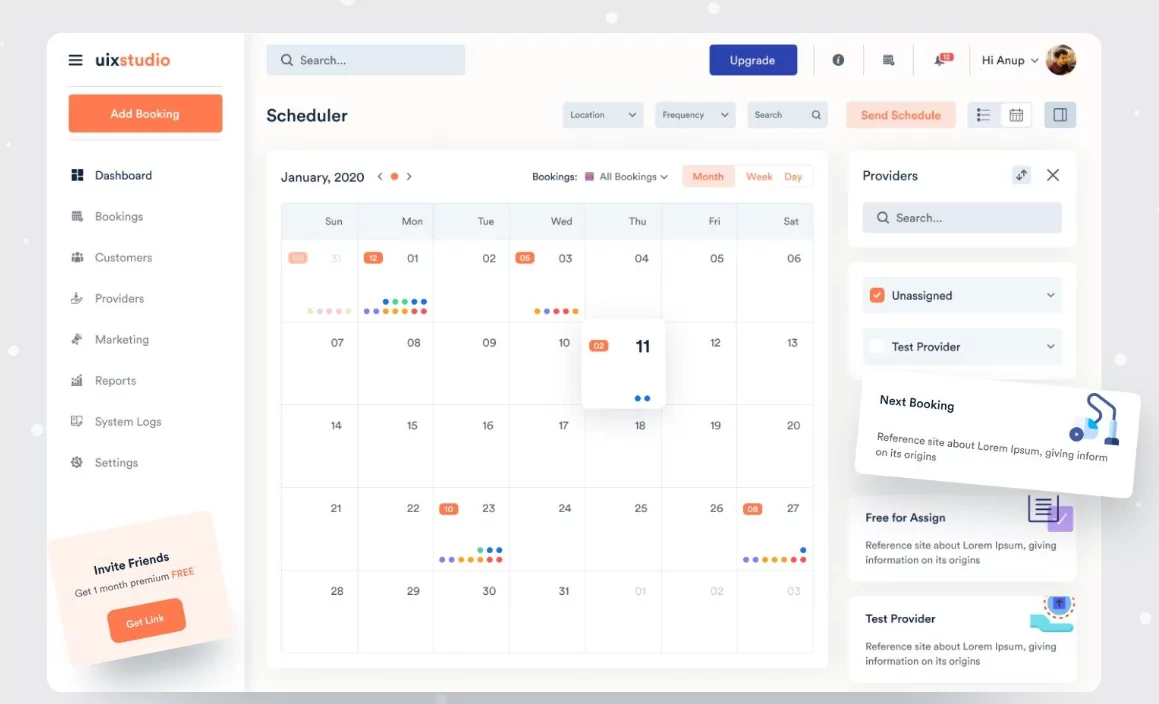
Why Managing Multiple Calendars Matters
Using multiple calendars is actually a smart approach. It helps you separate different areas of your life and stay organized. However, problems arise when those calendars are not connected or visible in one place.
When you properly Manage Multiple Calendars in One Interface, you gain:
- A complete view of your schedule
- Fewer missed appointments
- Better time management
- Improved work-life balance
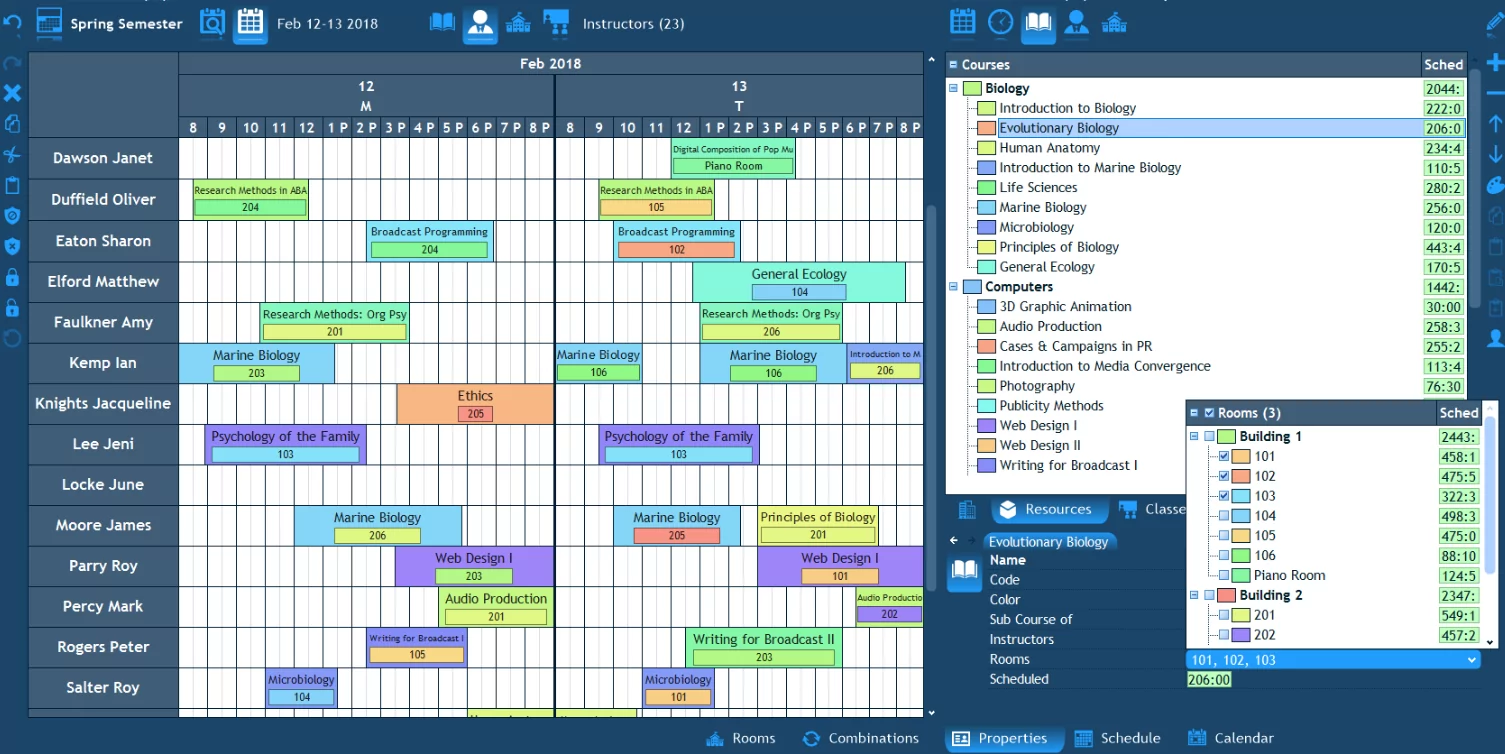
Common Challenges Without a Unified System
Before setting up a better system, it’s important to understand the common issues people face:
- Double booking meetings and events
- Switching between different apps constantly
- Missing important deadlines
- Lack of visibility across schedules
These problems can lead to stress and inefficiency. That’s why bringing everything into one interface is essential.
Choose the Right Calendar Platform
The first step to Manage Multiple Calendars in One Interface is selecting a platform that supports multiple calendar integration. Most modern calendar tools allow you to connect different accounts and display them together.
Look for features like:
- Multi-calendar support
- Real-time synchronization
- Cross-device access
- Easy sharing options
This becomes your central hub for all scheduling activities.
Use Color Coding for Clarity
Color coding is one of the easiest ways to organize multiple calendars visually. Assign a unique color to each calendar category.
For example:
- Blue for work
- Green for personal
- Orange for family
- Red for urgent tasks
This allows you to instantly recognize different types of events without reading every detail.
Layer All Calendars in One View
Most calendar apps allow you to display multiple calendars at once. This layered view is essential when you want to Manage Multiple Calendars in One Interface effectively.
Benefits of layering include:
- Seeing your full schedule in one place
- Identifying overlaps quickly
- Adjusting plans without switching tabs
If things get too crowded, you can temporarily hide certain calendars.
Set Clear Priorities
Not all events are equally important. When managing multiple calendars, it’s important to prioritize.
You can do this by:
- Marking high-priority events
- Using bold colors or labels
- Scheduling important tasks earlier in the day
This ensures critical commitments never get overlooked.
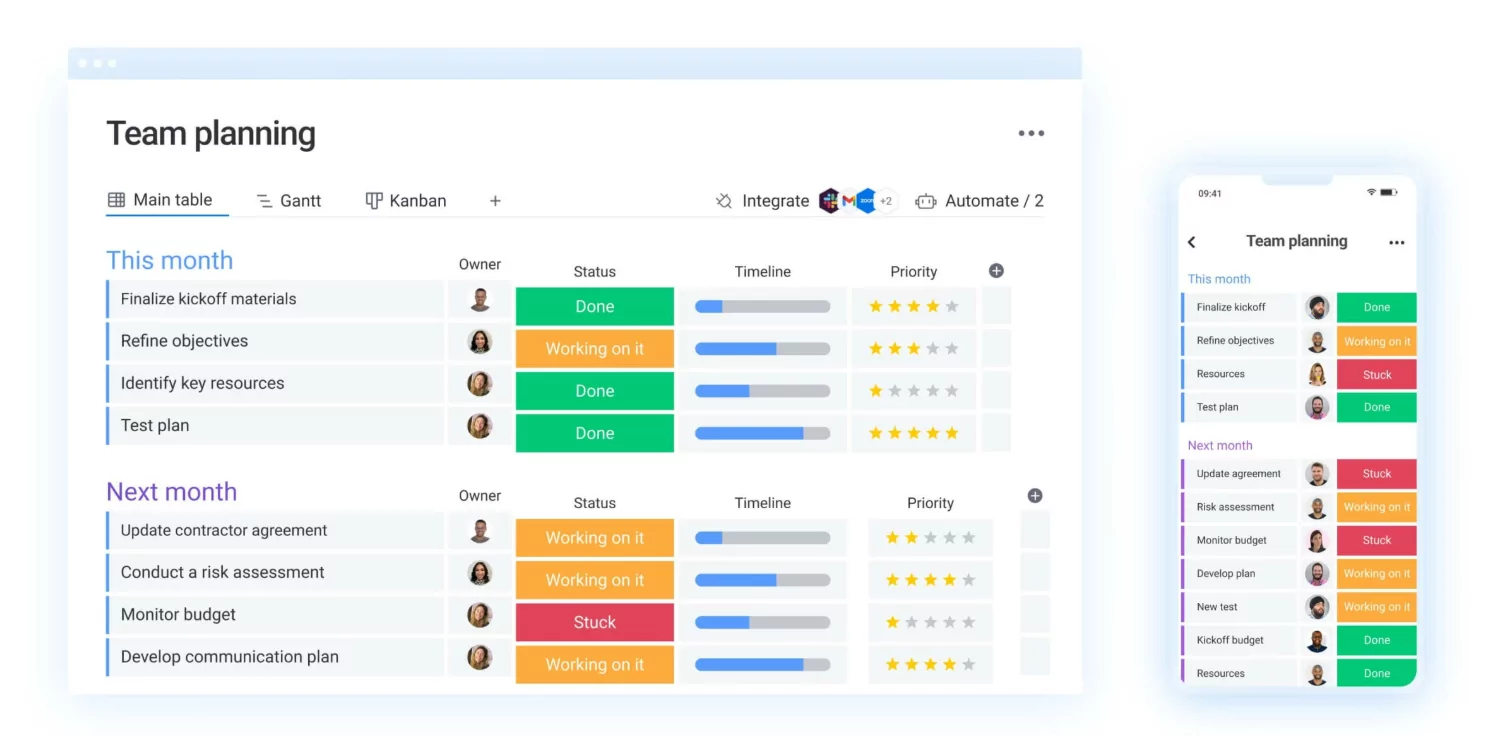
Use Smart Notifications and Reminders
Notifications are your safety net. When you Manage Multiple Calendars in One Interface, setting the right reminders is crucial.
Best practices include:
- Set reminders 10–30 minutes before events
- Use multiple alerts for important meetings
- Avoid too many notifications to prevent overload
The goal is to stay informed without feeling overwhelmed.
Sync Across All Devices
Your calendar should be accessible wherever you are. Make sure all your calendars are synced across your phone, tablet, and computer.
This ensures you can:
- Check schedules on the go
- Update events instantly
- Avoid outdated information
Real-time syncing is essential for consistency.
Separate but Connect Your Calendars
While it’s important to combine your calendars into one interface, you should still keep them logically separated.
This means:
- Maintaining different calendars for different purposes
- Avoiding clutter by mixing unrelated events
- Keeping your system organized
The goal is clarity—not chaos.
Schedule Buffer Time
One common mistake is scheduling events back-to-back. When managing multiple calendars, this can lead to stress and delays.
Always include buffer time between events for:
- Travel or preparation
- Unexpected delays
- Mental breaks
This makes your schedule more realistic and manageable.
Review Your Calendar Regularly
To successfully Manage Multiple Calendars in One Interface, consistency is key.
Make it a habit to:
- Review your calendar every morning
- Plan the next day in advance
- Adjust weekly schedules
Regular review keeps everything aligned and up to date.
Share Calendars When Needed
If you work in a team or manage family schedules, sharing calendars can improve coordination.
This helps with:
- Avoiding conflicts
- Improving communication
- Keeping everyone on the same page
Just make sure to control privacy settings appropriately.
Common Mistakes to Avoid
- Using too many calendars without organization
- Ignoring updates and changes
- Overloading your schedule
- Not using reminders effectively
Keeping things simple and consistent is the best approach.
Final Thoughts
Learning how to Manage Multiple Calendars in One Interface can completely transform how you handle your time. Instead of feeling scattered and overwhelmed, you gain clarity, control, and confidence in your schedule.
The key is not to eliminate multiple calendars, but to bring them together in a way that works for you. With the right setup, you can stay organized, avoid conflicts, and make the most of every day.
Start small, build a system that fits your lifestyle, and refine it over time. Once everything is connected, managing your schedule becomes much easier—and far more effective.
