Finding the best calendar app for doctors and medical professionals is essential for managing busy schedules, patient appointments, hospital shifts, and administrative tasks. Unlike standard office calendars, medical professionals require calendar tools that prioritize accuracy, flexibility, privacy, and real-time updates.
In this article, we review what makes a calendar app suitable for doctors, explore key features to look for, and highlight the most reliable calendar solutions for medical professionals.
Why Doctors Need a Specialized Calendar App
Doctors and medical professionals often manage unpredictable schedules, on-call rotations, emergency cases, and multiple practice locations. A standard calendar app may not provide the functionality needed to handle these complexities.
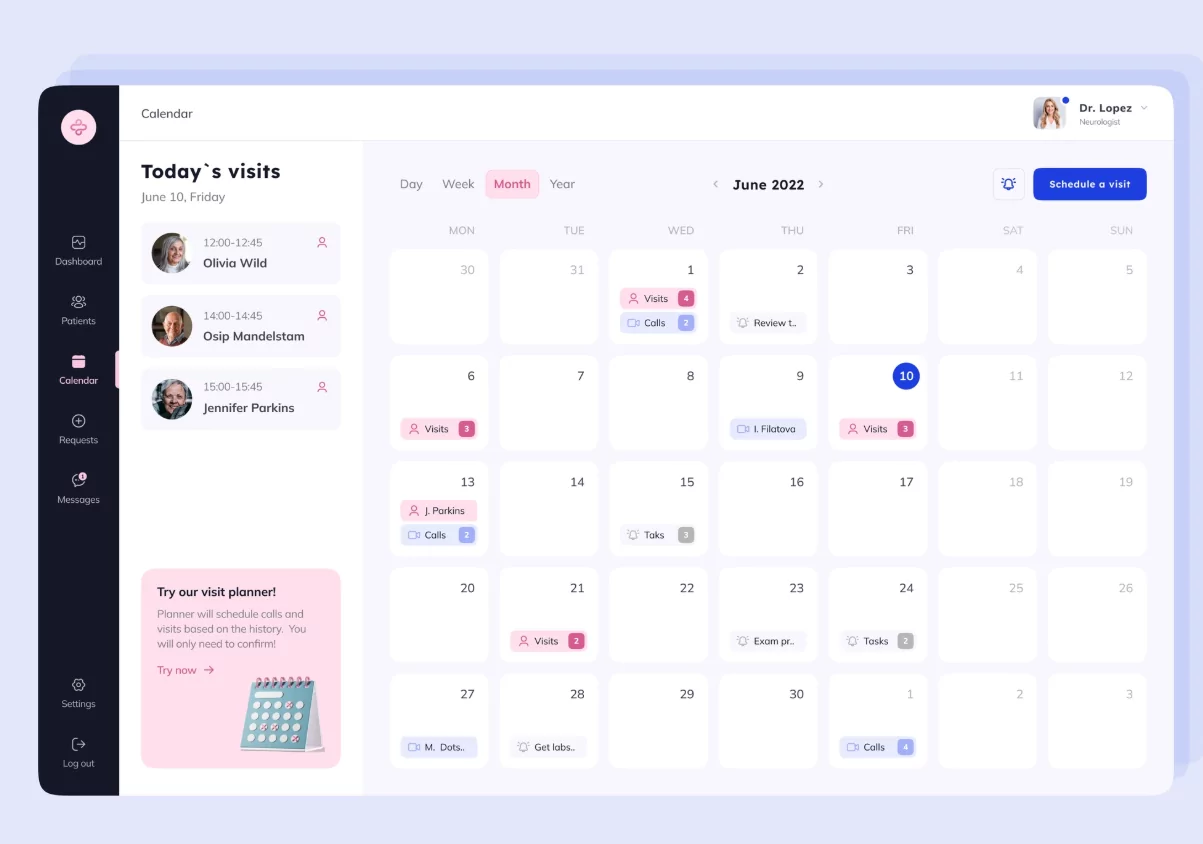
A dedicated calendar app helps medical professionals:
- Reduce missed appointments and overlaps
- Manage hospital shifts and on-call schedules
- Coordinate with nurses, clinics, and administrative staff
- Maintain work-life balance
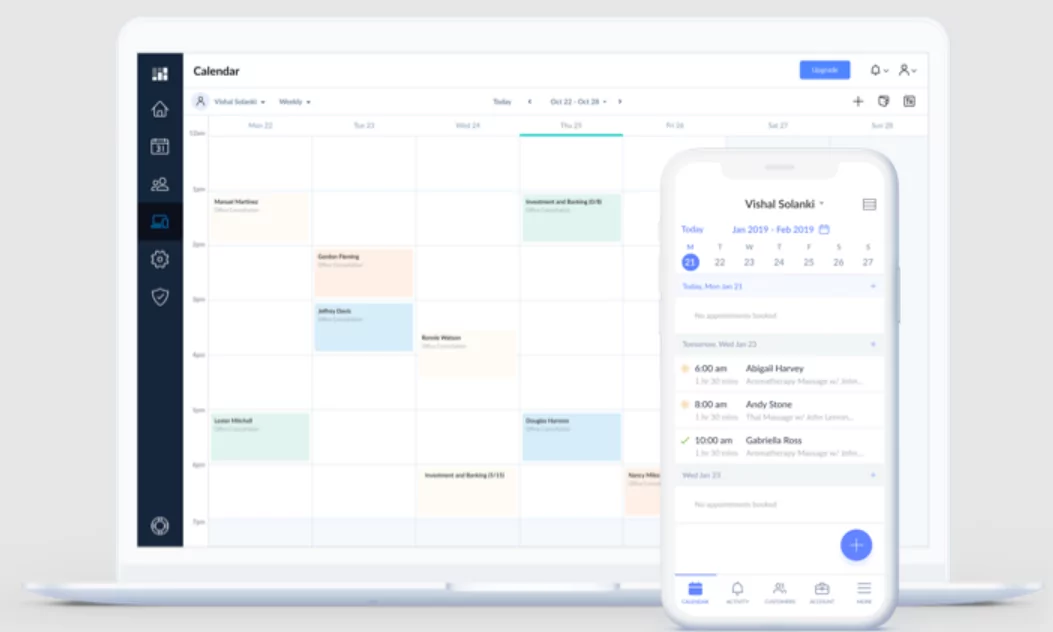
Key Features of the Best Calendar App for Medical Professionals
Before choosing a calendar app, doctors should evaluate features that support medical workflows and compliance requirements.
Secure Data and Privacy
Patient-related scheduling must remain confidential. The best calendar apps offer strong security, encryption, and compliance with healthcare data protection standards.
Multi-Calendar Management
Doctors often manage separate calendars for clinics, hospitals, personal time, and on-call duties. A good calendar app allows seamless switching and syncing between multiple calendars.
Smart Notifications and Reminders
Custom reminders help prevent missed appointments, surgeries, or consultations, especially during long or irregular shifts.
Team and Staff Coordination
Calendar sharing and permission-based access allow medical teams to stay aligned without exposing sensitive information.
Cross-Platform Compatibility
The best calendar apps work consistently across smartphones, tablets, and desktop systems, ensuring access anywhere.
Top Calendar Apps for Doctors and Medical Professionals
Google Calendar
Google Calendar remains one of the most widely used calendar apps among medical professionals. It offers strong integration, multiple calendars, and reliable reminders.
Advantages include:
- Easy integration with email and scheduling systems
- Multiple calendar views
- Cross-device synchronization
However, it may require additional tools to meet advanced medical scheduling needs.
Microsoft Outlook Calendar
Outlook Calendar is popular in hospitals and large healthcare organizations due to its integration with Microsoft 365.
- Strong enterprise-level security
- Shared calendars for departments
- Email and scheduling in one platform
This makes it ideal for doctors working in institutional settings.
Specialized Medical Scheduling Apps
Some calendar apps are designed specifically for healthcare professionals. These tools often include appointment booking, patient flow management, and staff scheduling.
They are best suited for clinics, private practices, and medical centers that require deeper scheduling control.
Calendar Apps for Different Medical Roles
Doctors and Specialists
Physicians benefit from apps that manage consultations, procedures, follow-ups, and on-call rotations.
Nurses and Healthcare Staff
Shift-based scheduling and team calendars are essential for nursing staff and healthcare teams.
Clinic Owners and Administrators
Administrative roles require calendar systems that support multiple practitioners, room availability, and operational oversight.
Digital vs Physical Calendars for Medical Professionals
While digital calendar apps are essential, some doctors still use physical desk or wall calendars as visual aids. Combining both approaches can improve planning accuracy and reduce cognitive load.
Digital calendars offer:
- Real-time updates
- Remote access
- Automated reminders
Physical calendars offer:
- Constant visual awareness
- Reduced screen fatigue
- Quick daily overview
How to Choose the Best Calendar App for Your Practice
When selecting a calendar app, doctors should consider:
- Practice size and complexity
- Need for patient scheduling integration
- Data privacy and security requirements
- Ease of use during busy schedules
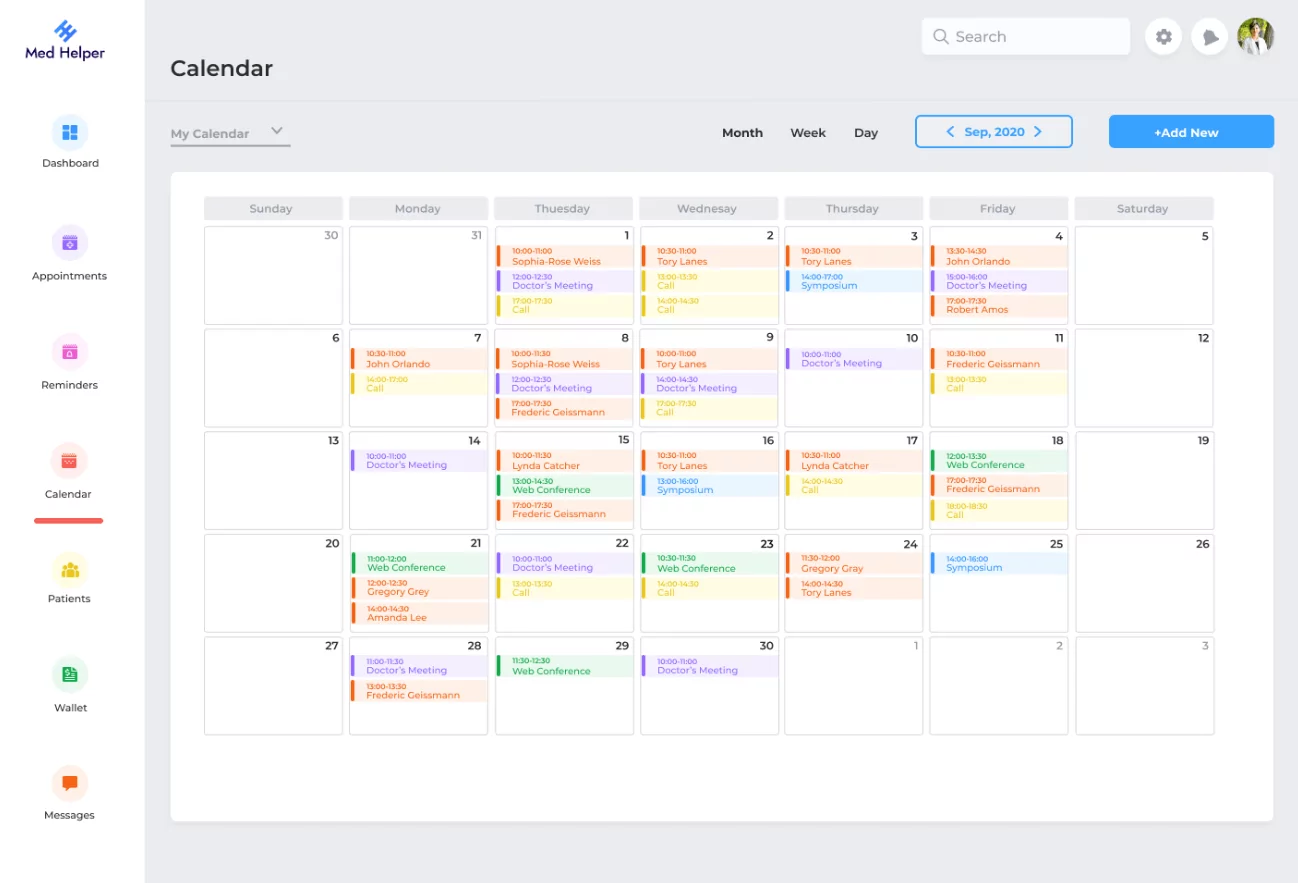
The best calendar app is one that adapts to your workflow rather than forcing you to adapt to it.
Conclusion
The best calendar app for doctors and medical professionals is one that combines security, flexibility, and reliability. Whether using a widely adopted platform like Google Calendar or a specialized medical scheduling solution, the right calendar app can significantly improve time management, reduce stress, and enhance patient care.
Choosing the right calendar tool is not just about scheduling—it is about supporting better healthcare delivery through organized and efficient time management.
FAQ – Best Calendar App for Doctors and Medical Professionals
What is the best calendar app for doctors with busy schedules?
The best calendar app for doctors is one that supports multiple calendars, smart reminders, and secure data handling. Apps that sync across devices and allow easy schedule changes are ideal for busy medical professionals.
Can doctors use regular calendar apps for medical scheduling?
Yes, many doctors use regular calendar apps such as Google Calendar or Outlook. However, these apps may need additional tools or integrations to fully support medical workflows and patient appointment management.
Are calendar apps safe for managing medical schedules?
Most popular calendar apps offer strong security features. Doctors should ensure the app they use follows healthcare data privacy standards and avoids storing sensitive patient information in unsecured fields.
Do medical professionals need separate calendars for work and personal life?
Yes. Using separate calendars helps doctors maintain better work-life balance and prevents schedule conflicts between professional duties and personal time.
Can calendar apps help reduce missed appointments in medical practice?
Absolutely. Automated reminders, notifications, and shared calendars significantly reduce missed appointments and scheduling errors in clinics and hospitals.
